Have you ever wondered how your smartphone screen magically turns off when you hold it to your ear during a call, only to light up again when you move it away? This seamless, almost invisible interaction is powered by a tiny but crucial component: the proximity sensor. Understanding its function and the critical role of distance measurement reveals a fascinating piece of engineering that enhances our daily user experience, conserves battery life, and prevents accidental screen touches.
At its core, a proximity sensor is a type of sensor that detects the presence or absence of nearby objects without any physical contact. In smartphones, the most common implementation uses an infrared (IR) light-emitting diode (LED) and an IR light detector. Here’s the simple sequence: the IR LED emits a beam of invisible infrared light. If an object is close enough to the phone—typically your face or hand—this light reflects off the object and bounces back to the IR detector. The sensor’s circuitry then measures the intensity of the returned light. Based on this reflected signal strength, the sensor determines the distance to the object and sends a command to the phone’s processor.
The concept of "distance" here is absolute. The sensor isn't just detecting "near" or "far" in a vague sense; it is making a precise, albeit short-range, measurement. The threshold distance is usually calibrated between 1 to 5 centimeters. When an object is detected within this pre-set range, the sensor logic registers it as "close," triggering the system to disable the touchscreen and turn off the display backlight. This is why your ear doesn't accidentally mute the call or press dial pad buttons. Once the object moves beyond the threshold distance, the sensor state changes to "far," and the screen is reactivated. This precise distance management is key to the feature's reliability.
The primary benefits of this precise distance sensing are multifaceted. First and foremost is the user experience. It makes phone calls intuitive and hassle-free. Secondly, it contributes significantly to power conservation. The display is one of the most power-hungry components in a smartphone. By turning it off automatically when not needed (during a call), the sensor helps extend battery life. Thirdly, it prevents unintended inputs, saving you from the frustration of accidental cheek-dialing.
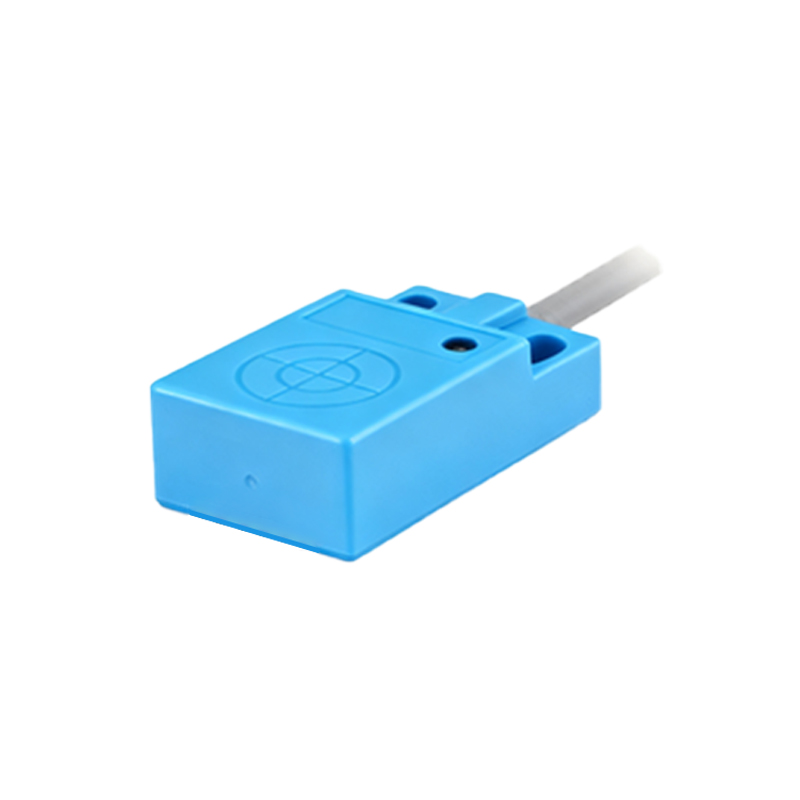
Beyond phone calls, the applications of proximity sensing tied to distance measurement have expanded. Many phones use it to prevent pocket dialing by keeping the screen locked while in a dark, confined space like a bag or pocket. Some devices employ it in "Raise to Wake" or "Gesture" features, where bringing the phone closer to your face might activate the front-facing camera. During video playback, some interfaces might hide on-screen controls when your hand is sensed near the screen, providing an unobstructed view. The fundamental principle remains the same: measure the distance to an object and trigger a specific, useful system response.
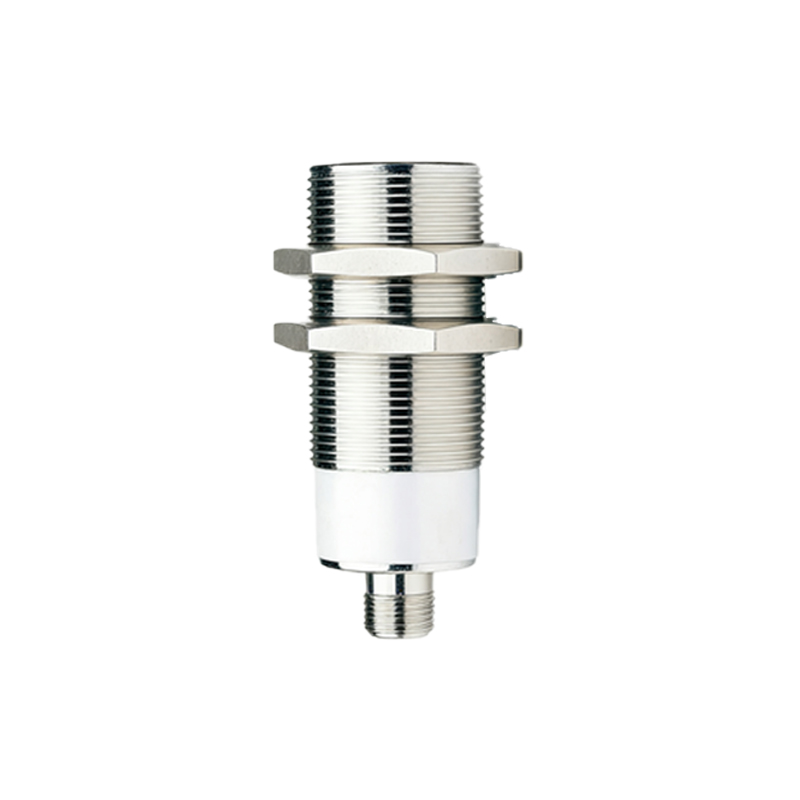
However, the technology isn't without its challenges. The accuracy of the distance measurement can be affected by the object's surface properties. Dark, matte, or highly absorbent materials may not reflect IR light well, potentially causing the sensor to fail to detect a close object. Conversely, very shiny or reflective surfaces might trick the sensor into thinking something is closer than it is. Smartphone manufacturers calibrate the sensors rigorously and often use software algorithms to filter out false triggers, ensuring consistent performance in everyday scenarios.
When troubleshooting issues like a screen that doesn't turn off during calls, understanding this distance mechanism is helpful. The problem could be a hardware failure of the IR components, but more commonly, it's a software glitch, a misaligned screen protector covering the sensor area (usually located near the earpiece), or accumulated dirt blocking the tiny IR window. A simple cleaning of the top bezel of the phone can often restore perfect functionality, as it allows for clear transmission and reception of the infrared beam over the correct distance.
Looking forward, the role of precise proximity and distance sensing continues to evolve. As bezels shrink and under-display camera technology advances, sensor placement becomes a new engineering puzzle. Some manufacturers are developing under-display proximity sensors that work through the screen itself. Furthermore, with the growth of Augmented Reality (AR) applications, more advanced time-of-flight (ToF) sensors, which use a similar but more precise principle of measuring light travel time to map depth and distance in 3D space, are becoming common. These can be seen as the high-resolution successors to the basic IR proximity sensor.

In conclusion, the humble proximity sensor is a masterpiece of practical miniaturization. Its silent, continuous work of measuring minute distances between your phone and the world around it is a foundational element of modern smartphone interaction. It exemplifies how a single, well-engineered hardware feature, dedicated to a simple task governed by distance, can profoundly enhance