In the realm of automated lighting systems, a common query among professionals and informed users is whether the proximity sensors integrated into motion-activated lights remain constantly illuminated. This article delves into the operational principles, typical behaviors, and technical considerations to provide a clear, industry-aligned perspective.
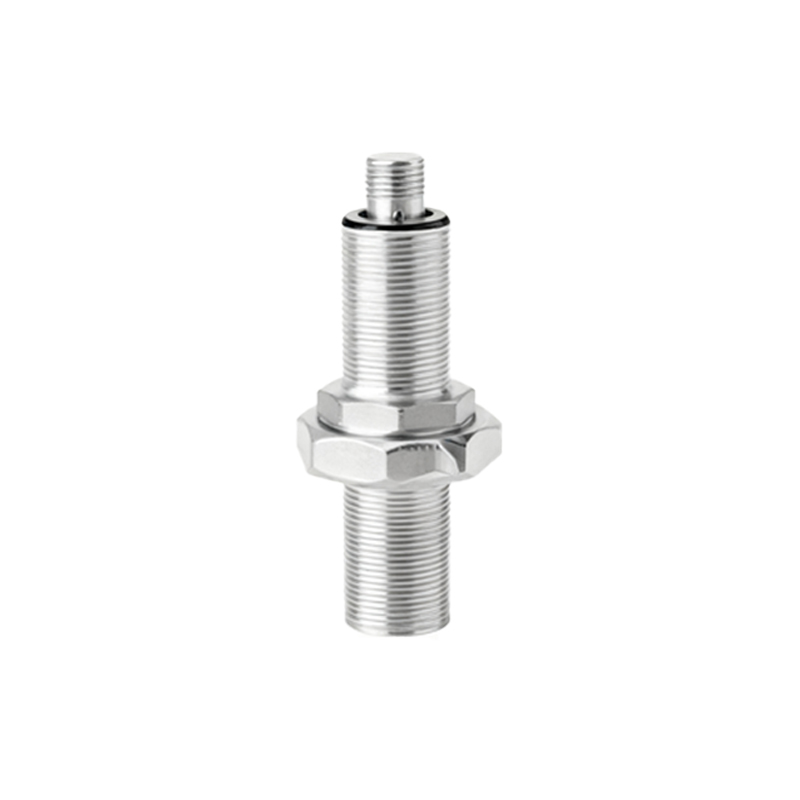
Firstly, it is essential to understand the core function of a proximity sensor in such contexts. These sensors, often based on passive infrared (PIR), microwave, or dual-technology detection, are designed to perceive changes in the environment—specifically, the presence or movement of objects within a defined field. Their primary role is to trigger the connected light fixture when motion is detected, thereby conserving energy and enhancing convenience. Crucially, the sensor itself is a detection module, not a light source. Therefore, the question of it "staying lit" typically does not apply to the sensor element. The sensor housing may contain a small status LED indicator, but this is separate from its primary detection function.
The illumination in question refers to the main light source—the LED, halogen, or fluorescent lamp controlled by the sensor. The behavior of this light depends entirely on the sensor's programming and settings. Standard operation for most motion-activated lights is as follows: Upon detecting valid motion within its range and sensitivity parameters, the sensor sends a signal to power the light. The light remains illuminated for a predetermined duration, known as the "time delay" or "on-time." This period can often be adjusted, ranging from a few seconds to several minutes. Once the timer elapses and no further motion is detected, the sensor signals the light to turn off. Thus, the light does not stay perpetually illuminated; it operates in an intermittent, on-demand mode.
However, certain models or specific configurations can create the impression of a constantly "on" sensor light. For instance, some fixtures feature a built-in photocell (dusk-to-dawn sensor). In this setup, the motion sensor is only active when ambient light levels fall below a certain threshold. During daylight, the light remains off regardless of motion. At night, it switches to motion-activated mode. If the photocell is faulty or disabled, the light might respond to motion continuously, day and night, but it will still obey the on/off cycle based on detection.
Another scenario involves the "test" or "override" mode. Many commercial and industrial-grade motion sensor lights have a manual switch or dip-switch setting that forces the light into a steady ON state, bypassing the sensor entirely. This is useful for maintenance, cleaning, or situations requiring constant illumination. In this mode, the light stays on until the setting is changed back. This is a functional override, not the standard operation of the sensor circuit.
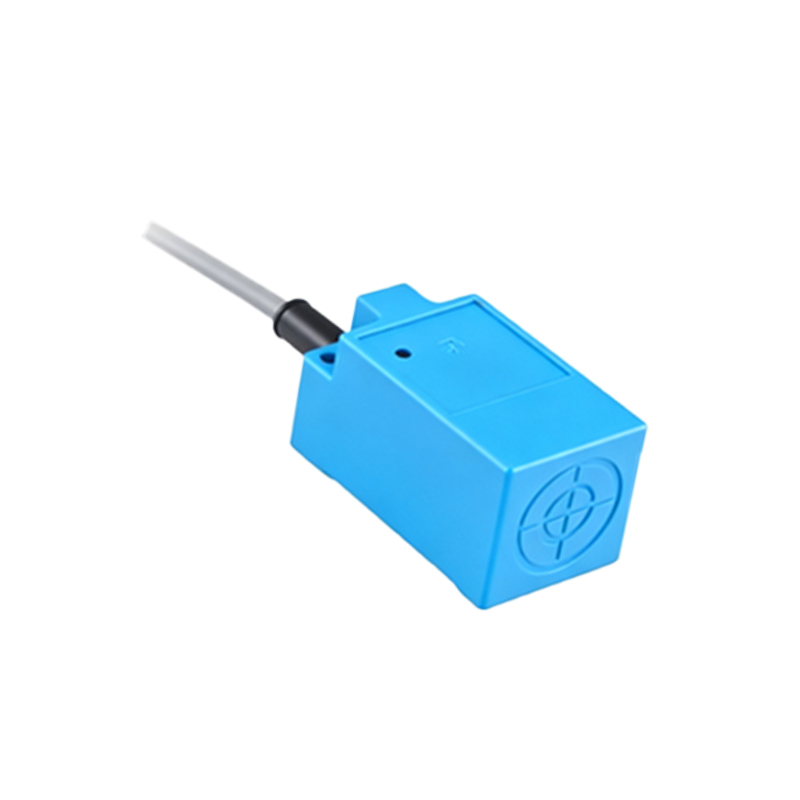
From an electrical engineering standpoint, the sensor circuit is typically low-voltage and draws minimal standby power. The power to the main lamp is controlled via a relay or solid-state switch actuated by the sensor's output. Energy efficiency standards, such as those from ENERGY STAR or IEC, heavily influence modern designs to minimize "phantom load" and ensure lights are off when not needed. A sensor light that remains inexplicably illuminated outside its set parameters may indicate a malfunction—such as a stuck relay, faulty sensor calibration, or wiring error.
In summary, a properly functioning proximity sensor on a motion-activated light does not cause the light to stay illuminated indefinitely. The light illuminates only in response to detected motion and for a preset time afterward. Any constant illumination is likely due to an override setting, a dedicated mode (like a security setting on some models), or a technical fault. Understanding the difference between the sensor's status indicator, the main light's operation, and the various user-adjustable settings is key to correctly deploying and troubleshooting these ubiquitous and energy-efficient lighting solutions.
For optimal performance, always refer to the manufacturer's technical datasheet, which specifies detection patterns, time delays, lux level settings, and override functions. Regular testing and calibration ensure the system operates as intended, providing security and convenience without wasteful energy consumption.