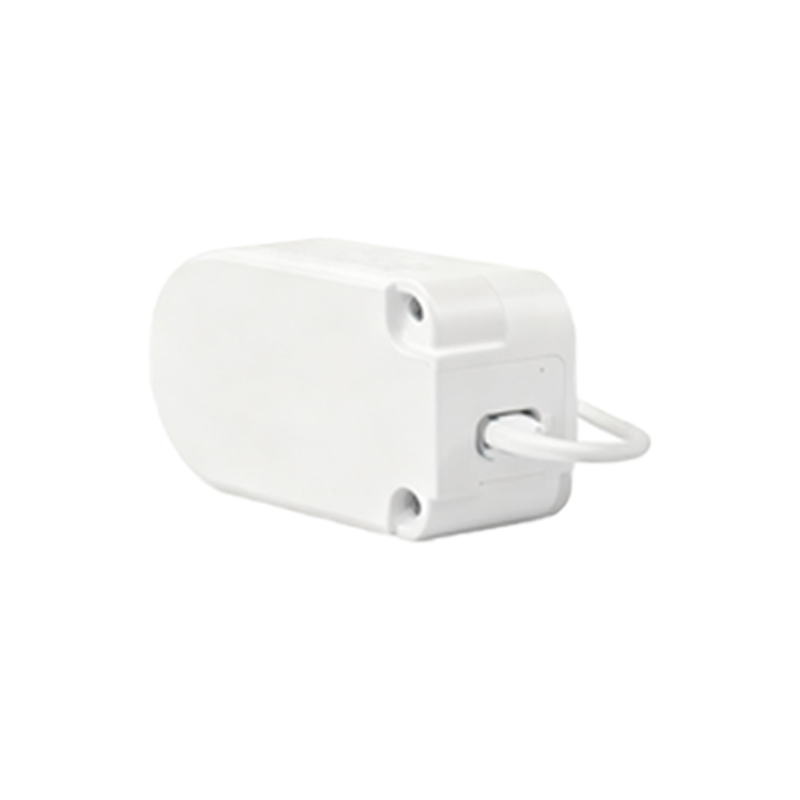
Proximity light sensors are integral components in modern smartphones, designed to detect the presence of nearby objects without physical contact. These sensors typically combine an infrared (IR) LED and an IR light detector to measure the reflection of emitted light, enabling features like automatic screen dimming during calls or gesture-based controls. Proper configuration ensures optimal performance, energy efficiency, and user experience. This guide outlines the technical steps and considerations for setting up proximity light sensors in smartphone designs.
First, understand the sensor’s operating principle. The IR LED emits light, which reflects off objects and is captured by the detector. The sensor calculates proximity based on the intensity of reflected light. Engineers must calibrate the sensor to account for environmental variables such as ambient light, surface reflectivity, and temperature. Calibration involves setting thresholds for "near" and "far" states, which trigger specific actions like turning off the display. Use manufacturer datasheets to identify key parameters, including emission wavelength (usually 850-950 nm), detection range (typically 1-10 cm), and response time.
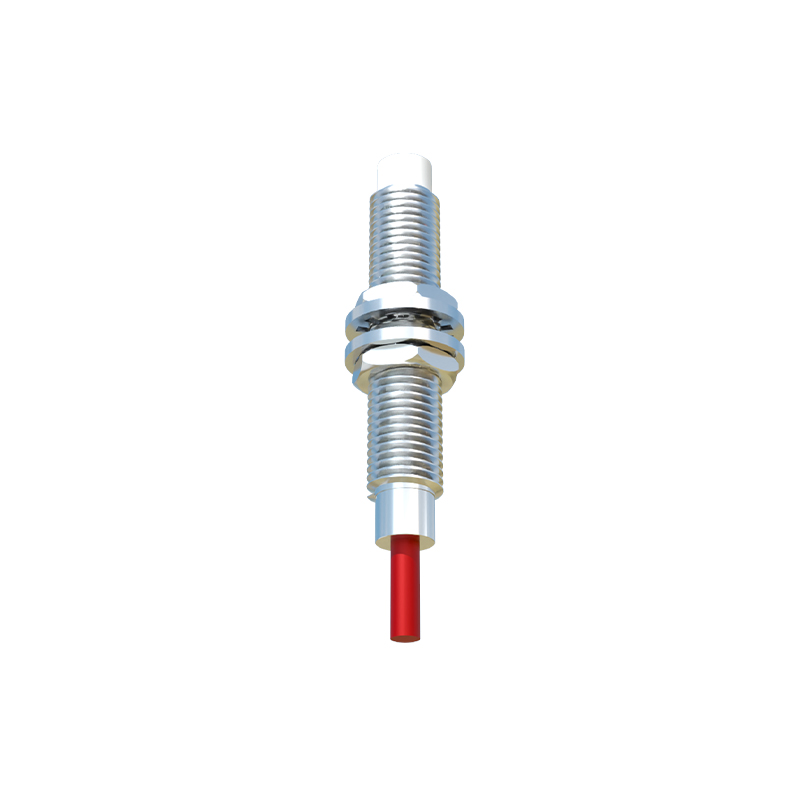
Hardware integration is critical. Place the sensor near the earpiece or front-facing camera to avoid interference from other components. Ensure the IR LED and detector are aligned correctly and free from obstructions like glass or coatings that could attenuate IR signals. Shielding from external light sources minimizes false readings. In circuit design, incorporate pull-up resistors and filtering capacitors to stabilize the signal. Power management is also essential; configure the sensor to operate in low-power modes when idle to extend battery life.
Software configuration involves driver installation and firmware adjustments. Start by initializing the sensor through I2C or SPI communication protocols. Set the sampling rate based on application needs—for example, a higher rate for gesture recognition but a lower one for call detection to save power. Implement algorithms to filter noise, such as using moving averages or digital filters. Adjust hysteresis values to prevent rapid toggling between states. Most smartphones use Android or iOS frameworks; utilize APIs like Android’s SensorManager or iOS’s Core Motion to access sensor data and define event handlers.
Testing and validation are mandatory. Use standardized tools like optical testers to verify detection accuracy under various conditions. Simulate real-world scenarios, such as placing the phone against the ear or in a pocket, to ensure reliable performance. Monitor power consumption and thermal output during operation. Debug common issues like sensor lag or false triggers by reviewing log data and adjusting calibration parameters. Regular firmware updates can address post-deployment anomalies.
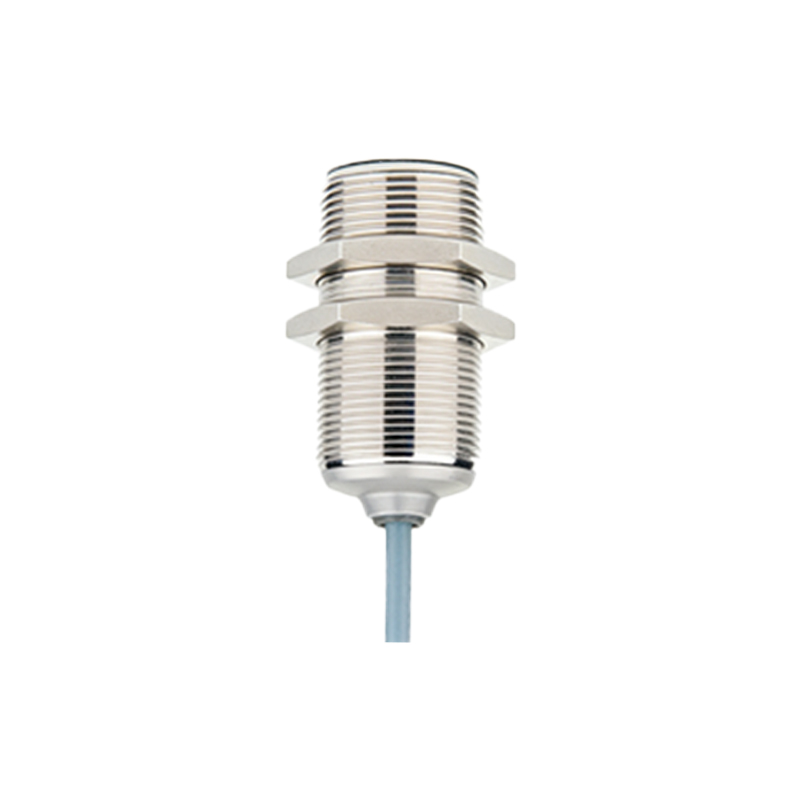
In summary, configuring proximity light sensors requires a blend of hardware precision and software optimization. By following these technical steps, engineers can enhance smartphone functionality, contributing to seamless user interactions and improved device reliability.