In the world of automation and smart devices, proximity sensors are the silent sentinels that enable countless functionalities, from preventing smartphone screen damage to ensuring industrial safety. A proximity sensor diagram is more than just a technical drawing; it is a visual key to understanding the principles, components, and operation of these ubiquitous devices. This article delves into the anatomy of a typical proximity sensor diagram, explaining its core elements and how they translate into real-world function.
At its heart, a proximity sensor detects the presence or absence of an object within a specified range without any physical contact. The diagram typically breaks this system down into several key blocks. First, we have the Oscillator Circuit. This is the generator of the sensor's detection field. In inductive sensors, it creates a high-frequency electromagnetic field. In capacitive sensors, it generates an electrostatic field. The oscillator's output is fed into the sensing coil or electrode, which is the interface with the external environment. This component is often prominently featured in the diagram, showing its connection to the oscillator and the detection logic circuit.
The second critical section shown in the diagram is the Detection Circuit. This is the "brain" that monitors changes in the oscillator's field. When a target object enters the sensing field, it causes a disturbance. For an inductive sensor, a metallic object induces eddy currents, dampening the oscillation amplitude. A capacitive sensor reacts to changes in capacitance caused by the object's dielectric properties. The detection circuit is designed to sense this precise change—be it a shift in amplitude, frequency, or phase. The diagram will illustrate how the signal from the oscillator is compared against a reference threshold within this circuit.
Once a significant change is detected, the signal moves to the Output Circuit. This is the action stage. The detection circuit's signal triggers a switch, usually a solid-state transistor or a relay. The diagram clearly labels the output terminals (e.g., NPN/PNP for DC sensors) and shows the connection to the load, such as a programmable logic controller (PLC) input, a lamp, or a motor starter. Many diagrams include a simplified timing chart or waveform illustration, showing the clean transition of the output signal from "off" to "on" (or vice-versa) upon target detection.
A comprehensive diagram also includes essential Ancillary Components. These are crucial for stable operation. A Power Supply Regulator ensures the internal electronics receive a constant voltage despite fluctuations in the input supply. Protection Circuits, like reverse polarity protection, transient voltage suppression, and short-circuit protection, are often depicted with diodes and resistors, safeguarding the sensor from installation errors and harsh electrical environments. For sensors with adjustable sensing ranges or output modes, the diagram will indicate the Sensitivity Adjustment potentiometer or DIP switches.
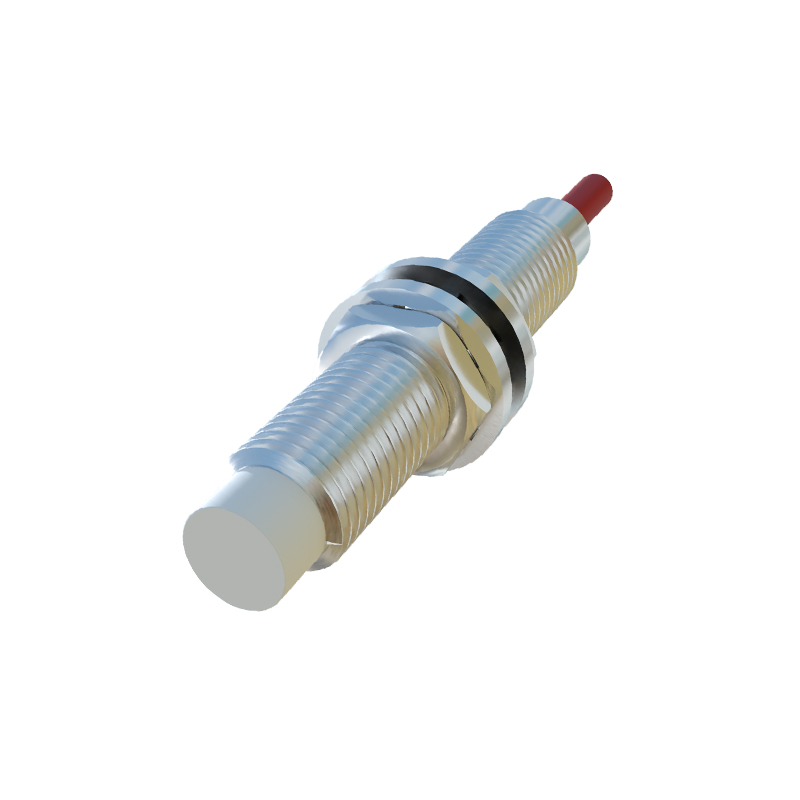
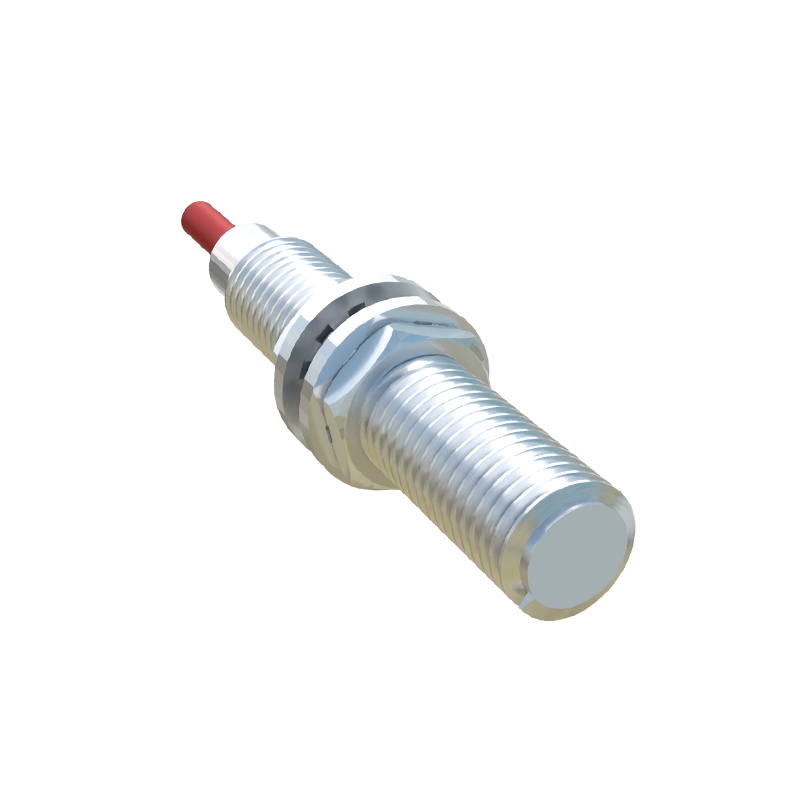
Understanding the diagram unlocks knowledge of the sensor's characteristics. The Sensing Distance (Sn), a key specification, is often noted. The diagram helps visualize the effective sensing zone, which is not a perfect point but a three-dimensional field. It also clarifies the differences between Shielded (Flush-mountable) and Unshielded (Non-flush-mountable) inductive sensor designs. A shielded sensor diagram shows a metallic ring surrounding the sensing face, concentrating the field forward and allowing installation flush with metal mounting surfaces without interference.
The practical applications are vast. On a factory floor, a glance at the diagram explains how an inductive proximity sensor on a conveyor line counts metallic packages, with its output wired to a counter. In a modern car, capacitive sensor diagrams reveal how touch-sensitive buttons or liquid level detection works. In consumer electronics, the diagram for an infrared proximity sensor in a smartphone shows an IR LED emitter and a photodiode receiver; when your face nears the screen during a call, reflected IR light is detected, triggering the display to turn off.
In conclusion, a proximity sensor diagram serves as a fundamental blueprint. It demystifies the technology by separating the unified device into its functional blocks: generation of a field, detection of its disturbance, and the resulting electrical action. By learning to interpret these diagrams, engineers, technicians, and enthusiasts gain a deeper appreciation for this essential component, enabling better selection, installation, troubleshooting, and innovation in system design. It transforms the sensor from a black box into a logical, understandable system.