M20 proximity photoelectric sensors are widely utilized in industrial automation for detecting the presence, absence, or position of objects without physical contact. Their robust cylindrical housing, typically 20mm in diameter, makes them suitable for demanding environments. Proper configuration is critical to ensure reliable operation, minimize false triggers, and extend sensor lifespan. This guide outlines key steps and considerations for setting up M20 photoelectric sensors effectively.
First, understand the operating principle. M20 sensors generally function in one of three modes: through-beam, retro-reflective, or diffuse reflective. Through-beam models consist of separate emitter and receiver units; an object is detected when it interrupts the light beam. Retro-reflective types use a single housing with both emitter and receiver, relying on a reflector to bounce light back; detection occurs when the beam is blocked. Diffuse reflective sensors detect objects by measuring light reflected directly from the target's surface. Select the mode based on application requirements such as sensing distance, target material, and environmental conditions.
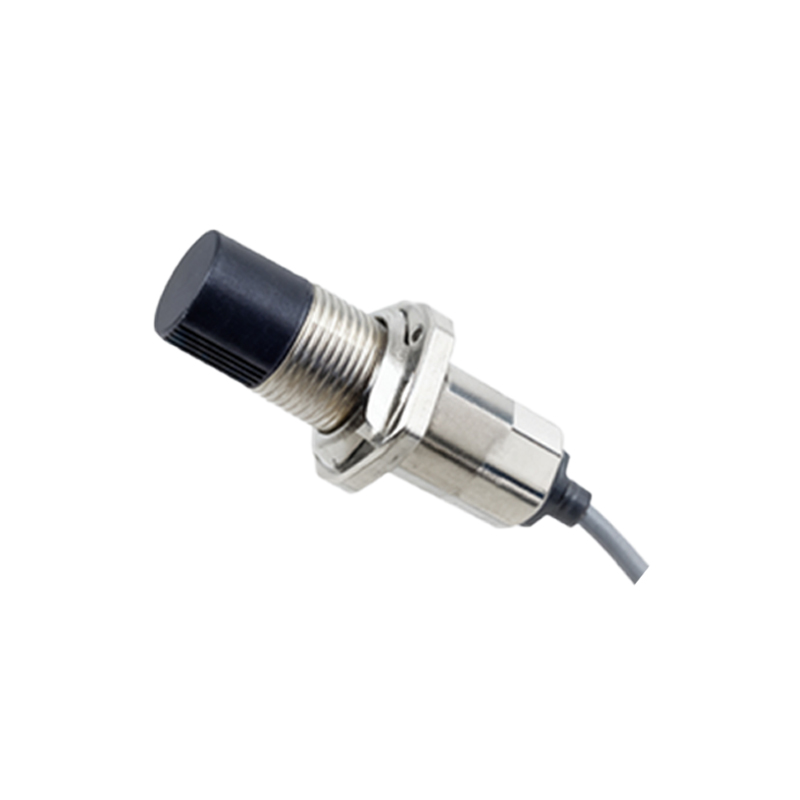
Mounting the sensor correctly is foundational. Ensure the M20 sensor is securely installed using its threaded barrel, typically with an M20 x 1.0 or M20 x 1.5 thread. Align the emitter and receiver precisely for through-beam and retro-reflective types to guarantee optimal light path integrity. Avoid mounting near highly reflective surfaces or intense ambient light sources that could cause interference. For diffuse sensors, maintain the recommended sensing distance, as specified in the datasheet, which varies based on target color and reflectivity.
Electrical wiring must adhere to safety standards. Most M20 sensors operate on DC (10-30V DC) or AC voltages, with outputs including NPN (sinking), PNP (sourcing), or analog options. Connect the power supply according to the manufacturer's wiring diagram, ensuring correct polarity for DC models. Use shielded cables in electrically noisy environments to prevent signal disruption. Implement proper grounding to protect against voltage spikes and electromagnetic interference. Always disconnect power before making connections to avoid short circuits or damage.
Configuration involves adjusting sensitivity and response time. Many M20 sensors feature a potentiometer or teach-in button for sensitivity calibration. Rotate the potentiometer slowly while testing with the target object to set the detection threshold, avoiding overly sensitive settings that may trigger on background objects. Adjust the response time to match application speed; faster response is needed for high-speed production lines, but too fast a setting might capture noise. Some advanced models offer programmable functions via IO-Link or DIP switches for modes like window mode or time delays.
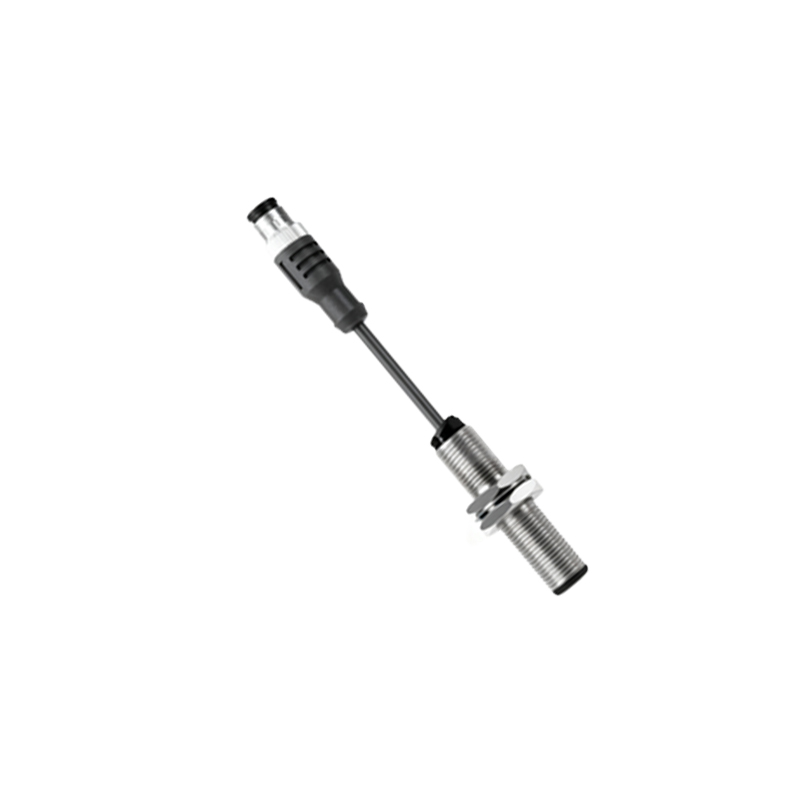
Environmental factors significantly impact performance. In dusty, humid, or washdown areas, select sensors with high IP ratings (e.g., IP67 or IP69K). For detecting transparent or small objects, consider sensors with polarized filters or focused beams. Temperature extremes can affect light intensity and component reliability; operate within the specified temperature range, usually -25°C to 70°C. Regular maintenance, such as cleaning lenses with a soft cloth, prevents false readings from dirt accumulation.
Testing and validation are essential post-configuration. Use the sensor's indicator LED to verify detection status—most have a stable light for power and a blinking light for object detection. Conduct tests with actual target objects under normal operating conditions to ensure consistent performance. Monitor for intermittent failures, which may indicate alignment issues or environmental interference. Document settings for future reference and troubleshooting.
In summary, configuring M20 proximity photoelectric sensors requires attention to selection, mounting, wiring, sensitivity adjustment, and environmental adaptation. By following these guidelines, engineers can achieve precise, reliable object detection, enhancing automation system efficiency and reducing downtime. Always consult the specific sensor's manual for model-specific instructions, as features may vary among manufacturers.