Proximity sensors are critical components in modern cutting machines, ensuring precise positioning, material detection, and safety interlocks. These non-contact sensors, typically inductive or capacitive, detect the presence of metallic or non-metallic objects without physical touch. However, like any industrial component, they are susceptible to various faults that can lead to machine downtime, inaccurate cuts, or even safety hazards. Understanding common failure modes and their remedies is essential for maintenance engineers and technicians.
One prevalent issue is sensor misalignment or incorrect mounting. Proximity sensors require precise positioning relative to the target object. If a sensor is knocked out of alignment during operation or maintenance, it may fail to detect the target consistently. Symptoms include intermittent operation or complete failure to trigger. The solution involves verifying the sensor's datasheet for its sensing range and mounting specifications. Realign the sensor carefully, ensuring the target passes within its nominal sensing distance. For adjustable sensors, fine-tune the position while monitoring the output signal.
Electrical interference is another frequent culprit in industrial environments. Cutting machines often contain high-power motors, variable frequency drives (VFDs), and welding equipment, all generating electromagnetic noise. This noise can induce false signals in sensor wiring, causing erratic behavior. To mitigate this, use shielded cables for all sensor connections and ground the shield properly at the control panel end. Ensure sensor wiring is routed away from power cables and high-noise sources. In severe cases, installing ferrite cores on sensor cables near the connector can suppress high-frequency interference.
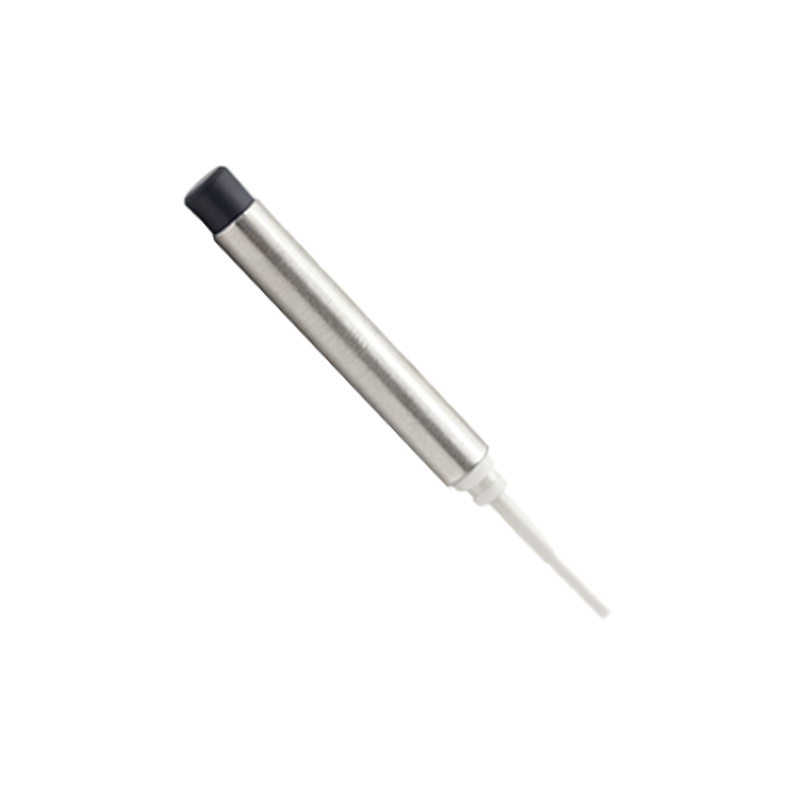
Sensor contamination poses a significant risk, especially in cutting applications involving coolants, metal chips, oils, or dust. Inductive sensors, for instance, can have their sensing faces coated with debris, reducing their effective range. Capacitive sensors might be affected by moisture or conductive dust buildup. Regular cleaning according to the manufacturer's guidelines is preventive maintenance. For harsh environments, select sensors with higher IP (Ingress Protection) ratings, such as IP67 or IP69K, which offer protection against dust and liquid ingress. Never use abrasive materials to clean the sensing face, as this can damage it.
Internal component failure is inevitable over time. The oscillator circuit in an inductive sensor can degrade, or the output switching element (like a transistor) can fail. Symptoms include a complete lack of output signal, even when a target is correctly presented. Initial diagnostics should include checking the power supply voltage at the sensor terminals with a multimeter. If power is present but no output is generated, the sensor likely requires replacement. Some modern sensors have diagnostic LEDs that indicate power status and output activation, aiding quick fault finding.
Environmental factors such as extreme temperature, humidity, or vibration can accelerate sensor failure. Proximity sensors have specified operating temperature ranges. Exceeding these limits, perhaps due to nearby heating processes or lack of ventilation, can cause premature failure. Similarly, excessive vibration from the cutting machine itself can loosen internal connections or damage components. Ensure sensors are selected for the ambient conditions and are mounted securely using appropriate brackets to dampen vibration.
Wiring and connection problems are often the simplest to diagnose but are commonly overlooked. Loose terminal connections, corroded contacts, or damaged cables can interrupt signal or power. Perform a visual inspection of the sensor, its connector, and the entire cable run for signs of pinch points, cuts, or abrasion. Check terminal screws for tightness. Use a multimeter to test for continuity in the cables and for correct voltage at the sensor. Remember to lock out the machine before performing any electrical checks.
Finally, an incorrect sensor type for the application will lead to persistent issues. Using a standard inductive sensor to detect non-metallic materials, for example, will never work. For cutting machines handling plastics, wood, or glass, a capacitive proximity sensor is required. Alternatively, for longer ranges or different target materials, photoelectric or ultrasonic sensors might be more appropriate. Always consult the sensor specifications and match them to the target material, required sensing distance, and environmental conditions.
A systematic approach to troubleshooting is key. Start with the simplest checks: power, connections, and alignment. Observe the sensor's diagnostic LED if available. Use a multimeter or an oscilloscope to analyze the output signal. If possible, temporarily substitute a known-good sensor to confirm the diagnosis. Keeping a log of sensor failures can help identify patterns related to specific machines or processes, guiding preventive maintenance schedules and component selection. By understanding these common faults and their solutions, engineers can minimize unplanned downtime and maintain the high precision required in cutting operations.