In industrial automation and machinery, the reliable operation of proximity sensors is paramount. The S10 series, known for its robustness and precision, is a common choice for object detection and positioning tasks. However, a persistent flashing or blinking indicator on an S10 proximity sensor is a frequent and concerning issue for maintenance engineers and technicians. This flashing is not a normal operational state; it is a diagnostic signal indicating a problem within the sensor's operating environment or its internal circuitry. Understanding the root causes and implementing systematic troubleshooting is essential to restore functionality and prevent costly downtime.
The flashing light on an S10 sensor typically signifies an error condition. Unlike a steady light indicating target detection or power-on status, a rhythmic blink is the sensor's way of communicating a fault. The first and most critical step is to consult the specific sensor's datasheet or user manual. Manufacturers often code these flashes—different sequences or rates can point to specific issues like short circuits, overloads, or internal failures. However, in the absence of coded diagnostics, we must investigate the most common culprits.
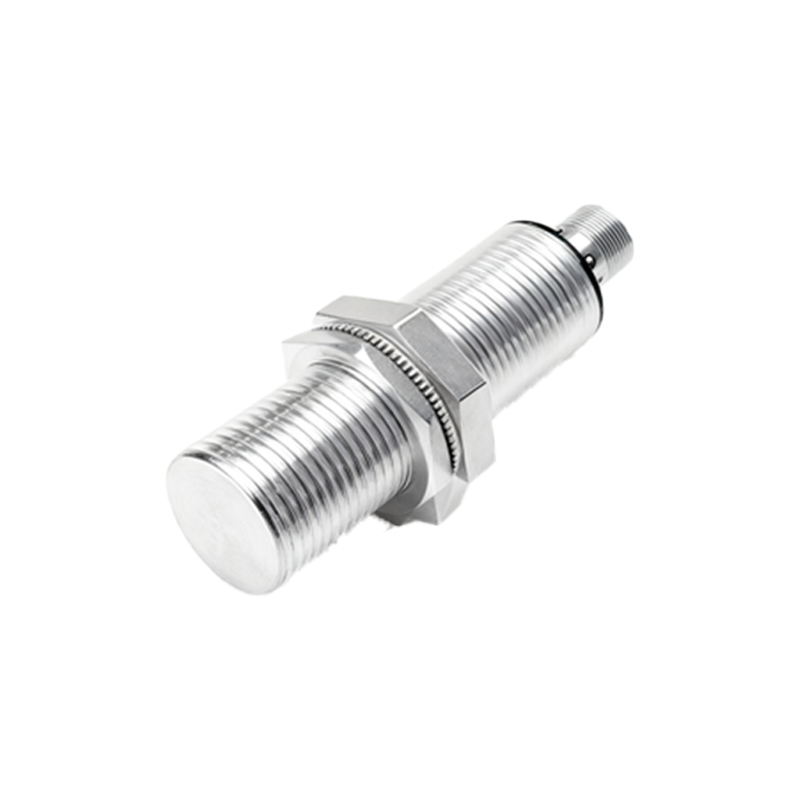
Primary Causes of S10 Proximity Sensor Flashing:
1. Power Supply Issues: This is the most prevalent cause. An S10 sensor requires a stable, clean DC power supply within its specified voltage range (commonly 10-30V DC). Voltage spikes, ripple, or simply supplying voltage outside the rated tolerance can cause the sensor to malfunction and flash erratically. Using an unregulated or overloaded power supply is a typical mistake. Additionally, check for loose or corroded connections at the power terminals, as poor contact creates intermittent voltage drops.
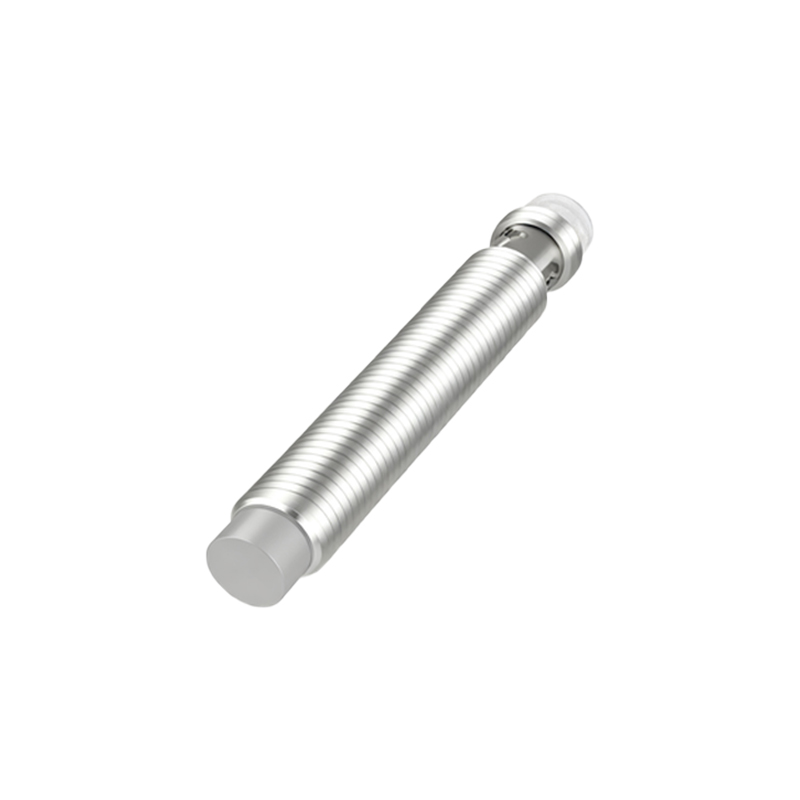
2. Electrical Noise and Interference: Industrial environments are saturated with electromagnetic interference (EMI) from motors, variable frequency drives (VFDs), welding equipment, and other sensors. This noise can be inductively or capacitively coupled into the sensor's wiring or circuitry, causing the internal electronics to reset or behave unpredictably, often manifested as flashing. Long, unshielded cable runs parallel to power cables are a major contributor.
3. Load or Wiring Faults: For 3-wire DC sensors, a short circuit or an excessive load on the output can trigger a protective flash. If the connected load (e.g., a PLC input, relay coil) draws more current than the sensor's rated switching capacity, it will go into a protective mode. Similarly, incorrect wiring—such as mixing up the brown (positive), blue (negative), and black (output) wires, or accidentally shorting the output wire to power or ground—will cause an immediate fault indication.
4. Sensor Overheating: Proximity sensors have an operational temperature range. Installing an S10 sensor too close to a heat source, in direct sunlight within an enclosure, or in an ambient temperature exceeding its specification can cause thermal overload. The internal components may fail or the circuitry may activate a thermal warning, often signaled by flashing.
5. Physical Damage or Sensing Object Issues: While rugged, sensors can suffer internal damage from mechanical shock or vibration. A cracked oscillator coil or damaged ASIC will lead to failure. Furthermore, the problem might not be the sensor itself. The target object might be outside the specified sensing distance, be of an unsuitable material (ferrous vs. non-ferrous for inductive sensors), or be too small to reliably activate the sensor, causing an unstable detection state that could appear as flashing.
Systematic Troubleshooting Procedure:
1. Isolate and Simplify: Disconnect the sensor from its load. Power it independently with a known-good, regulated power supply within its exact voltage specification. If the flashing stops, the problem lies in the load or the original power circuit. If flashing persists, the issue is with the sensor or its immediate connections.
2. Inspect Wiring and Connections: Physically inspect all terminals, connectors, and cable insulation for damage, looseness, or corrosion. Ensure wiring conforms to the manual: correct polarity, proper gauge, and secure connections. Use a multimeter to check for continuity and the absence of short circuits.
3. Check for Noise: Temporarily route the sensor's cable away from power lines, motors, and drives. Use shielded cable, ensuring the shield is properly grounded at only one end (typically the control panel end). Consider installing ferrite cores on the cable near the sensor connector. If the flashing ceases when noise sources are mitigated, you have identified the cause.
4. Verify Environment: Measure the ambient temperature. Ensure the sensor is rated for the environment and is not subjected to washdown with incompatible chemicals or physical abrasion.
5. Substitute and Confirm: The most definitive test is to replace the suspect S10 sensor with a known-working unit of the same model under the same conditions.