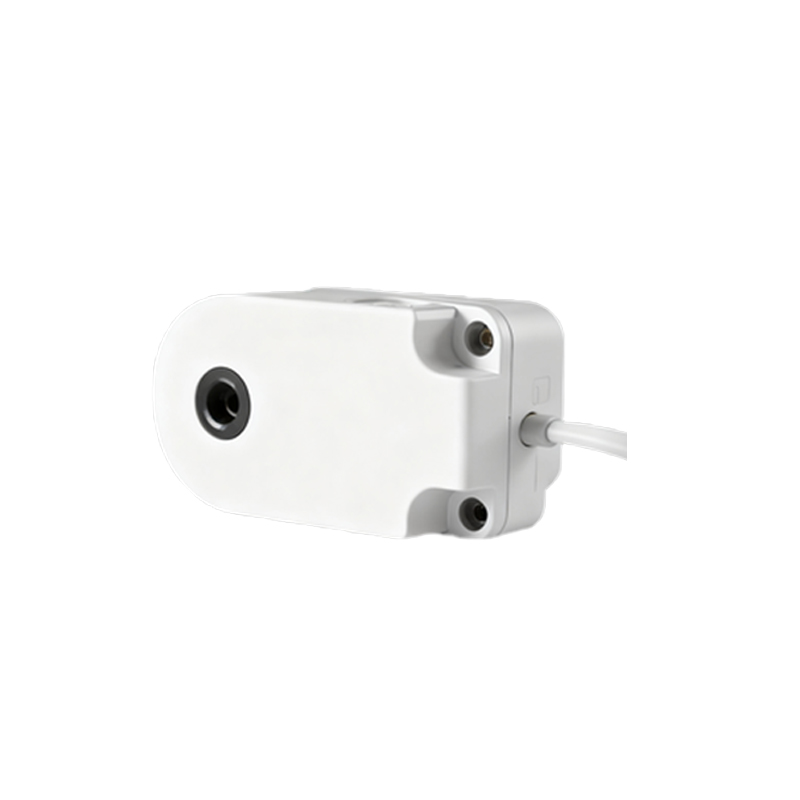
In modern electronic devices, proximity sensors play a critical role in enhancing user experience and power efficiency. The Z3 ear proximity sensor, commonly integrated into smartphones and wearable devices, is designed to detect the presence of a user's ear during calls, thereby automatically turning off the display to prevent accidental touches and conserve battery life. However, like any electronic component, the Z3 sensor is susceptible to failure, which can lead to operational disruptions. This article delves into the common causes, diagnostic methods, and solutions for Z3 ear proximity sensor malfunctions, providing a comprehensive guide for technicians and engineers in the electrical industry.
The Z3 ear proximity sensor typically operates on infrared (IR) technology. It emits an IR beam and measures the reflection to determine proximity. When functioning correctly, it ensures seamless call handling. Failures often manifest as the screen remaining on during calls, causing unintended button presses, or the screen turning off prematurely even when not near the ear. Such issues can stem from hardware defects, software glitches, or environmental factors.
Common causes of Z3 sensor failure include physical damage, such as cracks or scratches on the sensor lens, which obstruct IR transmission. Dust and debris accumulation is another frequent culprit, especially in devices exposed to harsh environments. Moisture ingress, from humidity or liquid spills, can corrode sensor contacts or short-circuit internal circuits. Additionally, software-related problems, like corrupted firmware or incorrect calibration settings, may mimic hardware failures. In some cases, manufacturing defects or aging components, such as degraded IR LEDs, contribute to sensor degradation over time.
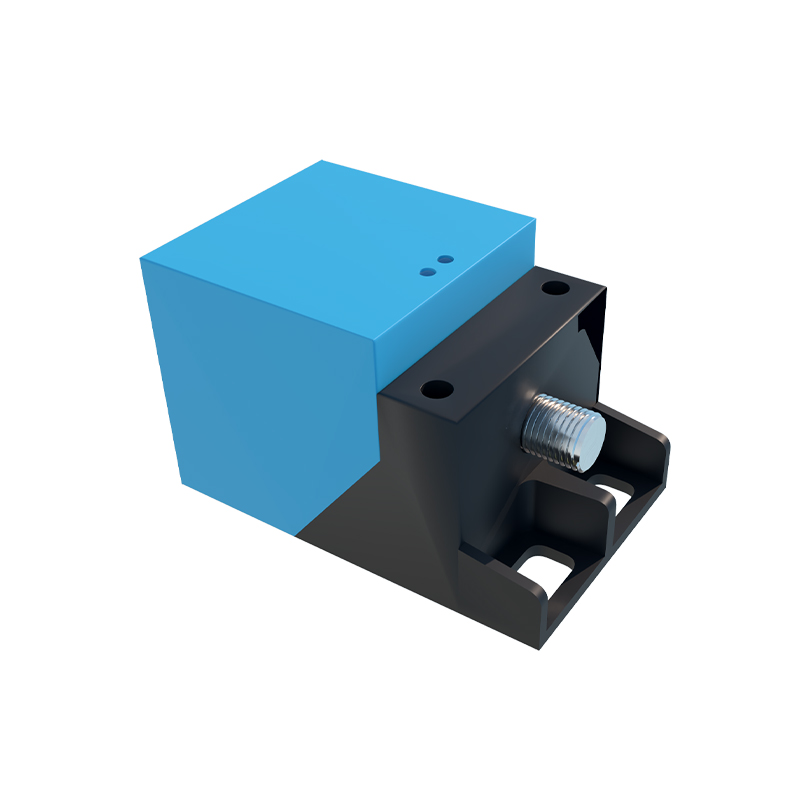
Diagnosing a faulty Z3 sensor requires a systematic approach. Begin with a visual inspection for obvious damage or contamination. Use a soft brush or compressed air to clean the sensor area, as debris removal often resolves minor issues. Next, test the sensor functionality through device diagnostic tools—many smartphones have built-in hardware test menus accessible via secret codes. For instance, entering #0on some models launches a test interface where the proximity sensor can be checked. If the sensor fails the test, further investigation is needed.
Hardware troubleshooting involves using a multimeter to measure the sensor's voltage and continuity. The Z3 sensor typically connects to the device's mainboard via a flexible cable; inspect this cable for loose connections or breaks. Re-seating the connector can sometimes restore functionality. If the sensor itself is defective, replacement is necessary. Sourcing a genuine Z3 sensor component is crucial, as counterfeit parts may not meet specifications. Desoldering the old sensor and installing a new one requires precision soldering skills and ESD precautions to avoid damaging adjacent components.
Software solutions should not be overlooked. Perform a factory reset after backing up data, as this can eliminate software conflicts. Update the device's operating system to the latest version, as patches often address sensor calibration bugs. If available, use manufacturer-provided calibration apps to recalibrate the proximity sensor settings. In cases where firmware is corrupt, reflashing the device with official software may be required.
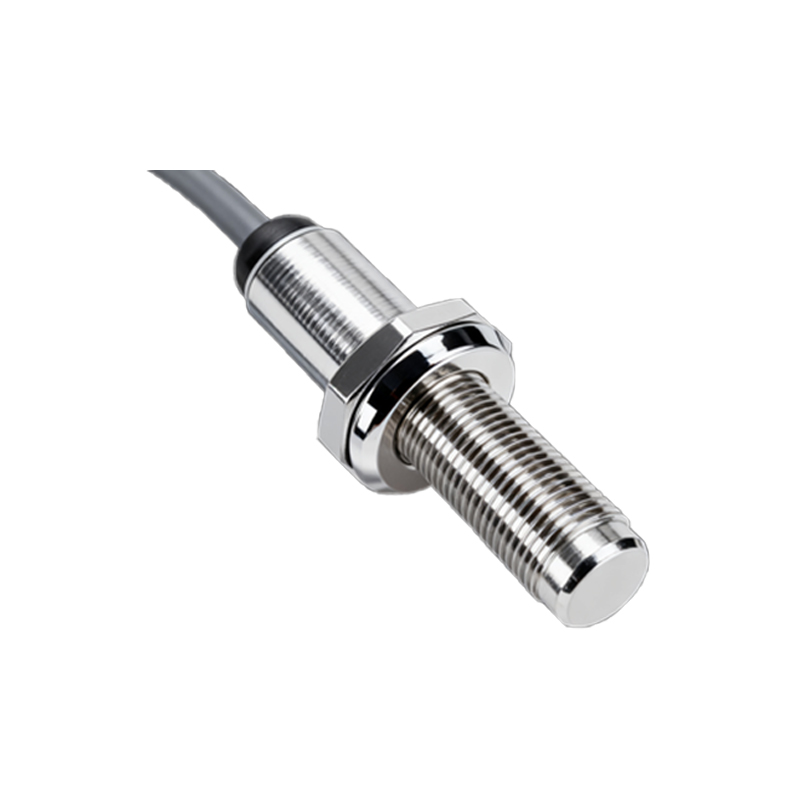
Preventive maintenance can extend the lifespan of Z3 sensors. Encourage users to keep devices clean and dry, and to use protective cases that shield the sensor area without obstructing it. Regular software updates and avoiding unauthorized modifications also help prevent issues. For engineers, designing robust sealing around the sensor in product development can mitigate moisture and dust ingress.
In industrial applications, where devices may face extreme conditions, consider using higher-grade sensors with IP ratings for durability. Testing sensors under simulated environmental stresses during quality assurance phases can identify potential weaknesses early. Collaboration with component suppliers to ensure reliable supply chains is also key to maintaining product integrity.
Ultimately, addressing Z3 ear proximity sensor failures combines technical expertise with practical troubleshooting. By understanding the underlying mechanisms and applying methodical diagnostics, professionals can efficiently restore device functionality and enhance user satisfaction. As technology evolves, staying informed about sensor advancements and common failure modes will remain essential for electrical engineers and repair specialists.