In the realm of automation and smart device interaction, the behavior of a proximity sensor turning off, or "sensing off," is a fundamental and deliberate function. This action is not a malfunction but a critical feature designed for efficiency, safety, and power conservation. Understanding the principle behind "proximity sensor sensing off" reveals the sophistication embedded in everyday technology.
At its core, a proximity sensor is a device that detects the presence or absence of an object within a specific range without physical contact. It typically emits an electromagnetic field or a beam of radiation (like infrared light) and looks for changes in the field or return signal. The "sensing" state is active when an object is within this predefined detection zone. Conversely, the "sensing off" state is triggered when the object moves out of range. This transition is a binary output: from a logical "ON" or "1" (object present) to "OFF" or "0" (object absent).
The mechanism for this switch-off is based on threshold detection. The sensor's internal circuitry continuously monitors the received signal strength. When an object is present, it reflects or interrupts the emitted field, causing a measurable change. Once the object moves away, the signal returns to its baseline, undisturbed state. When the sensor's processor determines that the signal has crossed back below a set threshold, it commands the output to switch off. This process happens in milliseconds, enabling real-time response.
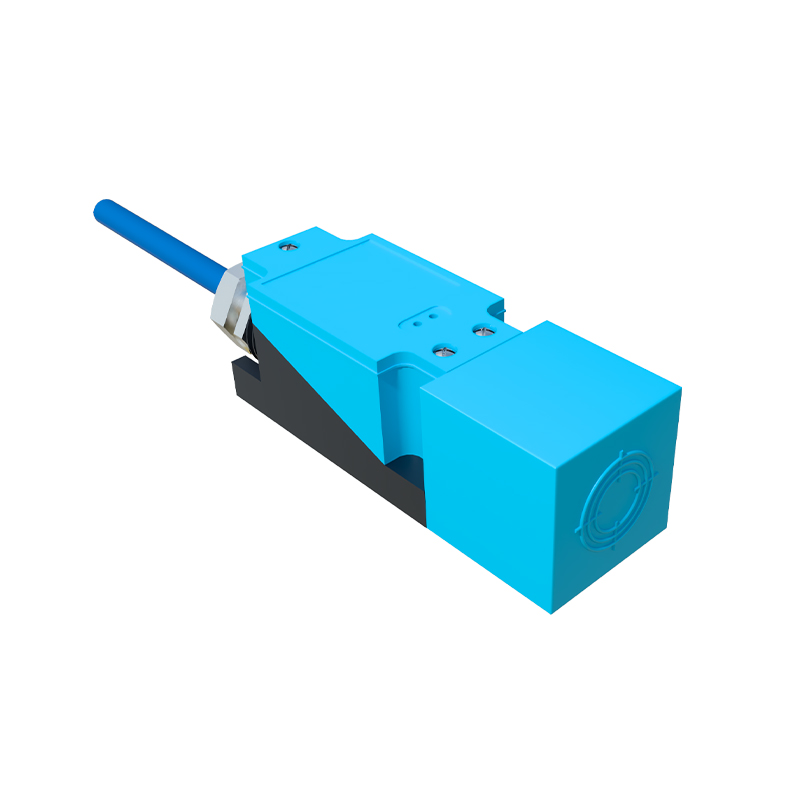
The applications of this on-off sensing cycle are vast and pivotal. In smartphones, the proximity sensor turns off the touchscreen display during a phone call when the device is held near the ear. This "sensing off" of the display prevents accidental cheek-touch inputs and saves battery power. In industrial settings, on conveyor belts, a proximity sensor detecting a passing package will switch off once the package clears the line, readying the system to count the next item. This facilitates precise inventory control and automation sequencing.
Another critical application is in safety systems. On automated garage doors or elevator doors, sensors create an invisible curtain. The moment an object breaks this field, the sensor is "on," signaling the door to stop or reverse. When the path is clear again and the sensor turns "off," it indicates a safe condition, allowing door closure to resume. This fail-safe operation relies entirely on the reliable transition to the "sensing off" state.
Power management is a further significant driver. Many battery-operated devices, like wireless computer mice or smart tags, use proximity sensing to wake from sleep mode. When no hand or movement is detected for a period, the sensor output goes "off," signaling the main processor to enter a low-power state, dramatically extending battery life.
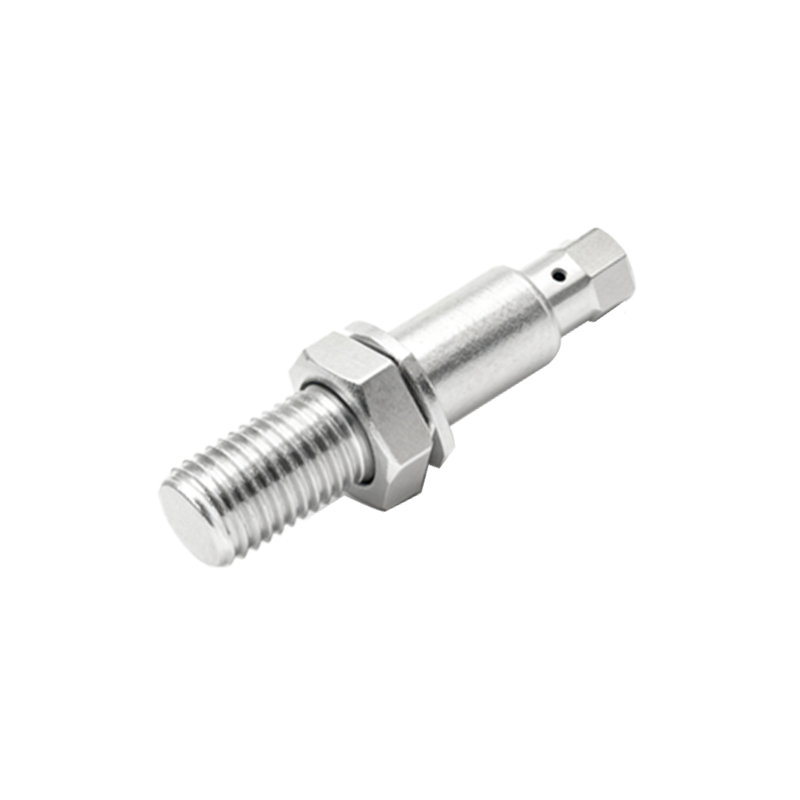
Designing for reliable "sensing off" involves challenges like hysteresis. To prevent rapid, erratic toggling when an object is on the very edge of the detection range, engineers build in hysteresis. This means the turn-off threshold is slightly different from the turn-on threshold. An object must move farther away to turn the sensor off than it needed to be to turn it on initially. This provides a stable, chatter-free operation.
In conclusion, the "sensing off" function of a proximity sensor is a deliberate and intelligent design element. It transforms simple detection into a controllable, binary event that drives logic, conserves energy, and ensures safety across countless devices and systems. From the smartphone in your pocket to complex robotic assembly lines, this precise transition from detection to non-detection is a silent enabler of modern technological convenience and efficiency.