In the world of modern tablets, a symphony of tiny, sophisticated components works seamlessly to create the intuitive user experience we often take for granted. Among these unsung heroes is the proximity sensor, a small but critical piece of technology that plays a vital role in both device functionality and power management. While you rarely interact with it directly, its absence would be immediately noticeable, leading to a clunky and inefficient user interface.
At its core, a proximity sensor is a type of sensor that detects the presence or absence of nearby objects without any physical contact. In the context of tablets and smartphones, its primary function is to determine when the device is close to the user's face or body, typically during a voice or video call. The most common implementation uses an infrared (IR) LED and an IR light detector. The IR LED emits a beam of invisible infrared light. When an object, like your face, comes close to the screen, this light reflects back and is picked up by the detector. The sensor's microcontroller then interprets this signal, recognizing that an object is in close proximity.
The most immediate and practical application of this technology is during phone calls. When you raise your tablet to your ear to take a call, the proximity sensor detects your face and automatically turns off the touchscreen display. This serves two crucial purposes. First, it prevents accidental screen touches from your cheek or ear—imagine muting a call, putting someone on hold, or even hanging up unintentionally. Second, and equally important, it conserves battery power by deactivating the power-hungry display when it's not needed. Once you move the tablet away from your face, the sensor detects the absence of the object and promptly wakes the display back up, ready for you to end the call using the on-screen button.
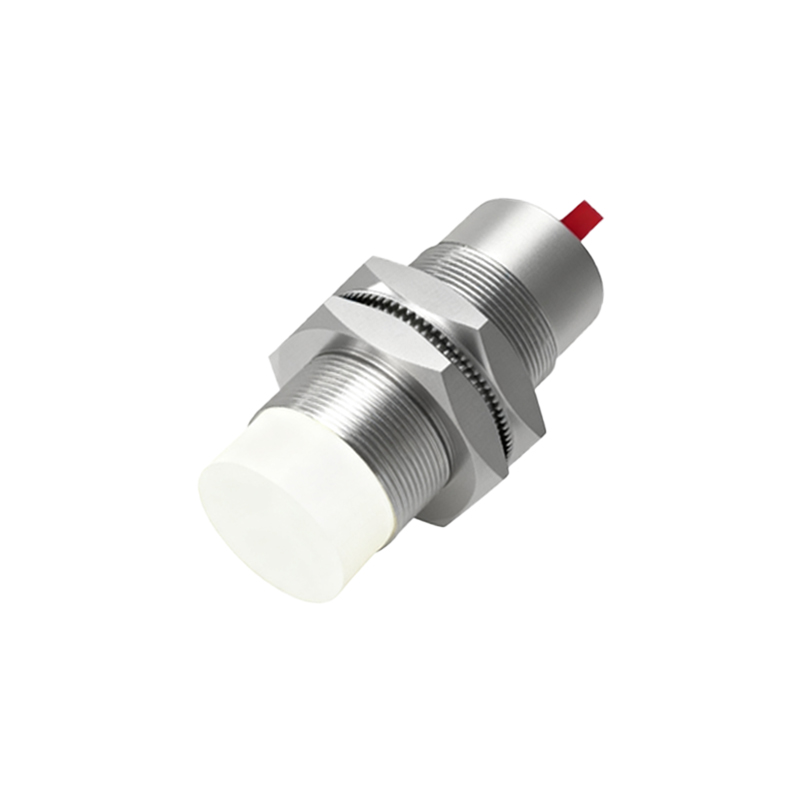
Beyond voice calls, proximity sensors contribute to smarter power management in other scenarios. Some devices use the sensor to disable the display when placed face down on a table or slipped into a carrying case or pocket, preventing unnecessary battery drain. In gaming or reading applications, the sensor can help prevent the screen from dimming or timing out when the user is actively engaged but not touching the screen, as it can sense the user's continued presence.
While the basic IR-based sensor is prevalent, technology continues to evolve. Some high-end tablets may incorporate more advanced time-of-flight (ToF) sensors or other optical methods that can measure distance with greater accuracy. This can enable features like more precise gesture control or enhanced augmented reality (AR) applications, where understanding the spatial relationship between the device and the user or environment is key.
From a user's perspective, a malfunctioning proximity sensor can be a significant nuisance. Common symptoms include the screen staying on during a call, leading to accidental inputs, or conversely, the screen turning off prematurely and refusing to wake up. This can often be caused by a dirty screen protector covering the sensor area, software glitches, or, less commonly, hardware failure. Keeping the small area near the front-facing camera clean and ensuring software is up-to-date are good first troubleshooting steps.
In essence, the proximity sensor is a perfect example of thoughtful, human-centric design in consumer electronics. It operates silently in the background, anticipating user behavior to create a smoother, more efficient, and less frustrating interaction. It bridges the gap between the physical world of the user and the digital world of the device. As tablets become even more integrated into our daily lives for communication, work, and entertainment, these small, intelligent sensors will continue to be fundamental in making the technology feel less like a machine and more like a responsive companion. Their development reflects the ongoing trend in electronics: making complex technology so intuitive that we forget it's even there, until the moment it doesn't work as expected.