In today's digitally connected world, proximity sensors have become ubiquitous components in our smartphones, tablets, laptops, and various IoT devices. These small, often unnoticed hardware features play a crucial role in enhancing user experience and device functionality. However, a growing practice known as "proximity sensor blocking" has emerged, raising significant concerns among users, manufacturers, and security experts alike. This article delves into the mechanics, implications, and preventive measures surrounding this phenomenon.
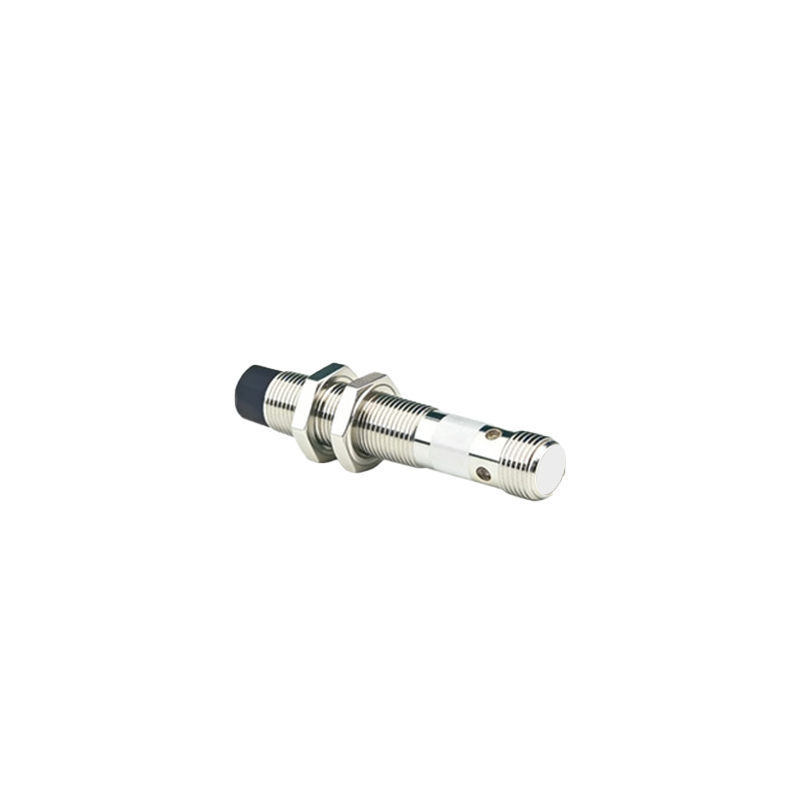
A proximity sensor is typically an infrared (IR) sensor that detects the presence of nearby objects without physical contact. In smartphones, its primary function is to disable the touchscreen during phone calls when the device is held close to the ear, preventing accidental screen presses. It also helps conserve battery by turning off the display. The sensor works by emitting an infrared beam and measuring the reflection; if an object is close, it reflects the beam back to the receiver.
Proximity sensor blocking refers to any method that intentionally or unintentionally interferes with this sensor's operation. This can occur through physical obstruction, software manipulation, or environmental factors. Common physical blockers include poorly designed phone cases, screen protectors that cover the sensor area, accumulated dirt, or even certain types of stickers. On the software side, malicious apps or system modifications can disable or spoof the sensor's readings. Environmental factors like extreme lighting conditions or reflective surfaces can also cause malfunctions.
The consequences of a blocked proximity sensor range from minor inconveniences to serious security and safety issues. The most immediate effect is user frustration: during calls, the screen may remain active, leading to accidental muting, dialing, or app activation with your cheek. Battery life can suffer as the display fails to turn off appropriately. More critically, a malfunctioning sensor can prevent devices from entering sleep mode, causing screen burn-in on OLED displays over time.
From a security perspective, a blocked or manipulated proximity sensor creates vulnerabilities. Some authentication systems and apps use the sensor as a secondary security check. For instance, certain banking apps might use it to detect if the phone is in a pocket or bag, altering their behavior accordingly. If this check is bypassed, it could potentially weaken the app's security posture. While not a primary attack vector, it represents a chink in the device's armor that could be exploited in conjunction with other flaws.
Safety concerns are perhaps the most underrated aspect. The sensor is integral to power management and thermal regulation. In some devices, if the sensor is fooled into thinking the device is in a pocket (i.e., close to a surface), it might throttle performance or disable features to prevent overheating. Blocking it could lead to excessive heat generation in confined spaces.
Addressing proximity sensor blocking requires a multi-faceted approach. For end-users, the first step is awareness. Regularly clean the sensor area—usually a small dot near the earpiece—with a soft, dry cloth. Be cautious when applying screen protectors or selecting phone cases; ensure they have precise cutouts for all sensors. Many manufacturers provide guidelines on compatible accessories.
If issues persist, most devices offer a built-in diagnostic tool to test sensor functionality. This can usually be accessed through secret dialer codes or within the device settings under "Hardware Tests" or "Diagnostics." Running this test can confirm if the problem is hardware-related. For software-induced blocking, scrutinize app permissions. No legitimate app should require permission to control the proximity sensor for its core function. If an app requests this, it's a red flag. Review recently installed applications if sensor issues appear suddenly.
Manufacturers also bear responsibility. Implementing robust sensor calibration during production and providing clear design guidelines for third-party accessory makers is essential. Some companies are integrating multiple sensors or using advanced time-of-flight (ToF) sensors that are harder to spoof with simple obstructions. Software updates can also include improved algorithms to distinguish between genuine obstructions and environmental noise.
From a development standpoint, app creators should avoid over-reliance on the proximity sensor for critical security functions. It should be one factor among many in a multi-layered security model. Using it for UX enhancements like turning off the screen during video playback is fine, but it shouldn't be a gatekeeper for sensitive actions.
Looking forward, as devices incorporate more sensors for augmented reality (AR) and advanced user interactions, the integrity of these input systems becomes paramount. The lesson from proximity sensor blocking is clear: even the smallest component, when compromised, can affect the entire ecosystem's reliability, security, and safety. Proactive maintenance, informed consumer choices, and responsible design are the keys to mitigating these risks and ensuring our devices function as intended, keeping the digital world seamlessly connected to the physical one without unintended interference.