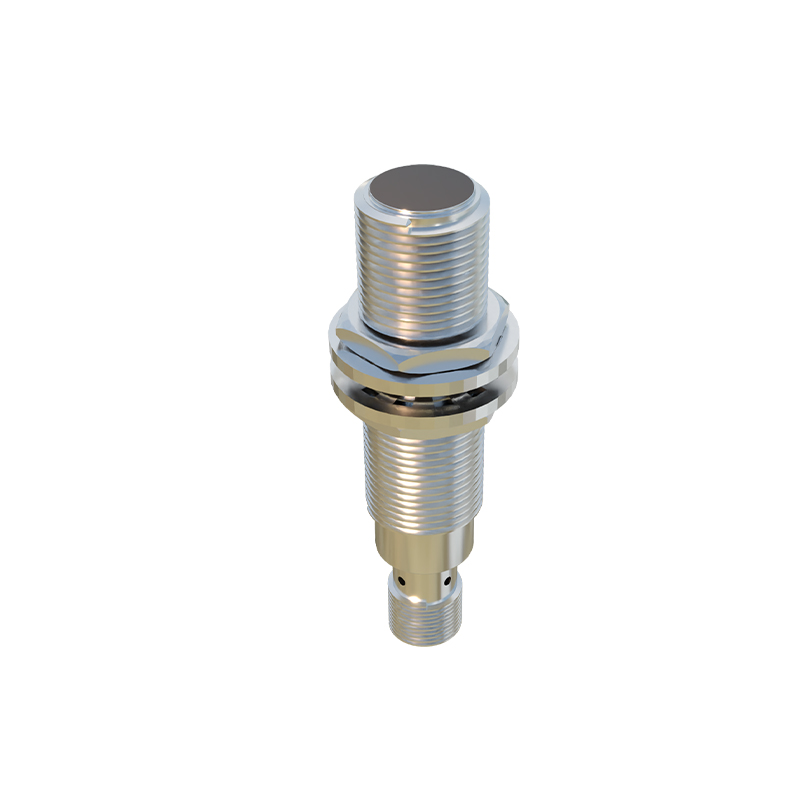
Inductive proximity sensors are fundamental components in industrial automation and control systems, designed to detect the presence or absence of metallic objects without physical contact. Their representation in electrical schematics, known as symbols, is standardized to ensure clear communication across engineering documents globally. Understanding these symbols is crucial for engineers, technicians, and designers involved in system integration, troubleshooting, and maintenance.
The core symbol for an inductive proximity sensor in a schematic diagram typically resembles a standard switch symbol but is enclosed within a diamond shape or a circle with specific internal markings, indicating its non-contact sensing nature. According to the International Electrotechnical Commission (IEC) standards, the most common symbol features a diamond with two parallel lines inside, representing the sensor face. The electrical connections are shown as two or three lines extending from the symbol, corresponding to the sensor's wiring configuration: typically two-wire, three-wire (PNP or NPN), or four-wire versions. For a three-wire DC sensor, the symbol will include markings for positive supply (often +V or L+), negative/ground (0V or L-), and the output signal line (often labeled as OUT or with a switch icon). The output type is a critical part of the symbol. A PNP (sourcing) output is frequently denoted by an arrow pointing outward from the symbol on the output line, while an NPN (sinking) output is shown with an arrow pointing inward. Alternatively, a simple switch representation within the enclosure may be used, with the switch normally open (NO) or normally closed (NC) clearly indicated.
Beyond the basic form, schematic symbols convey vital operational characteristics. A solid-state output, as opposed to a relay contact, is sometimes implied by the symbol's style or noted separately. The sensing distance is not directly part of the symbol but is specified in the accompanying component list or datasheet reference. Some detailed schematics incorporate a small graphical icon next to the symbol, such as a coil or electromagnetic field lines, to emphasize the inductive operating principle. It is also common to see the symbol annotated with a letter code, like "B" for proximity sensor according to some standards, or a unique tag such as "PRX1" for identification on the bill of materials and in ladder logic.
In practical circuit diagrams, the symbol is always connected within the control circuit. For instance, a three-wire PNP inductive sensor symbol will have its supply terminals connected to a 24V DC power source. Its output wire, showing the outward arrow, is connected to the input of a Programmable Logic Controller (PLC). When a metal target enters the sensor's detection range, the internal switch of the symbol closes, allowing current to flow from the sensor's output to the PLC input, signaling the target's presence. Misinterpreting the symbol—for example, confusing a PNP for an NPN symbol—can lead to incorrect wiring, causing the sensor to malfunction or potentially damaging the input module.
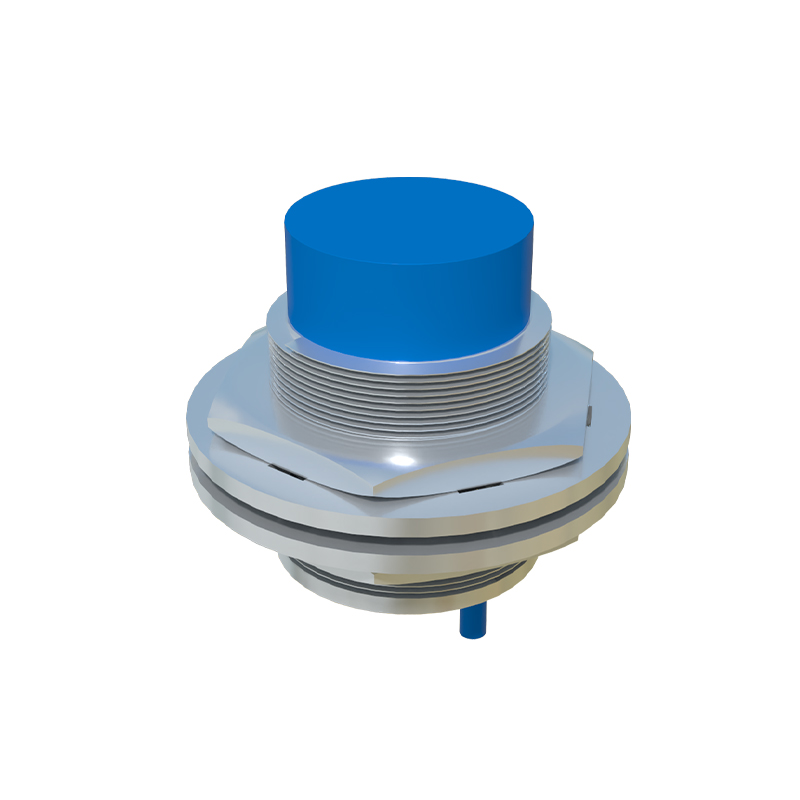
Variations exist between different standards bodies. While IEC symbols are widely adopted in Europe and internationally, other standards like ANSI/IEEE in North America may use slightly different representations, though the core concept remains similar. Engineers must refer to the legend or standard notation used in a specific set of drawings. Furthermore, symbols for specialized variants, such as analog output inductive sensors or those with IO-Link digital communication, include additional markings to represent the analog signal line or data pins.
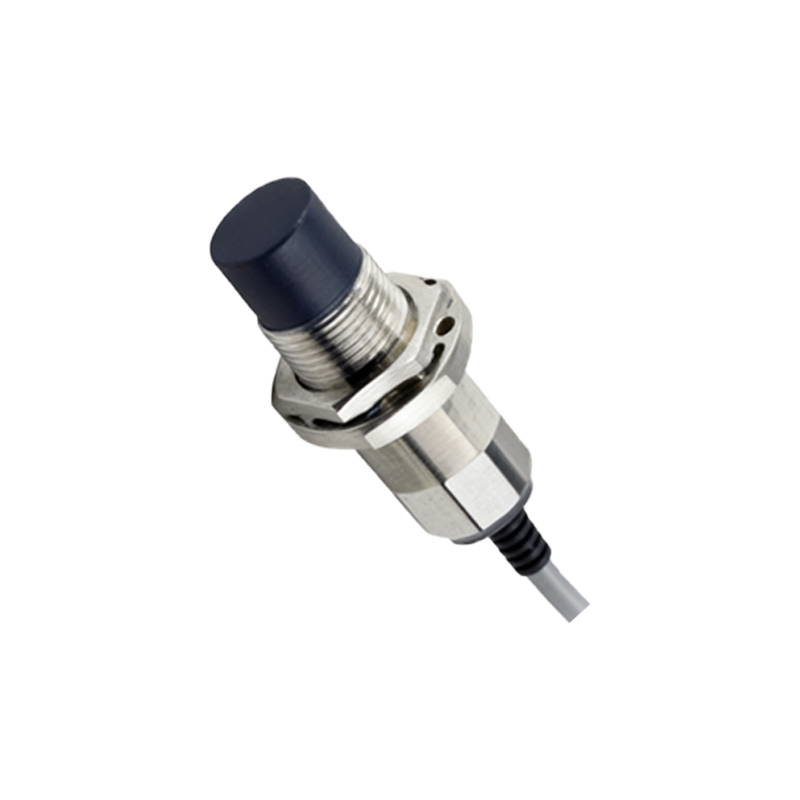
Mastering the interpretation of inductive proximity sensor symbols is more than an academic exercise; it is a practical necessity for efficient system design and fault diagnosis. A correctly interpreted symbol provides immediate information about the sensor's power requirements, output behavior, and logical function within the larger control system. This ensures accurate integration, reduces commissioning time, and minimizes errors during installation and maintenance, thereby supporting robust and reliable automated operations. Always cross-reference the schematic symbol with the manufacturer's datasheet for the specific model to confirm all electrical and functional parameters.