Proximity switches, specifically inductive sensors, are fundamental components in industrial automation, widely used for non-contact detection of metallic objects. Understanding their wiring diagrams is crucial for proper installation, reliable operation, and system safety. This guide provides a comprehensive overview of standard wiring configurations for 2-wire, 3-wire, and 4-wire DC inductive proximity sensors, along with key considerations for practical application.
The core function of an inductive proximity sensor is to generate an electromagnetic field from its sensing face. When a metallic target enters this field, it causes eddy current losses, which are detected by the sensor's internal oscillator circuit, triggering a change in the output state. The wiring diagram directly dictates how this output signal interfaces with the control system, typically a Programmable Logic Controller (PLC) or a relay.
1. 2-Wire DC Proximity Sensor Wiring
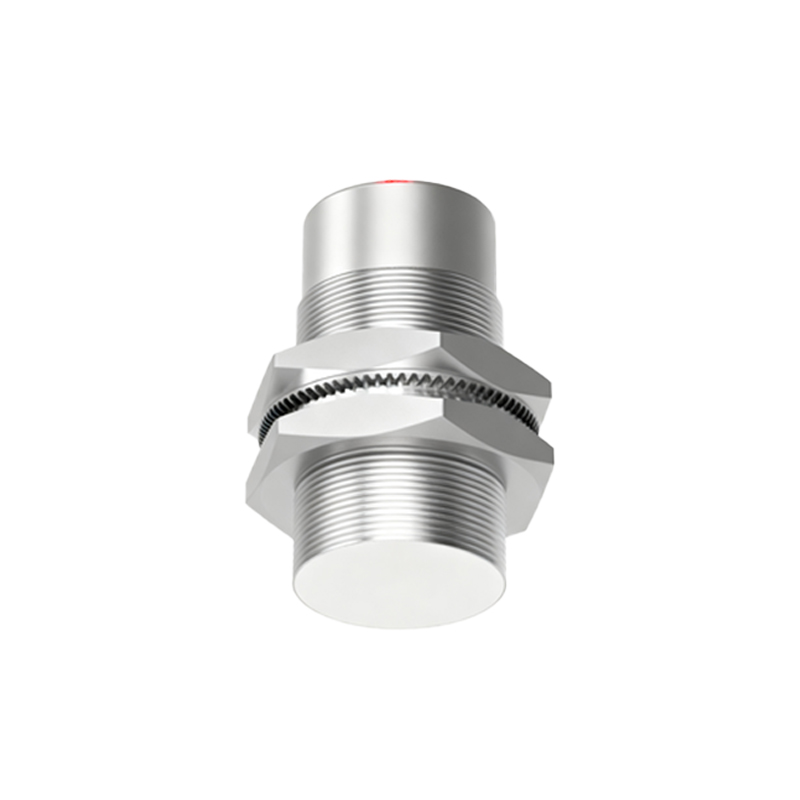
The 2-wire sensor is the simplest type, acting similarly to a mechanical switch but in a solid-state form. It has two terminals: one for connecting to the positive DC supply voltage (typically labeled +V or Brown) and the other for connecting to the load (typically labeled Load or Blue). The load (e.g., a PLC input or relay coil) is connected in series between the sensor's load terminal and the DC supply negative.
Wiring Diagram Description: The Brown wire connects to the DC positive terminal (e.g., +24V). The Blue wire connects to one side of the load. The other side of the load is then connected to the DC negative terminal (0V). The sensor itself does not have a dedicated ground wire.
Key Consideration: These sensors have a residual voltage drop (leakage current) when "ON" and a small off-state current when "OFF." This must be checked against the PLC input module's specifications to ensure proper signal recognition. They are simpler to install but offer less flexibility.
2. 3-Wire DC Proximity Sensor Wiring
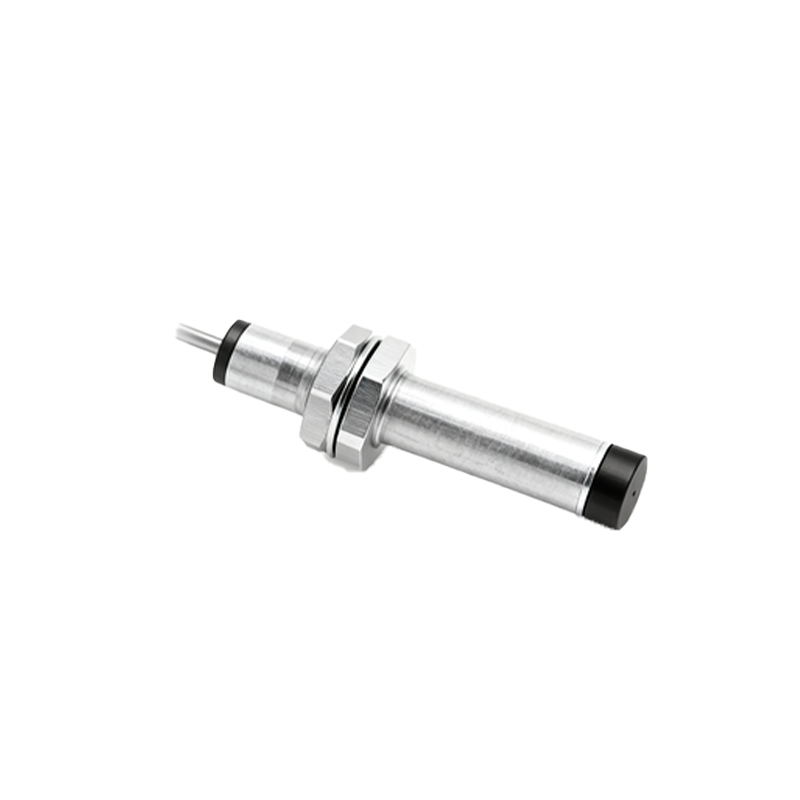
This is the most common configuration, offering separate paths for power supply and output signal, which enhances performance and reliability. The three wires are universally color-coded: Brown for DC+, Blue for DC- (0V), and Black for the switched output signal.
Wiring Diagram for NPN (Sinking) Output: The Brown wire connects to +V. The Blue wire connects to 0V. The Black output wire is connected to the load (PLC input). The other terminal of the PLC input is connected to +V. In this configuration, the sensor's output transistor "sinks" current to 0V when active, completing the circuit to the PLC.
Wiring Diagram for PNP (Sourcing) Output: The Brown wire connects to +V. The Blue wire connects to 0V. The Black output wire is connected to the load (PLC input). The other terminal of the PLC input is connected to 0V. Here, the active sensor "sources" current from +V to the PLC input.
Crucial Point: Selecting NPN vs. PNP is paramount and depends entirely on the input circuit of the controller. Asian and European markets often prefer PNP, while NPN is common in North America. Always verify the controller's manual.
3. 4-Wire DC Proximity Sensor Wiring
These sensors provide two complementary outputs, typically one NPN (Normally Open) and one PNP (Normally Closed), or sometimes two independent outputs (e.g., NO and NC of the same type). The standard color code is Brown (+V), Blue (0V), Black (Output 1, often NPN NO), and White (Output 2, often PNP NC).
Wiring Diagram Description: Power is connected via Brown and Blue wires. The Black and White output wires are connected to separate load devices or two different PLC input channels, depending on the required logic. This configuration offers maximum flexibility for control logic without external relays.
Essential Wiring Practices and Safety Notes:
1. Power Supply: Always use a stabilized DC power supply within the sensor's rated voltage range (commonly 10-30V DC). Ensure correct polarity to prevent damage.
2. Load Compatibility: Never exceed the sensor's maximum output current rating. For inductive loads like relay coils, use a protective flyback diode across the load to suppress voltage spikes.
3. Shielding and Routing: In electrically noisy environments, use shielded cables and ground the shield at the controller end only. Keep sensor cables away from high-voltage power lines and motor drives.
4. Mounting: Ensure adequate clearance around the sensor body (as per datasheet