Laser sensors are critical components in modern industrial automation, offering high precision for measurement, detection, and positioning tasks. Proper adjustment is essential to ensure accuracy, reliability, and longevity. This guide outlines key steps and best practices for calibrating laser sensors effectively.
First, understand the sensor's specifications and operating principles. Laser sensors typically operate based on time-of-flight, triangulation, or phase-shift measurement. Consult the manufacturer's datasheet for parameters such as measuring range, resolution, response time, and environmental ratings (e.g., temperature, humidity). Ensure the sensor is compatible with your application—whether it's for distance measurement, object detection, or edge sensing.
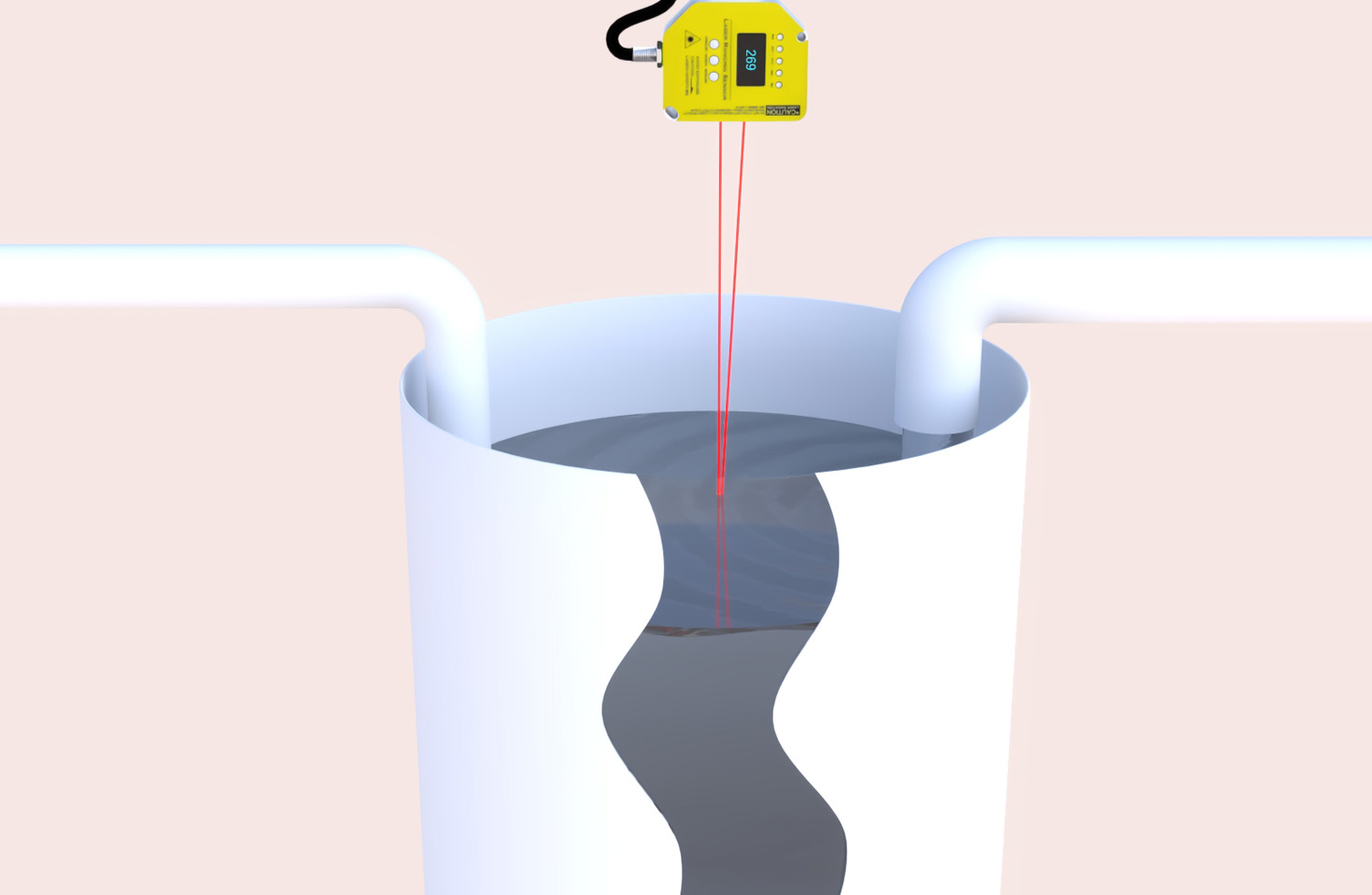
Begin with mechanical mounting and alignment. Securely mount the sensor on a stable surface using appropriate brackets to minimize vibrations. Align the laser beam perpendicular to the target surface unless specified otherwise. Misalignment can cause signal loss or inaccurate readings. Use alignment tools like spirit levels or laser alignment aids if available. Adjust the sensor's position incrementally while monitoring the output signal via the controller or software interface.

Next, configure the electrical connections and settings. Connect the sensor to a power supply matching its voltage requirements (commonly 12-24V DC). Verify wiring for output signals (e.g., analog 4-20mA, digital IO, or serial communication) and ensure proper grounding to prevent electrical noise interference. Access the sensor's configuration menu—often via teach buttons, potentiometers, or software—to set parameters like sensing distance, threshold levels, and response delay. For analog sensors, calibrate the output range to correspond with the desired measurement span.
Fine-tune the sensing parameters based on the target characteristics. Adjust the sensitivity or gain to optimize signal strength without causing false triggers from background interference. For reflective targets, reduce sensitivity to avoid oversaturation; for dark or absorbent surfaces, increase it. Set the sampling rate or averaging function to filter out noise, especially in dynamic environments. Perform a zero-point calibration by placing a reference object at the known distance and resetting the output.
Environmental factors significantly impact performance. Compensate for ambient light by using sensors with modulated laser beams or installing protective housings. In dusty or humid conditions, ensure the lens is clean and consider sensors with IP67 or higher ratings. Temperature fluctuations can affect wavelength; choose models with thermal compensation or recalibrate periodically in varying climates.
Validate the adjustment through testing. Use calibrated test objects at multiple points within the measuring range to check linearity and repeatability. Document the settings and create a maintenance schedule for routine checks. If issues persist—like drift or inconsistent readings—revisit alignment, clean optics, or consult troubleshooting guides.
In summary, adjusting laser sensors involves a systematic approach: mounting correctly, configuring electrical and software parameters, fine-tuning for target and environment, and rigorous testing. Regular maintenance ensures sustained precision, reducing downtime in industrial operations. Always prioritize safety by following laser classification guidelines (e.g., Class 2) to protect personnel from exposure.