In industrial automation and control systems, proximity sensors are indispensable components for non-contact detection of metallic or, in some cases, non-metallic objects. Among the various types available, the two-wire DC proximity sensor is particularly common due to its simplicity and ease of integration. Unlike their three-wire counterparts, which have separate power, ground, and signal lines, two-wire sensors integrate the switching function directly into the power supply loop. This guide provides a clear, step-by-step methodology for correctly wiring a two-wire DC proximity sensor, ensuring reliable operation and system safety.
First and foremost, safety is paramount. Before beginning any wiring procedure, ensure that all power sources to the control panel or machine are locked out and tagged out (LOTO). Verify the absence of voltage using a properly rated multimeter. Always consult the specific sensor's datasheet provided by the manufacturer. Datasheets contain critical information such as operating voltage range (commonly 10-30V DC), current rating, output type (normally open (NO) or normally closed (NC)), and any special wiring instructions or precautions.
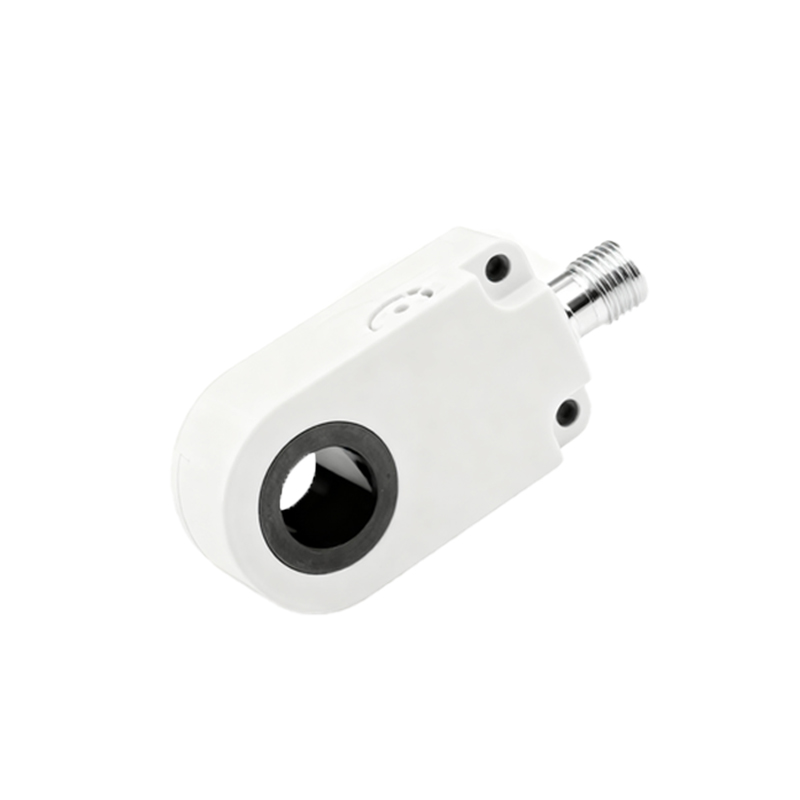
The fundamental principle of a two-wire sensor is that it acts as a variable resistance or a switch in series with the load. When the sensor is inactive (no target present), it allows a small leakage current to flow, insufficient to activate the load. When a target enters its sensing range, the internal electronic switch closes (for an NO type), allowing the full operating current to pass through, thus energizing the connected load, such as a PLC input, relay coil, or indicator lamp.
Standard Wiring Procedure:
1. Identify the Wires: A two-wire sensor typically has two leads, often color-coded brown and blue, following international standards (IEC). The brown wire is universally designated for the positive supply line (+V), and the blue wire is for the negative or load line. However, this is not absolute; some manufacturers may use different colors like black and white. Always defer to the markings on the sensor body or the datasheet.
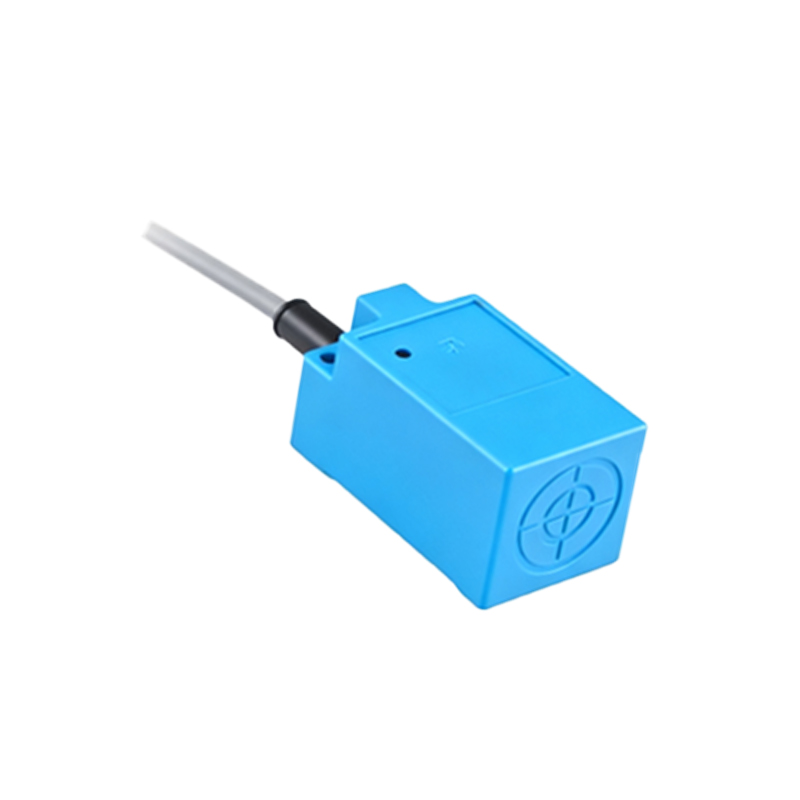
2. Connect the Power Supply: Connect the positive terminal (+V) of your DC power supply (e.g., 24V DC) to the brown wire of the sensor.
3. Connect the Load: Connect the blue wire of the sensor to one terminal of your load device (e.g., terminal A1 of a relay coil or the positive terminal of a PLC digital input module).
4. Complete the Circuit: Connect the other terminal of the load device back to the negative or 0V terminal of the DC power supply. This completes the series circuit: Power Supply (+) -> Sensor (Brown) -> Sensor Internal Circuit -> Sensor (Blue) -> Load -> Power Supply (-).
5. Verify Polarity: For DC sensors, observing correct polarity is crucial. Reversing the polarity can permanently damage the sensor. Ensure your connections match the sensor's requirements.
Critical Considerations for Reliable Operation:
Load Compatibility and Minimum Current: Two-wire sensors have a critical parameter called the minimum operating current or minimum load current. The sensor requires this minimum current to flow to power its internal electronics. If the connected load (like a high-impedance PLC input) draws less than this minimum current when the sensor is ON, the sensor may not function correctly or may chatter. The datasheet will specify this value, often around 3-5 mA. If your load draws insufficient current, you must add a bleeder resistor in parallel with the load to ensure the minimum current is met.
Leakage Current: When in the OFF state, a two-wire sensor still allows a small leakage current to pass (typically<1.5 mA). This current is usually harmless but can potentially cause issues. If this leakage current is enough to weakly energize a very sensitive load (like some PLC inputs), it may cause the load to remain partially active or "ghost" on. To solve this, a bleeder resistor or a shunt resistor can be placed in parallel with the load to divert this leakage current away from it.
Output Type: Confirm whether your sensor is Normally Open (NO) or Normally Closed (NC). An NO sensor closes its switch (completes the circuit) when a target is detected. An NC sensor opens its switch (breaks the circuit) when a target is detected. Wiring is identical; the difference is in the logic of the control circuit.
Short-Circuit and Overload Protection: It is highly recommended to protect the sensor circuit with a fast-acting fuse or a circuit breaker rated slightly above the sensor's maximum operating current. This protects against potential damage from wiring errors