As an experienced electrical engineer, encountering a non-functional laser sensor can be a significant roadblock in automation, measurement, or safety systems. When the indicator or the laser beam itself fails to illuminate, it triggers a systematic diagnostic process. This guide outlines a professional, step-by-step approach to troubleshooting a laser sensor that is not lighting up, focusing on common failure points and verification methods.
The first and most critical step is always to ensure personnel safety. Before any physical inspection, verify that the system is in a safe state, locked out, and tagged out (LOTO) if necessary. Never look directly into a laser beam, even when suspecting it is off, as intermittent failure or incorrect diagnosis can pose a serious eye hazard. Use appropriate laser safety glasses rated for the sensor's wavelength and power class.
Begin with the fundamentals: Power Supply. A significant majority of "no light" issues stem from power problems. Using a calibrated multimeter, check the voltage at the sensor's power terminals. Confirm it matches the sensor's specifications (e.g., 10-30 VDC, 24 VDC typical). Ensure the polarity is correct. A voltage reading significantly lower than specified indicates a supply issue, a voltage drop across long cables, or a faulty connection. Check the fuse or circuit breaker supplying the sensor. Also, verify the ground connection is secure and has low impedance.
Next, inspect the Wiring and Connections. Loose, corroded, or damaged wires are frequent culprits. Visually inspect the cable for cuts, pinch points, or exposure to harsh chemicals. Check the connector pins for bending, corrosion, or contamination. Ensure the connector is fully seated and locked. A continuity test on the power and signal cables can reveal breaks. Pay special attention to the cable gland entry point into the sensor housing, a common site for strain and moisture ingress.
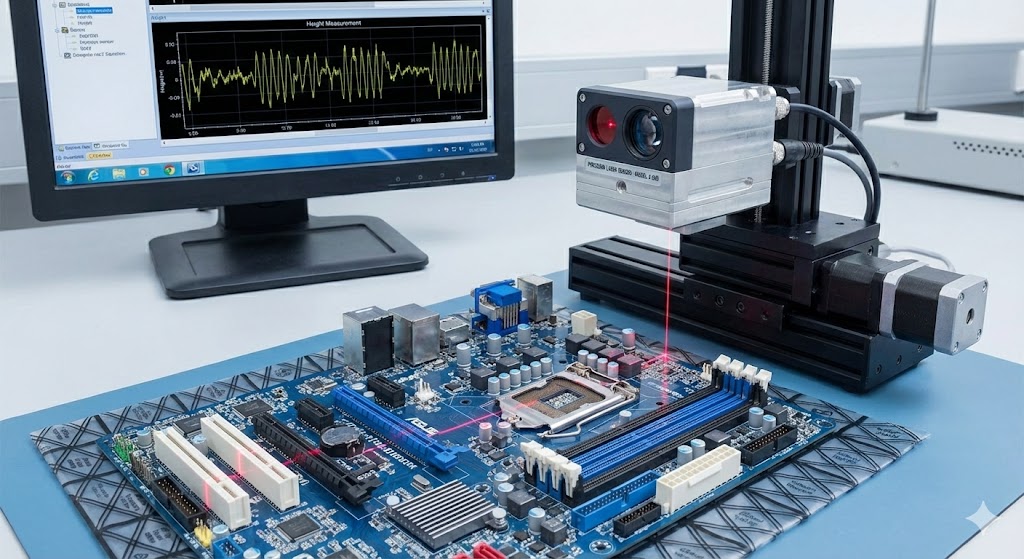
Proceed to examine the Sensor Configuration and Status Indicators. Many modern laser sensors have built-in diagnostic LEDs (Power, Output, Alarm). A solid or blinking pattern on these LEDs provides crucial clues. Consult the sensor's datasheet to interpret the LED status. For instance, a solid red alarm LED might indicate a wiring fault, overload, or internal error. Also, verify the sensor's operating mode (e.g., light-on/dark-on, teach-in mode, window mode) via pushbuttons or software. An accidental change to a "suppressed output" or "standby" mode can mimic a failure.
Environmental Factors often cause unexpected failures. Check for excessive ambient light that could be saturating the sensor's receiver, making the laser spot invisible. Look for contamination on the lens: dust, oil, coolant, or debris can completely block or scatter the laser beam. Carefully clean the lens using approved methods (compressed air, lens tissue, and appropriate solvent). Verify the operating temperature is within the sensor's specified range. Condensation inside the housing or extreme temperatures can damage internal electronics.
If power, wiring, configuration, and environment are confirmed correct, the issue may lie with the Load or Output Circuit. For sensors with a switching output (PNP/NPN), use your multimeter to check for voltage at the output terminal relative to common. Ensure the load (e.g., PLC input, relay coil) is within the sensor's rated capacity (current and voltage). A short circuit in the load can cause the sensor's output to shut down as a protective measure. Temporarily disconnect the load and test the sensor's output with a known-good indicator or multimeter.
Internal Component Failure is the final consideration. This includes a failed laser diode, damaged receiver element, or faulty power regulation circuitry. Symptoms pointing to this include correct power and configuration but no laser emission (verified safely with an IR card or sensor viewer for visible/infrared lasers) and no change in output status. Before concluding an internal failure, if possible, perform a swap test with an identical, known-working sensor under the same conditions. This is the most definitive way to isolate the fault to the sensor unit itself.
In summary, a methodical approach is paramount. Start from the source (power), move through the path (wiring, environment), verify the settings (configuration), and finally test the endpoint (output and sensor internals). Documenting each step and its result is good engineering practice. Always refer to the manufacturer's official troubleshooting guide and datasheet for model-specific details. By eliminating common external issues first, you can efficiently determine if the problem requires sensor repair/replacement or lies elsewhere in the system, minimizing downtime and ensuring reliable operation.