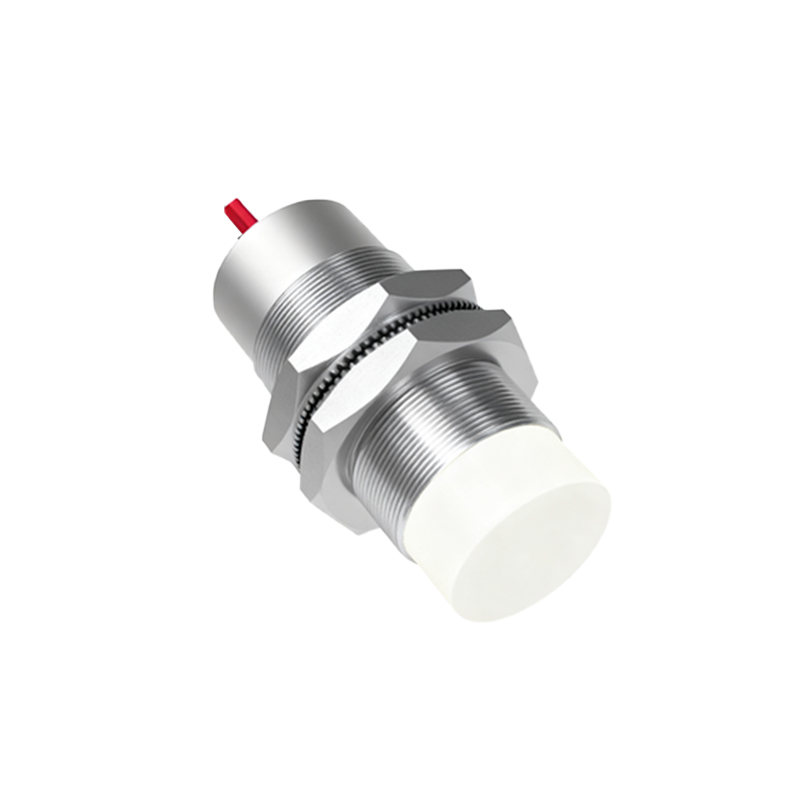
Proximity sensors are critical components in modern freight elevator systems, ensuring safe and efficient operation by detecting the presence of objects or personnel near elevator doors and shafts. Proper installation is essential to maximize sensor performance, minimize downtime, and comply with safety regulations such as EN 81-20/50. This guide provides a step-by-step approach to installing proximity sensors in freight elevator applications, tailored for electrical engineers and technicians in the industry.
Before beginning installation, conduct a thorough site assessment. Identify the optimal mounting locations for sensors based on the elevator design and operational requirements. Common positions include door edges, landing zones, and pit areas to prevent collisions or entrapment. Ensure the selected sensors are suitable for the environment—industrial-grade models with high ingress protection (IP67 or higher) are recommended for dusty or humid conditions typical in freight settings. Verify compatibility with the elevator control system, checking voltage ratings (commonly 24V DC or 120V AC) and output types (e.g., PNP/NPN). Gather necessary tools, including multimeters, screwdrivers, cable strippers, and mounting brackets, and always follow lockout/tagout procedures to de-energize the elevator system prior to work.
Start by mounting the sensor securely using provided brackets or adjustable holders. Position it perpendicular to the target surface (e.g., door or wall) to ensure accurate detection, maintaining a gap within the sensor’s specified range—typically 2 to 10 mm for inductive sensors used in metal detection. Avoid mounting near sources of electromagnetic interference, such as motor drives or power cables, to prevent false triggers. For capacitive sensors detecting non-metallic objects, ensure stable mounting to avoid vibration-induced errors. Use shielded cables for wiring to reduce noise, and route them away from high-voltage lines. Connect the sensor wires according to the manufacturer’s diagram: typically, brown for positive, blue for negative, and black for output signal. Double-check connections with a multimeter to confirm continuity and correct polarity.
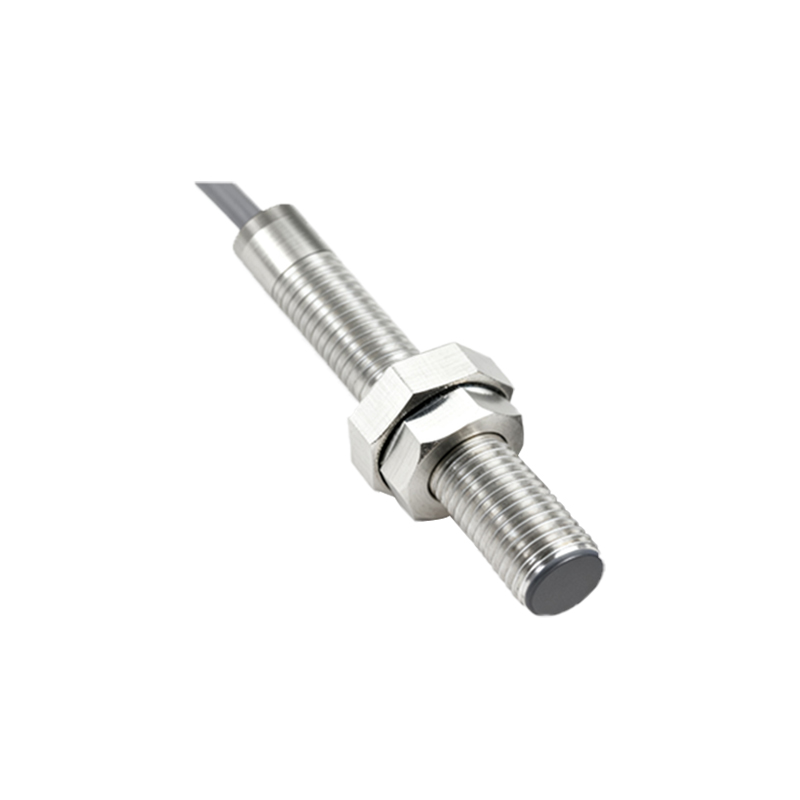
After wiring, power on the elevator control system and calibrate the sensor. Adjust the sensitivity potentiometer if available, testing detection by moving a target object into the sensing field. The sensor should activate consistently without delay; use an oscilloscope or diagnostic tool to verify signal integrity if issues arise. Implement functional tests by simulating real-world scenarios, such as door closing sequences or obstacle detection during elevator movement. Document the installation, noting sensor locations, calibration settings, and test results for future maintenance. Regular inspections are advised—clean sensor surfaces periodically to remove debris, and recalibrate annually or as per operational demands.
In summary, installing proximity sensors in freight elevators requires careful planning, precise mounting, and thorough testing. Adherence to safety standards and manufacturer guidelines ensures reliable performance, enhancing both safety and efficiency in industrial environments. For complex systems, consult technical manuals or engage certified professionals to address unique challenges.