In the realm of modern smartphone engineering, the proximity sensor stands as a quintessential yet often overlooked component, playing a critical role in user interface management, power conservation, and device longevity. This article delves into the operational principles, technological implementations, and practical applications of proximity sensors within mobile devices, adhering to industry-standard terminology and analysis.
Fundamentally, a proximity sensor is a non-contact sensor that detects the presence or absence of an object, typically the user, within a short range. In smartphones, its primary function is to determine when the device is held close to the user's ear during a voice call. Upon detection, the sensor signals the system controller to deactivate the touchscreen display and backlight. This action serves a dual purpose: it prevents unintended screen inputs from cheek or ear contact (a phenomenon often called "cheek dialing") and significantly reduces power consumption by turning off the most energy-intensive component—the display.
The dominant technology employed in smartphone proximity sensors is the infrared (IR) sensor, specifically an IR LED paired with an IR photodetector. The operational principle is straightforward. The IR LED emits a beam of infrared light. If an object is within the detection field (usually 1 to 5 centimeters), this light is reflected back towards the device. The adjacent IR photodetector measures the intensity of the reflected signal. A significant increase in reflected IR intensity indicates the presence of a nearby object. The sensor's logic circuit processes this analog signal and communicates a digital "near" or "far" state to the device's application processor. This method is favored for its reliability, low cost, and minimal power draw in standby mode.
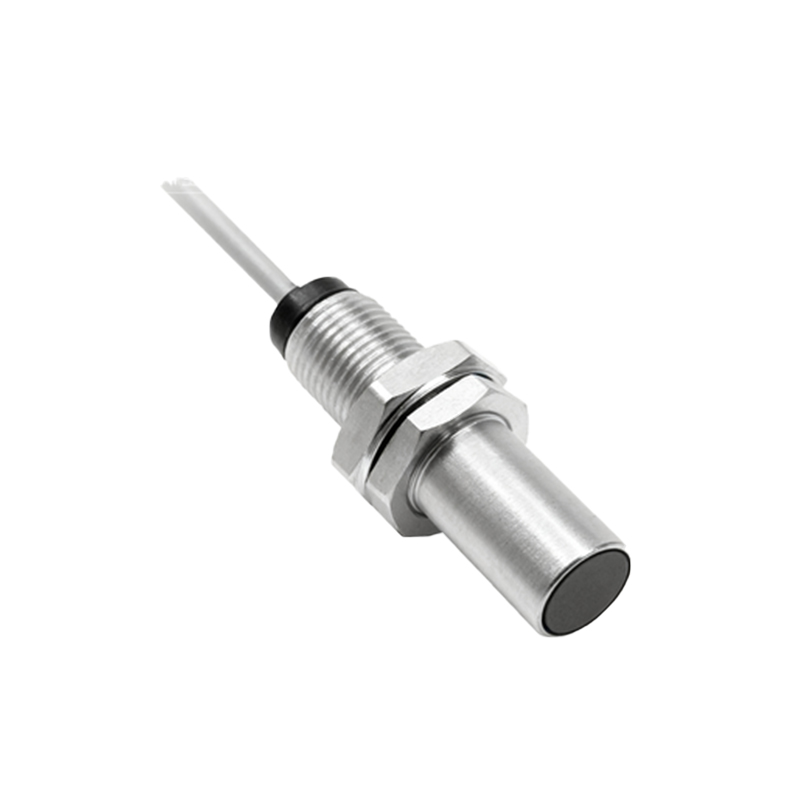
An alternative, though less common in standard proximity sensing, is the capacitive sensor. These sensors detect changes in capacitance caused by the conductive properties of the human body. While highly accurate for touchscreens and some specific proximity applications, they are generally less effective for the ear-detection use case through materials like plastic or glass and can be more susceptible to environmental interference.
Beyond the canonical call-scenario, the utility of the proximity sensor has expanded with software innovation. It is integral to features like "Auto Screen On" when removing the phone from a pocket or pouch, and "Pocket Mode," which prevents accidental screen interaction while the device is stored. Some implementations use the sensor to disable the display during video playback when the phone is face down, or to control smart wake-up gestures. In premium models, advanced time-of-flight (ToF) sensors, which measure the round-trip time of a light signal, offer more precise distance measurement, enabling features like gesture control or enhanced augmented reality applications, though their primary role often extends beyond simple proximity detection.
From a design and manufacturing perspective, integrating the proximity sensor presents specific challenges. It must be meticulously positioned behind the front glass or bezel, often requiring a small, transparent window to allow IR transmission. This location must be calibrated to avoid interference from the user's hand during normal grip. Furthermore, environmental factors such as bright sunlight, which contains high levels of IR radiation, can saturate the photodetector and cause false triggers. Sophisticated sensors incorporate ambient light sensors (ALS) and advanced filtering algorithms to distinguish between reflected IR from the LED and ambient IR noise, ensuring robust performance under diverse lighting conditions.
Calibration is a critical step in the production line. Each sensor module must be tuned to account for variances in component tolerances, the optical properties of the cover glass, and the assembly process. This calibration defines the threshold values for "near" and "far" states. Poor calibration can lead to erratic behavior, such as the screen turning off during a call when held slightly away from the ear, or failing to turn off when pressed against it, leading to user frustration and potential battery drain.
In conclusion, the proximity sensor is a paradigm of elegant, purpose-driven engineering in consumer electronics. Its seamless operation belies a complex interplay of optoelectronics, signal processing, and software integration. As smartphones evolve towards edge-to-edge displays and more intuitive interactions, the role of reliable, low-power proximity sensing remains indispensable. Future developments may see its functions merged with other sensors into more sophisticated multi-purpose modules, but its core mandate—to intelligently manage the user-device interface—will continue to be a fundamental requirement in mobile device architecture.