In the rapidly evolving landscape of smart home and commercial automation, the integration of advanced sensing technologies into control interfaces has become a critical focus. Among the innovative products gaining attention is the Pingtouxiong screen display switch. A common inquiry from engineers, installers, and tech-savvy users is whether this device incorporates a proximity sensor. This article delves into the technical specifications, operational principles, and practical applications to address this question comprehensively.
The Pingtouxiong screen display switch is designed as a modern touch-based interface, typically featuring an LCD or TFT screen that provides visual feedback and control options for lighting, climate, security, and other connected systems. Its sleek, frameless design aligns with contemporary architectural aesthetics. The core of the query regarding a proximity sensor relates to the switch's ability to detect the presence of a user without physical contact, often to activate the display or prepare the interface for interaction.
Upon examining available technical documentation and product tear-down analyses, standard models of the Pingtouxiong screen display switch do not inherently include a dedicated proximity sensor, such as an infrared (IR) or capacitive proximity detection module. The primary interaction method is capacitive touch, which requires direct contact or very close proximity (a few millimeters) to register input, similar to smartphones. This touch sensitivity is sometimes mistaken for proximity sensing. However, true proximity sensing involves detecting a user or object at a greater distance, typically several centimeters to a meter, to trigger actions like waking the display from sleep mode.
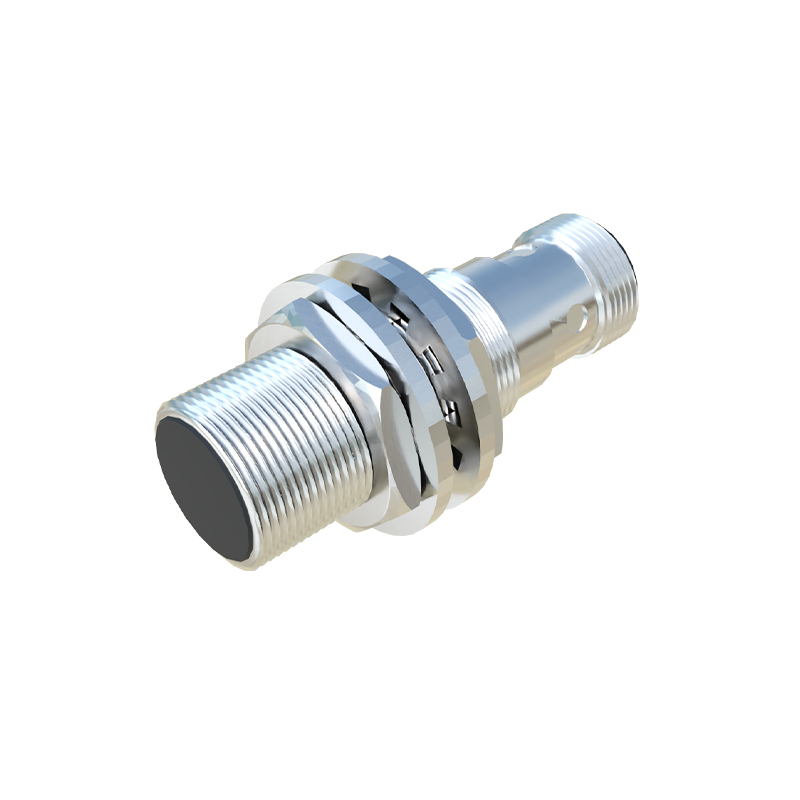
That said, some high-end or specialized variants of the Pingtouxiong switch may offer optional or integrated proximity sensing capabilities as part of enhanced feature sets. In such configurations, a sensor (often an IR LED and receiver pair) can be embedded around the screen bezel. When a hand or body approaches within a predefined range, the sensor detects the change in reflected infrared light, sending a signal to the microcontroller. This can initiate functions like automatically illuminating the display, showing contextual controls, or activating a standby mode to conserve power when no one is nearby. It is crucial to check the specific model number and manufacturer's datasheet, as features can vary between product lines and firmware versions.
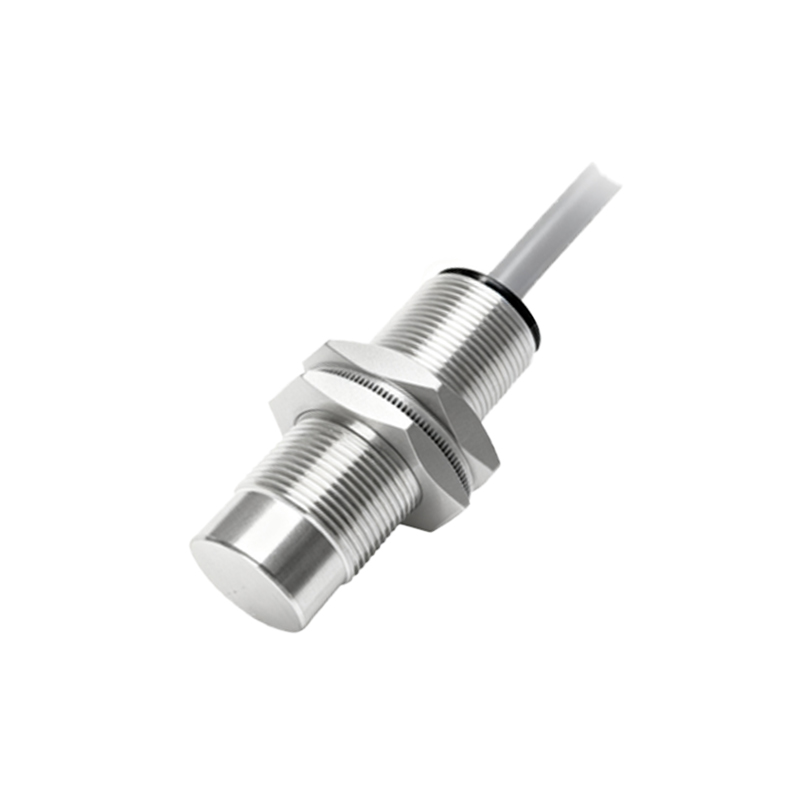
From an engineering perspective, the inclusion of a proximity sensor adds value in terms of energy efficiency and user experience. For instance, in low-light environments, the display can remain off until a user approaches, reducing power consumption and light pollution. It also provides a more intuitive, hands-free readiness that enhances accessibility. However, it introduces design complexities, such as calibration for different environmental conditions (avoiding false triggers from sunlight or moving objects) and potential increases in cost.
In practical installation scenarios, professionals should verify the sensor's specifications, including detection range, response time, and compatibility with smart home protocols like Zigbee, Z-Wave, or Wi-Fi. If a proximity sensor is absent, workarounds might involve integrating external sensors via the switch's input terminals or through a central home automation hub that triggers the display based on motion sensors elsewhere in the room.
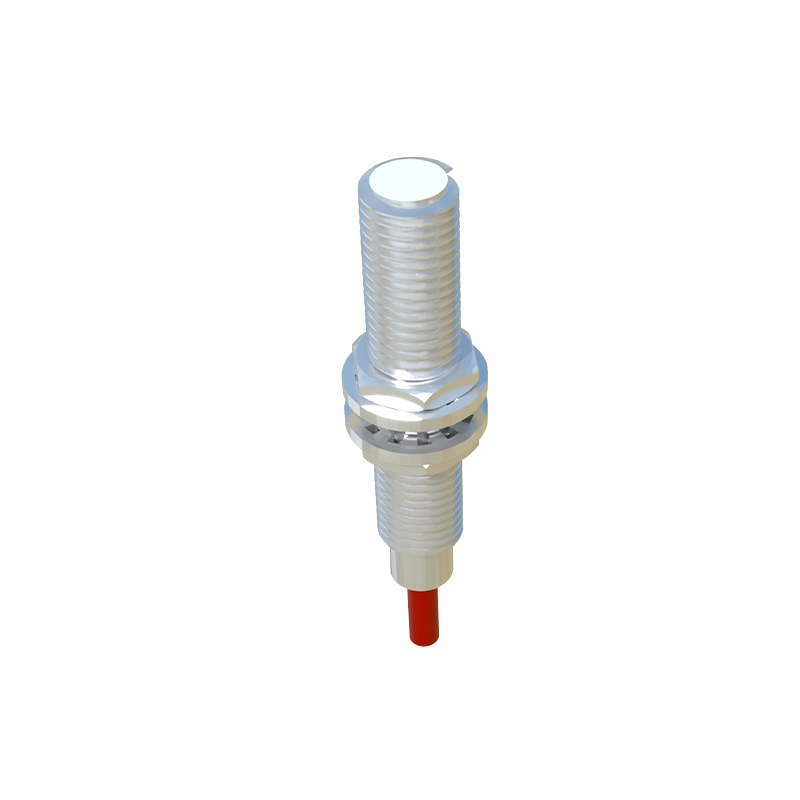
In summary, while the standard Pingtouxiong screen display switch primarily relies on capacitive touch without a built-in proximity sensor, premium models may include this feature. Engineers and specifiers are advised to consult official technical resources or contact suppliers for detailed functionality. As the demand for seamless automation grows, future iterations will likely adopt more sophisticated sensing technologies, making proximity detection a more common asset in smart switch design.