In the intricate ecosystem of modern smartphone hardware, proximity sensors play a pivotal yet often underappreciated role. These compact, sophisticated components are integral to enhancing user experience, conserving battery life, and protecting device integrity. Fundamentally, a proximity sensor is a non-contact device that detects the presence or absence of nearby objects, typically using infrared (IR) light or capacitive sensing technology. In smartphones, their primary function is to determine when the device is held close to the user's ear during a phone call.
When you initiate or receive a call and bring the phone to your ear, the proximity sensor detects this movement and signals the system to turn off the touchscreen display. This action serves multiple critical purposes. First, it prevents accidental screen touches by your cheek or ear, which could otherwise lead to unintended actions like muting the call, activating the keypad, or even ending the call prematurely. Second, by deactivating the display, the sensor contributes significantly to power conservation. Smartphone displays, especially those with high-resolution OLED or LCD panels, are among the most power-hungry components. Turning off the screen during calls reduces unnecessary energy drain, thereby extending battery life.
The operational principle of a typical IR-based proximity sensor involves an IR LED that emits an infrared beam and a photodetector that measures the reflection of that beam. When an object, such as your head, comes within a certain range (usually a few centimeters), the infrared light reflects back to the sensor. The photodetector analyzes the intensity of the reflected light to calculate the distance. If the object is within the predefined threshold, the sensor triggers the display to shut off. This process occurs almost instantaneously, ensuring a seamless user interaction.
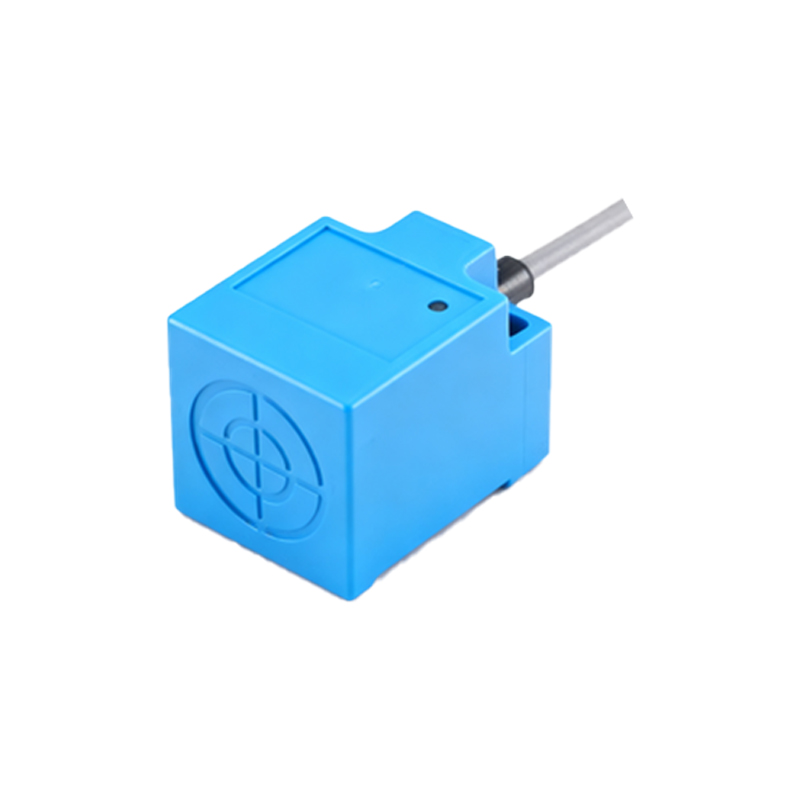
Beyond call management, proximity sensors have evolved to support additional functionalities. For instance, they are utilized in some devices to enable features like "Auto Wake" or "Pocket Mode." In Auto Wake, the sensor can detect when the phone is pulled out of a pocket or bag and automatically wake the screen, ready for use. Conversely, Pocket Mode uses the sensor to recognize when the phone is in a confined dark space, like a pocket, and can disable touch input to prevent accidental activations. This not only saves power but also avoids unintended dialing or app launches.
Moreover, in the era of bezel-less displays and advanced form factors, proximity sensors contribute to design innovation. They are often integrated under the display or within the earpiece grille to maintain a sleek, uninterrupted front panel aesthetic. Engineers must carefully calibrate these sensors to ensure they function reliably through various materials and under different environmental conditions, such as varying ambient light levels.
From a technical engineering perspective, the integration of proximity sensors involves meticulous considerations. Factors like sensor placement, calibration for different skin tones and hair types (which can affect IR reflectivity), and minimizing interference from other components are critical. Additionally, software algorithms play a vital role in interpreting sensor data accurately, filtering out false triggers, and ensuring responsive behavior.
In summary, the proximity sensor is a quintessential example of how a small, specialized hardware component can profoundly impact overall device performance and user satisfaction. It exemplifies the synergy between hardware engineering and software optimization in smartphone design. As mobile technology continues to advance, with trends like foldable phones and augmented reality interfaces, the role of proximity sensors may expand further, adapting to new interaction paradigms and continuing to operate silently in the background to make our digital experiences more intuitive and efficient.