In industrial automation and control systems, proximity sensors are indispensable components for detecting the presence or absence of objects without physical contact. Among their key features, the dual LED indicators—often one for power and one for output status—play a critical role in installation, troubleshooting, and operational monitoring. This article delves into the functionality, interpretation, and practical applications of these two lights, providing insights for engineers and technicians working with these devices.
Typically, proximity sensors are equipped with two LEDs: a green (or sometimes yellow) LED indicating power supply and a red (or orange) LED signaling output status. The power LED illuminates when the sensor is correctly connected to a power source, confirming that the electrical circuit is complete and the sensor is energized. This is the first checkpoint during setup—if this light fails to turn on, it may indicate issues such as incorrect wiring, insufficient voltage, or a faulty sensor unit. Engineers should refer to the sensor's datasheet for specific voltage requirements, as deviations can lead to unreliable performance or damage.
The output LED, on the other hand, activates when the sensor detects a target within its sensing range. For instance, in a normally open (NO) configuration, the red light turns on upon detection, signaling that the output switch is closed and sending a signal to the connected controller like a PLC. Conversely, in a normally closed (NC) setup, the LED may turn off when an object is detected. Understanding this behavior is essential for proper integration into control logic. Misinterpretation can result in system errors, such as false triggers or missed detections, impacting overall automation efficiency.

In practice, these LEDs serve as real-time diagnostic tools. During operation, a flickering power LED might suggest voltage fluctuations or interference, prompting checks on the power supply or grounding. Similarly, an output LED that remains lit without detection could indicate sensor contamination, misalignment, or wear, necessitating calibration or replacement. Many modern proximity sensors, such as inductive or capacitive types, include smart features where LED patterns—like blinking sequences—convey specific fault codes, enhancing maintenance workflows. For example, a rapid blink might denote a short circuit, while a slow pulse could signal an overload condition.
Installation scenarios further highlight the importance of these indicators. In tight spaces or high-vibration environments, visual confirmation via LEDs reduces downtime by avoiding physical inspections. Technicians can quickly verify sensor alignment by observing the output LED as a target passes, ensuring optimal sensing distance. Additionally, in safety-critical applications—like machine guarding or conveyor systems—the dual LEDs provide an immediate visual cue of sensor health, supporting compliance with standards like ISO 13849.
To maximize benefits, users should adopt best practices: always power the sensor within its rated specifications (commonly 10-30V DC for many models), avoid environmental factors like dust or moisture that can obscure LEDs, and regularly clean sensor faces. For networked systems, integrating LED status into HMI (Human-Machine Interface) displays can enable remote monitoring, though the physical lights remain a reliable fallback.
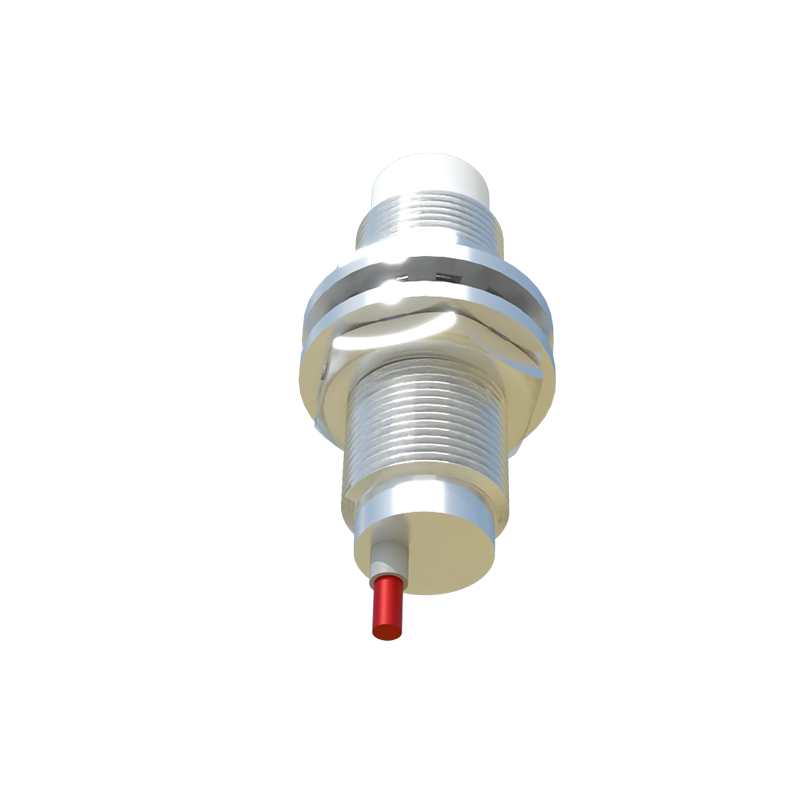
In summary, the two lights on a proximity sensor are not mere accessories but vital elements for ensuring reliability and efficiency in automation. By mastering their meanings—green for power integrity and red for detection activity—professionals can streamline installations, accelerate troubleshooting, and maintain robust system performance. As technology evolves, with trends toward IO-Link and smart sensors, these LEDs continue to bridge simple diagnostics with advanced functionality, embodying the practical essence of industrial engineering.
SEO Keywords:proximity sensor LED indicators, industrial automation sensors, sensor troubleshooting, proximity switch diagnostics, dual LED sensor status
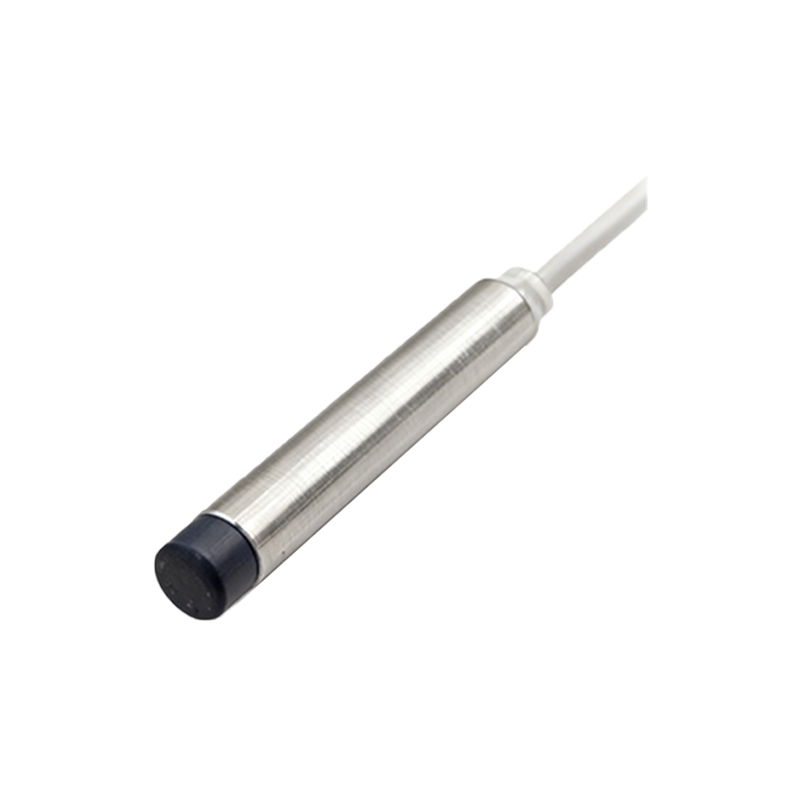
SEO Description:Explore the role of dual LED indicators on proximity sensors in industrial settings, covering power and output status lights for installation, troubleshooting, and operational efficiency in automation systems.