M8 proximity sensor connectors are essential components in modern industrial automation, offering reliable performance in detecting the presence or absence of objects without physical contact. As an electrical engineer, understanding how to properly use these connectors is crucial for ensuring system efficiency and longevity. This guide provides a step-by-step overview of their application, installation, and maintenance, tailored to industry standards.
First, it's important to select the right M8 connector for your proximity sensor. M8 connectors come in various types, including 3-pin, 4-pin, and 5-pin configurations, each suited for different sensor functions such as inductive, capacitive, or ultrasonic sensing. Check the sensor's specifications to match the pinout and voltage requirements. Typically, inductive sensors use 3-pin connectors for DC power and signal output, while capacitive sensors may require additional pins for enhanced sensitivity. Ensure the connector material—often plastic or metal—is compatible with the operating environment, considering factors like temperature, humidity, and exposure to chemicals.

Installation begins with preparing the cable and connector. Strip the cable insulation to expose the wires, usually color-coded: brown for positive voltage (e.g., +24V DC), blue for negative or ground, and black for the output signal. For 4-pin connectors, an additional white wire might be used for complementary signals or diagnostics. Insert the wires into the corresponding pins of the M8 connector, following the manufacturer's diagram to avoid reverse polarity, which can damage the sensor. Use a crimping tool to secure the connections, ensuring no loose strands that could cause short circuits. Once crimped, screw the connector housing together tightly to provide IP67 or higher ingress protection, making it dust-tight and waterproof for harsh industrial settings.
Next, connect the M8 connector to the proximity sensor. Align the connector with the sensor's port, typically threaded for a secure fit. Hand-tighten the connector until snug, avoiding over-torquing, which can strip the threads or crack the housing. For added stability in high-vibration environments, use a locking clip or strain relief accessory. After connection, verify the wiring by testing the sensor with a multimeter or the control system. Apply power and observe the output signal—when an object enters the sensing range, the sensor should switch states (e.g., from high to low voltage), triggering the intended response in the PLC or machinery.
Integration into the control system involves connecting the M8 connector to the main wiring harness or I/O module. Route cables away from high-voltage lines or motors to minimize electromagnetic interference, which can affect sensor accuracy. Use cable ties or conduits for organization and protection. In programmable logic controllers (PLCs), configure the input channel to match the sensor's output type (e.g., NPN or PNP sinking/sourcing). For network-based systems like IO-Link, M8 connectors with additional pins enable digital communication for real-time data on sensor health and diagnostics, enhancing predictive maintenance.
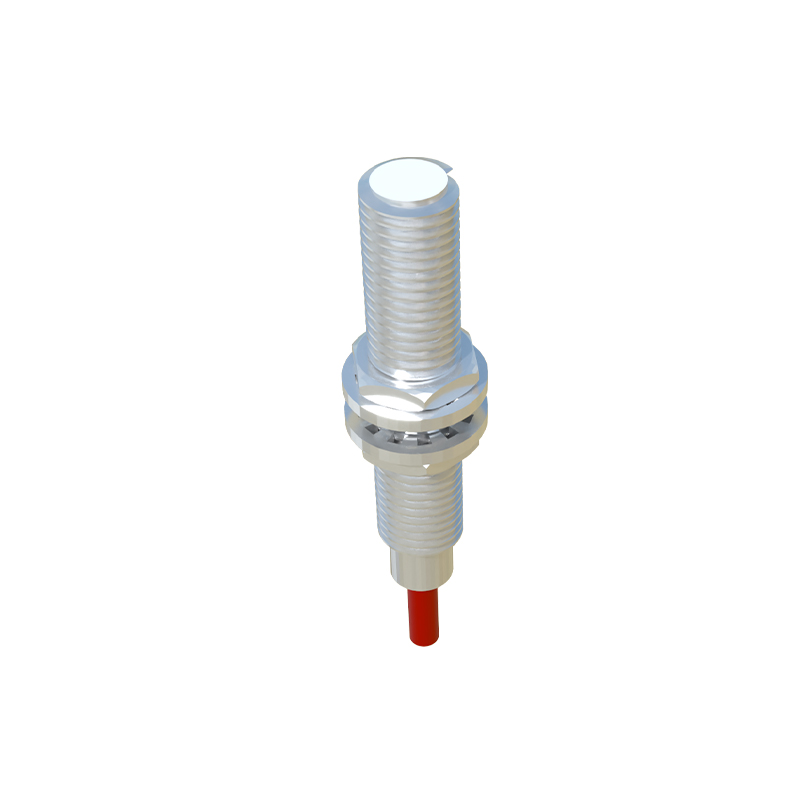
Maintenance is key to long-term reliability. Periodically inspect M8 connectors for signs of wear, corrosion, or loose connections, especially in extreme conditions. Clean the contacts with isopropyl alcohol if contamination occurs, and replace damaged connectors promptly to prevent downtime. When disconnecting, always power off the system to avoid electrical hazards. For upgrades, ensure new sensors and connectors meet the same specifications to maintain compatibility.
In summary, using M8 proximity sensor connectors involves careful selection, proper installation, and routine upkeep. By adhering to these practices, engineers can optimize automation systems for safety and productivity. As technology evolves, M8 connectors continue to support innovations in smart manufacturing, making them a staple in electrical engineering projects worldwide.