In the realm of modern electrical engineering, the integration of sensors in devices like the Nova6WLZ is pivotal for enhancing user experience and operational efficiency. Among these, the proximity sensor plays a crucial role by detecting the presence of nearby objects without physical contact, often used to dim screens during calls to prevent accidental touches. However, there are scenarios where disabling this sensor becomes necessary, such as during diagnostic testing, calibration procedures, or when adapting the device for specialized industrial applications. This guide provides a detailed, step-by-step approach to safely deactivate the proximity sensor on the Nova6WLZ, adhering to professional standards and safety protocols.
First, it is essential to understand the technical specifications of the Nova6WLZ's proximity sensor. Typically, this sensor operates using infrared (IR) technology, emitting light waves that bounce off objects to gauge distance. In the Nova6WLZ, it is integrated into the front panel, often near the earpiece or display bezel. Before proceeding with any modifications, ensure you have the necessary tools: a set of precision screwdrivers, anti-static wrist straps to prevent electrostatic discharge (ESD) damage, and a clean workspace. Power down the device completely and remove any external power sources to mitigate risks of short circuits or electrical hazards.
To access the proximity sensor, begin by carefully removing the Nova6WLZ's outer casing. Use the appropriate screwdriver to unscrew the fasteners, taking note of their positions for reassembly. Gently pry open the casing using a plastic spudger to avoid scratching internal components. Once inside, locate the sensor module, which is usually connected to the mainboard via a small ribbon cable. Identify the cable connector; it may be labeled or color-coded for ease of recognition. Before disconnecting, document the current configuration with photos or notes to facilitate reinstallation if needed.
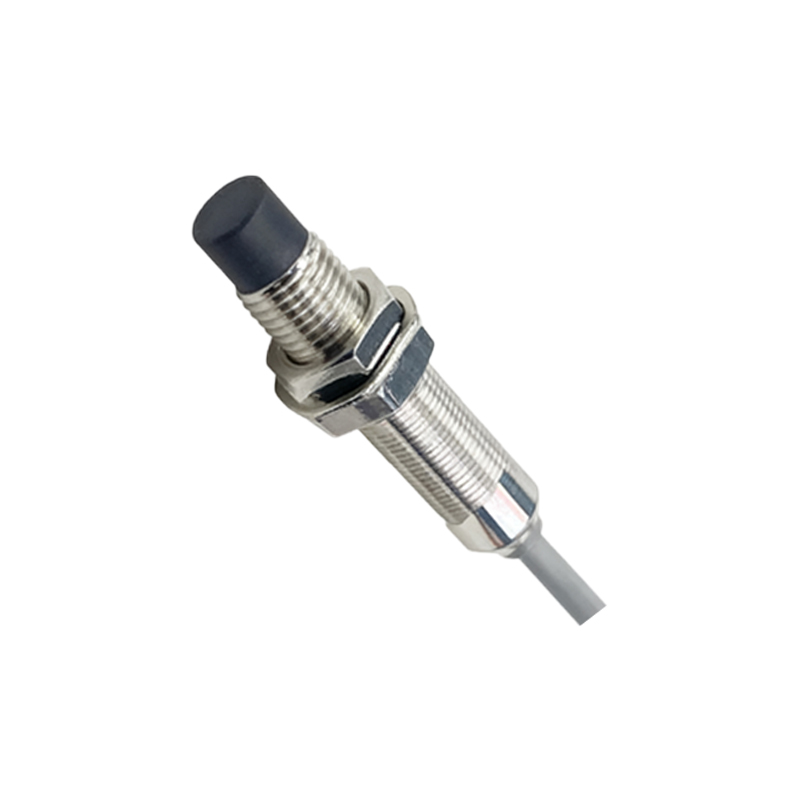
Disabling the proximity sensor can be achieved through two primary methods: hardware disconnection or software configuration. For hardware disconnection, carefully detach the ribbon cable from the mainboard connector. Use tweezers or a spudger to lift the locking tab, then slide the cable out smoothly. This physically isolates the sensor, effectively turning it off. However, this method may trigger error messages or affect warranty status, so consider the implications for your specific use case. Alternatively, if the Nova6WLZ supports advanced software settings, you might access the device's firmware or engineering mode to disable the sensor electronically. This often requires specialized software tools or codes, which should be used cautiously to avoid corrupting the system.
After completing the modification, reassemble the Nova6WLZ by reversing the disassembly steps. Ensure all connections are secure and the casing is properly sealed to maintain device integrity. Power on the device and conduct functional tests to verify that the proximity sensor is inactive. For instance, make a test call and observe if the screen dims when covered—if it remains lit, the disablement was successful. Additionally, run diagnostic software to check for any residual sensor activity or system errors.
In professional contexts, such modifications should align with industry regulations and safety standards. Always consult the Nova6WLZ's technical manual or manufacturer guidelines before proceeding, as unauthorized alterations could void warranties or compromise device performance. For engineers working in industrial automation or research, disabling sensors like this can enable custom integrations, such as connecting external monitoring systems or adapting the device for controlled environments. Remember to document the entire process for future reference and team collaboration.
In summary, disabling the proximity sensor on the Nova6WLZ involves a blend of technical knowledge and meticulous execution. By following this guide, electrical engineers can safely achieve this task while upholding professional ethics and operational efficiency. Whether for troubleshooting, customization, or experimental purposes, understanding these procedures enhances your expertise in handling modern electronic devices.