In the intricate ecosystem of modern smartphones, the proximity sensor plays a crucial yet often underappreciated role. This small component, typically located near the earpiece, is responsible for detecting the presence of nearby objects without physical contact. Its primary function is to disable the touchscreen and turn off the display during a phone call when the device is held close to the user's ear, preventing accidental touch inputs and conserving battery life. However, when this sensor malfunctions, it can lead to a cascade of user experience issues, ranging from the screen turning off unexpectedly during calls to failing to wake up when moved away from the face. Understanding the root causes, diagnostic methods, and potential solutions for proximity sensor anomalies is essential for both engineers and technically-inclined users.
The operational principle of a typical smartphone proximity sensor is based on infrared (IR) technology. It consists of an IR LED emitter and an IR photodiode receiver. The emitter sends out an infrared light beam. When an object, such as the user's head, comes close to the phone, this light reflects back and is detected by the receiver. The sensor's controller chip then interprets this signal and instructs the system to take appropriate action, like blanking the screen. Anomalies occur when this signal chain is disrupted. Common hardware failures include accumulation of dust, lint, or moisture over the sensor window, physically blocking the IR light path. A compromised or cracked screen protector, especially if it is thick or low-quality, can similarly interfere with transmission. In more severe cases, the IR LED or photodiode itself may degrade or fail due to aging, heat, or physical damage from drops. On the software side, corrupted firmware, buggy operating system updates, or misconfigured calibration data can cause the sensor to misinterpret its environment, leading to erratic behavior.
Diagnosing a proximity sensor issue requires a systematic approach. The first step is a basic functional test: make a phone call and observe if the screen turns off when you bring the handset near your ear and turns back on when you move it away. Many smartphones have built-in diagnostic menus accessible via specific dialer codes (e.g.,#0# on some Samsung models) that allow direct testing of sensor hardware, providing raw data readings. Third-party apps like "Sensor Test" or "Phone Tester" can also offer detailed insights into the sensor's output values. If the sensor readings are consistently zero or maxed out regardless of object proximity, a hardware obstruction or failure is likely. If readings fluctuate but the system response is incorrect, a software or calibration issue is probable. Engineers would further use tools like oscilloscopes to check the signal integrity from the sensor module and inspect the motherboard for any signs of corrosion or broken solder joints, particularly around the sensor's flex cable connector.
Troubleshooting begins with the simplest solutions. For suspected obstructions, powering off the device and carefully cleaning the area around the earpiece with a soft, dry, lint-free cloth or a burst of compressed air can be remarkably effective. Removing the screen protector or case for testing is a quick way to rule out interference. If the problem persists, a software reset is the next step. This can involve clearing the cache partition, which resets temporary system files without deleting personal data. If a recent OS update precipitated the issue, checking for a subsequent patch or performing a factory reset (after backing up data) may resolve software conflicts. For hardware faults beyond simple cleaning, professional repair is usually necessary. This might involve replacing a damaged sensor module, reseating a loose flex cable, or, in cases of severe internal damage, motherboard-level repair. It is critical to use genuine or high-quality replacement parts, as substandard sensors can exhibit poor calibration and sensitivity.
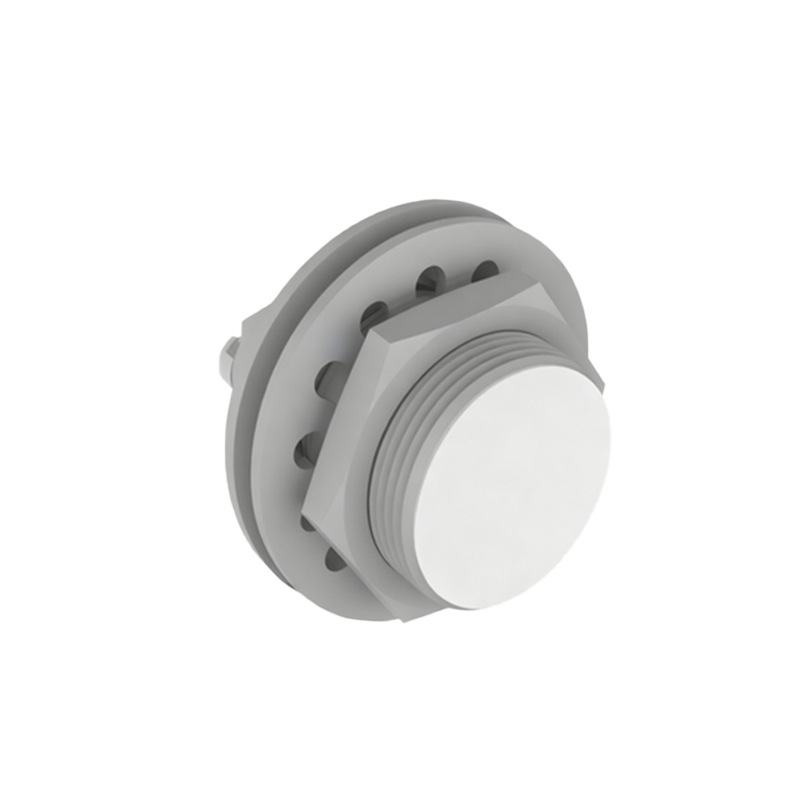
From a design and quality assurance perspective, mitigating proximity sensor anomalies involves several engineering considerations. Manufacturers implement protective measures such as oleophobic coatings and precise laser-cut apertures to minimize dust adhesion. Robust calibration algorithms during assembly account for minor component variances. Furthermore, implementing software-based failsafes—like allowing the user to manually wake the screen with the power button during a call—can improve the user experience even when the sensor acts up. For the industry, advancing towards more robust sensor technologies, such as time-of-flight (ToF) sensors which are less susceptible to ambient light interference, or improving the environmental sealing of components, represents the forward path in enhancing reliability.
In conclusion, proximity sensor anomalies, while not always catastrophic, significantly impact core phone functionality. The issue straddles the line between hardware integrity and software stability. A methodical diagnostic process, starting from external cleaning to internal software resets and culminating in professional hardware inspection, is key to restoration. For engineers, these failures offer valuable feedback for refining design and manufacturing processes, pushing towards ever more resilient mobile devices.