Proximity sensors are critical components in modern industrial automation, providing non-contact detection of metallic or non-metallic objects. Proper installation ensures optimal performance, longevity, and safety. This guide outlines key steps and best practices for installing inductive and capacitive proximity sensors in industrial environments.
Before installation, verify the sensor specifications match the application requirements, including sensing distance, output type (PNP/NPN), voltage rating, and housing material. Ensure the power supply is disconnected to prevent electrical hazards. Select an appropriate mounting location, considering environmental factors such as temperature extremes, humidity, vibration, and potential exposure to chemicals or debris. The sensor should be positioned to avoid mechanical stress or physical damage from moving parts.
For flush-mountable sensors, embed the sensor in a metal bracket so the sensing face aligns flush with the surface. This minimizes side-effects from surrounding metals. Non-flush sensors require a clearance zone—typically one to two times the sensor diameter—free from metallic obstructions to prevent false triggering. Use mounting brackets or threaded holders for secure fixation, avoiding over-tightening that may damage the housing. Adjust the sensor alignment perpendicular to the target object for consistent detection. Maintain the rated sensing distance, accounting for factors like target material, size, and approach speed. For example, inductive sensors detect ferrous metals at longer ranges than non-ferrous metals.
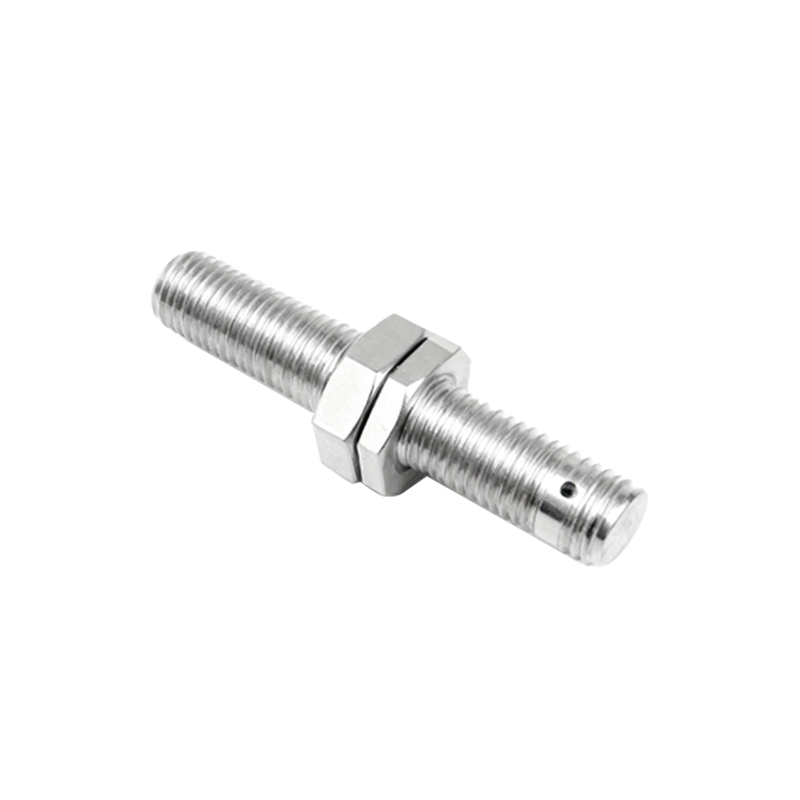
Wiring must adhere to electrical standards. Connect the power leads (brown/red to positive, blue/black to negative) and load wires per the manufacturer’s diagram. Shield cables in high-noise environments and route them away from power lines or motor drives to reduce electromagnetic interference. Use conduit or cable glands in dusty or wet areas to meet IP ratings. After wiring, perform a functional test by powering the system and observing the sensor’s response to target objects. Verify the output signal (e.g., LED indication, relay activation) aligns with expected behavior.
Regular maintenance includes inspecting for physical damage, cleaning the sensing face with a soft cloth, and checking connections for corrosion. Avoid using abrasive materials that could scratch the sensor surface. Document installation details, such as date, location, and calibration settings, for future reference. Troubleshoot common issues like erratic signals by checking power stability, environmental interference, or target positioning.
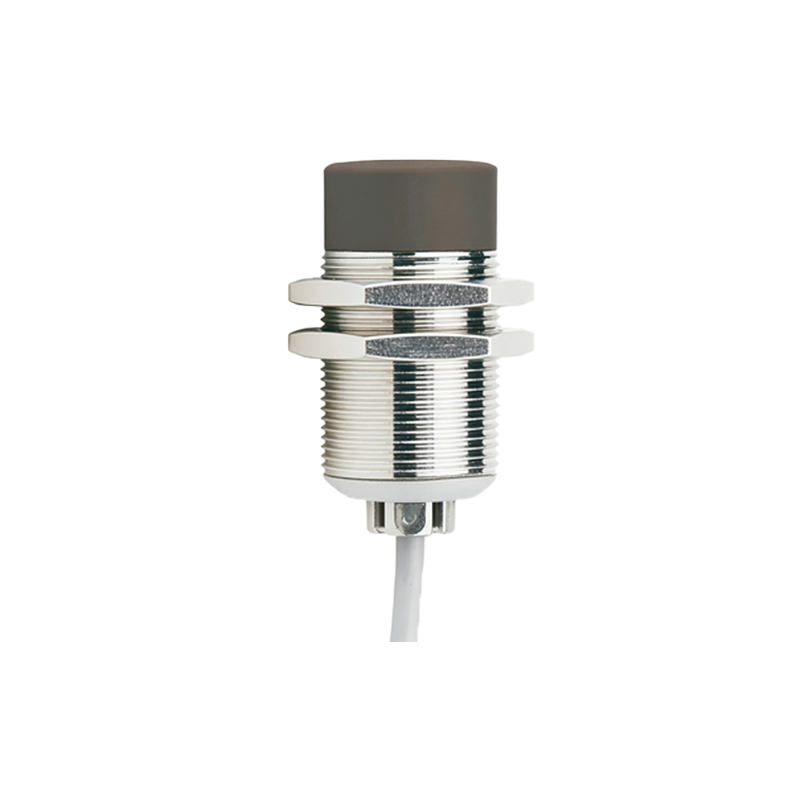
By following these guidelines, engineers can ensure reliable sensor operation, reduce downtime, and enhance system efficiency. Always consult the sensor’s manual for model-specific instructions and comply with local safety regulations during installation.