Proximity sensors are essential components in modern electronics, enabling devices to detect the presence or absence of nearby objects without physical contact. From smartphones to industrial machinery, these sensors play a crucial role in automation and user interaction. However, like any electronic part, they can malfunction over time. Learning how to test a proximity sensor properly can save time, reduce costs, and ensure optimal performance. This guide provides practical methods to verify sensor functionality, using common tools and straightforward steps.
First, understand the type of proximity sensor you are dealing with. Common varieties include inductive, capacitive, and infrared sensors. Inductive sensors detect metallic objects, capacitive sensors sense both metallic and non-metallic materials, and infrared sensors use light beams to identify proximity. Knowing the sensor type helps in selecting the appropriate testing approach. For instance, testing an inductive sensor requires a metal object, while a capacitive sensor might respond to a hand or plastic item.
Begin with a visual inspection. Check for obvious signs of damage, such as cracks, corrosion, or loose connections. Ensure the sensor is clean, as dirt or debris can interfere with detection. Next, verify the power supply. Most proximity sensors operate on low-voltage DC power, typically ranging from 5V to 24V. Use a multimeter to measure the voltage at the sensor’s terminals. If the power is absent or unstable, the issue may lie with the wiring or power source rather than the sensor itself.
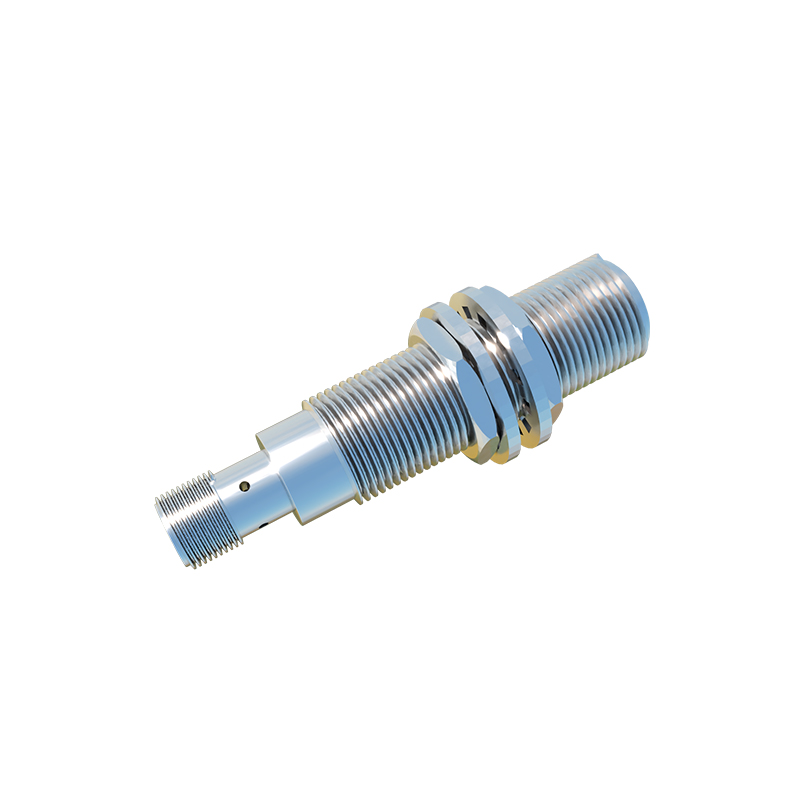
For functional testing, simulate the sensor’s operating conditions. Power on the device and bring a target object within the sensor’s detection range. Observe the sensor’s response. In many cases, a built-in indicator LED will light up or change color when an object is detected. If the sensor lacks an LED, use a multimeter to monitor the output signal. Set the multimeter to measure voltage or continuity, depending on the sensor’s output type (digital or analog). When the target object approaches, the output should switch states—for example, from 0V to the supply voltage in a digital sensor.
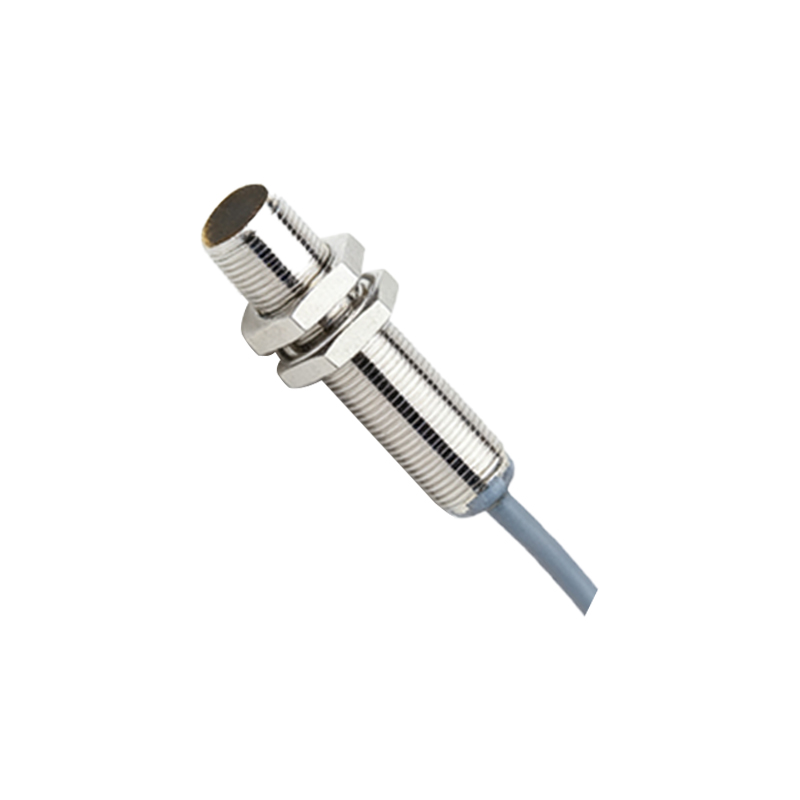
If the sensor fails to respond, isolate it from the circuit. Disconnect the sensor and test it independently to rule out external influences. For inductive and capacitive sensors, use a known working target object and vary the distance to check sensitivity. Note the detection range specified in the sensor’s datasheet; performance degradation might occur if the range has shortened significantly. Infrared sensors require additional care, as ambient light can affect readings. Test them in a dim environment and ensure the emitter and receiver lenses are aligned and unobstructed.
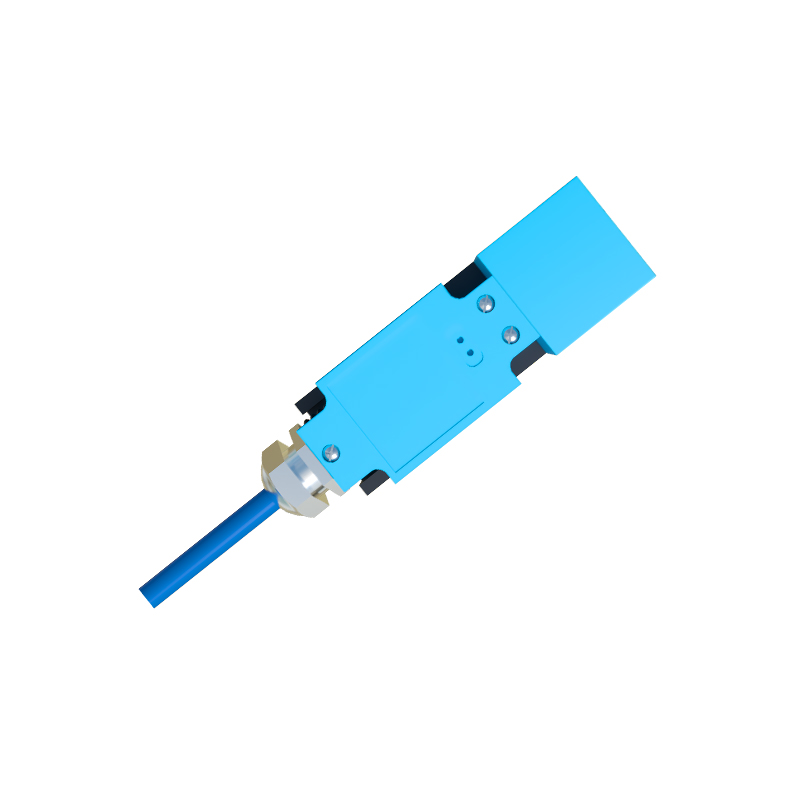
Advanced testing involves using an oscilloscope to analyze the sensor’s signal waveform. This is particularly useful for analog sensors or when diagnosing intermittent issues. Connect the oscilloscope probes to the output terminals and observe the signal as the target moves. A clean, stable waveform indicates proper operation, while noise or erratic signals suggest internal faults. Additionally, compare the sensor’s response time against the datasheet specifications. Slow response can indicate aging components or calibration drift.
Calibration might be necessary if the sensor shows inconsistent behavior. Some sensors have potentiometers for adjusting sensitivity or detection range. Refer to the manufacturer’s instructions for calibration procedures. Use non-metallic tools to avoid interference, and make small adjustments while testing with a target object. Over-adjustment can lead to false triggers or reduced reliability.
In scenarios where the sensor still does not function, consider environmental factors. Electromagnetic interference, temperature extremes, or humidity can impact sensor performance. Ensure the operating environment matches the sensor’s rated conditions. If problems persist, replacement might be the only solution. However, always double-check connections and compatibility with the control system before concluding the sensor is faulty.
Regular maintenance and testing can extend the lifespan of proximity sensors. Keep a log of test results and performance trends to anticipate failures. For critical applications, implement periodic testing schedules using calibrated tools. By mastering these testing techniques, you can ensure reliable operation, minimize downtime, and enhance the efficiency of any system relying on proximity detection.