In industrial automation and precision measurement, laser sensors have become indispensable tools due to their high accuracy, reliability, and non-contact operation. Proper distance setting is crucial for ensuring optimal performance, as it directly impacts measurement stability, repeatability, and sensor longevity. This article provides a comprehensive guide on setting up laser sensor distance, covering key principles, practical steps, and common pitfalls to avoid.
Laser sensors operate by emitting a laser beam toward a target and measuring the time or phase shift of the reflected light to calculate distance. The effective working range, often specified in datasheets, defines the minimum and maximum distances within which the sensor can function accurately. Exceeding this range can lead to signal degradation, erroneous readings, or sensor damage. Therefore, the first step in distance setting is to verify the sensor's specifications and ensure the target falls within the designated range.
To begin the setup, mount the sensor securely on a stable platform, minimizing vibrations or movements that could affect measurements. Align the sensor perpendicular to the target surface, as angular deviations can cause cosine errors, reducing accuracy. For diffuse reflection sensors, which rely on scattered light from rough surfaces, maintain a consistent target material and color, as these factors influence reflectivity. In contrast, retro-reflective or through-beam sensors may require specific reflectors or receivers, with distance adjustments focusing on alignment rather than surface properties.
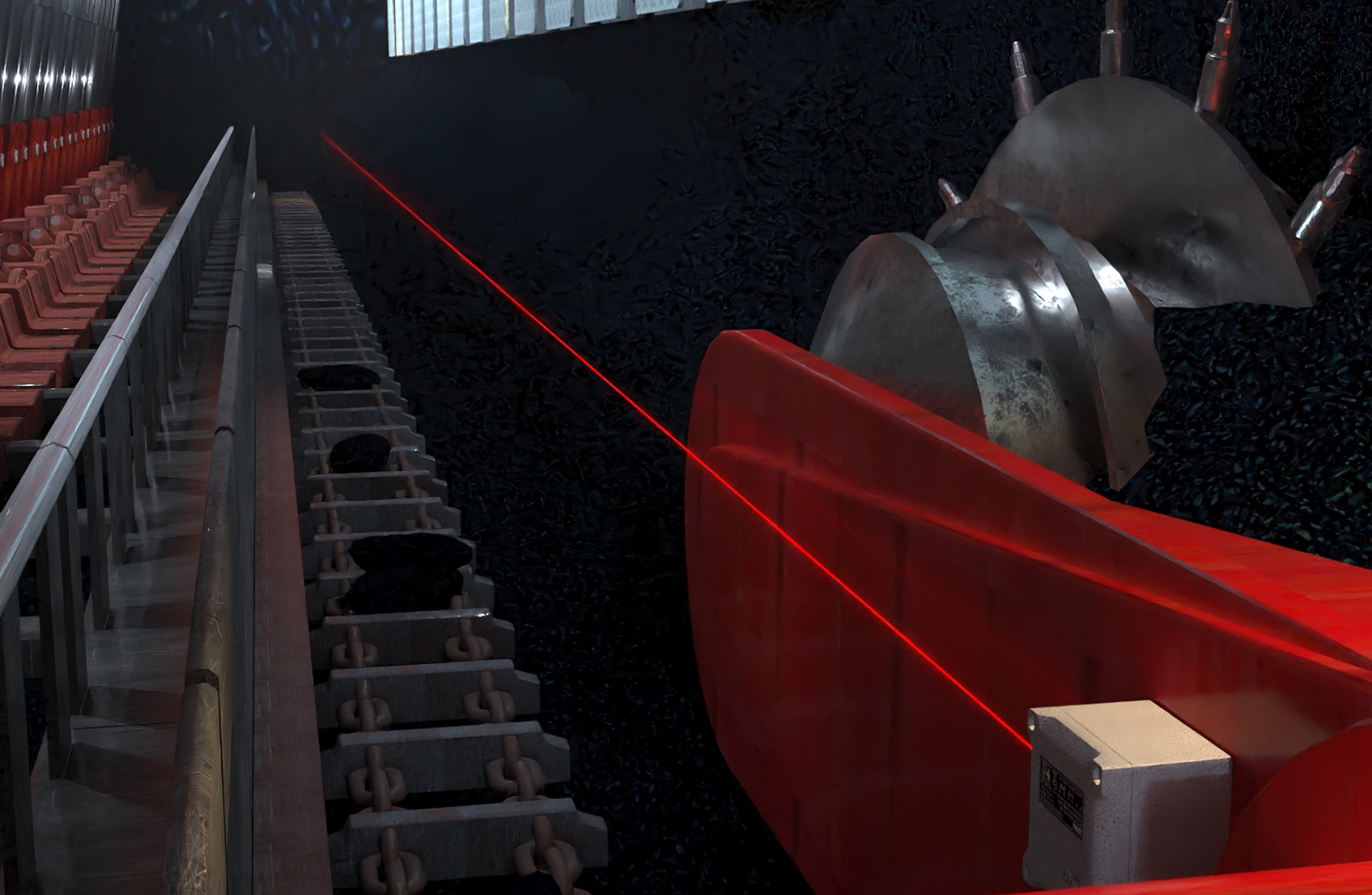
Next, power the sensor and connect it to a controller or monitoring system. Many modern laser sensors feature built-in teach-in functions or configuration software, allowing users to set reference distances automatically. To use this, place the target at the desired reference point (e.g., the nominal working distance) and activate the teach-in mode via a button or digital command. The sensor will calibrate itself to this position, storing it as a baseline for future measurements. For manual adjustment, use the sensor's potentiometer or digital interface to fine-tune the distance until the output signal matches the expected value.
Environmental factors play a significant role in distance setting. Ambient light, dust, or temperature fluctuations can interfere with laser signals. To mitigate this, operate the sensor in controlled conditions or choose models with background suppression filters and robust housings. Additionally, consider the target's characteristics—such as size, texture, and motion—as these may necessitate dynamic adjustments. For moving targets, set a slightly longer averaging time in the sensor's settings to smooth out fluctuations, ensuring stable readings without sacrificing response speed.
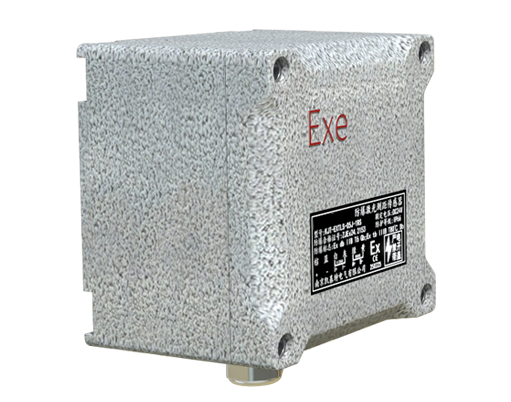
Regular validation is essential post-setup. Perform repeatability tests by placing the target at multiple distances within the working range and recording the sensor's output. Compare these readings against a calibrated reference (e.g., a micrometer stage) to verify accuracy. If discrepancies arise, recheck alignment, clean the lens, or recalibrate using the teach-in function. Document the settings for future maintenance, noting any environmental conditions or target variations that could affect performance.
Common mistakes in distance setting include ignoring temperature drift, which can alter the laser's wavelength over time, and overlooking mechanical wear in mounting fixtures. Always follow the manufacturer's guidelines for periodic recalibration, especially in high-precision applications like semiconductor manufacturing or automotive assembly. By adhering to these practices, engineers can maximize sensor efficiency, reduce downtime, and enhance overall system reliability.
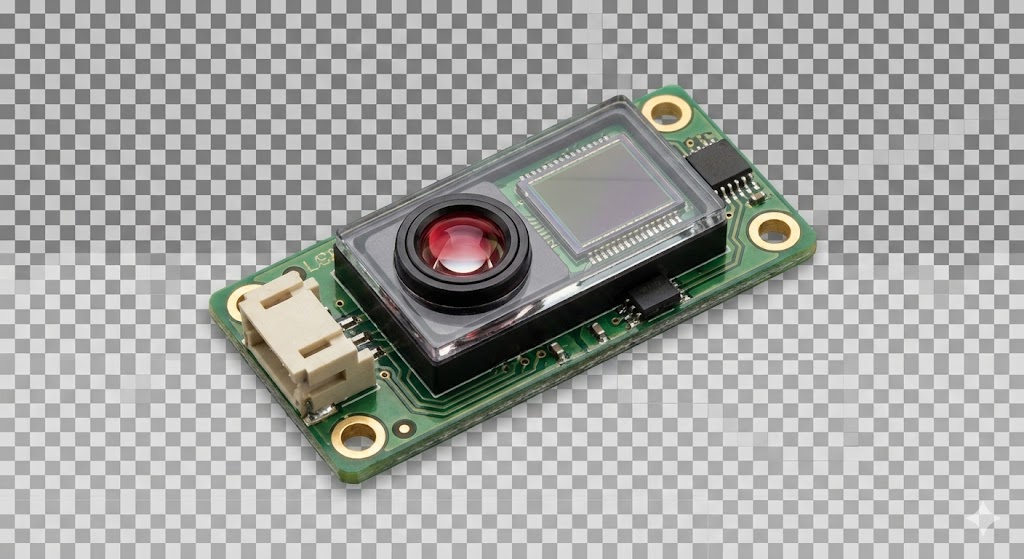
In summary, laser sensor distance setting is a methodical process that combines technical knowledge with hands-on adjustments. From initial alignment to environmental considerations, each step contributes to precise, consistent measurements. As industries increasingly adopt automation, mastering these skills ensures that laser sensors deliver their full potential, driving productivity and innovation.