In industrial automation, proximity sensors are indispensable components that detect the presence or absence of objects without physical contact. However, a common challenge faced by engineers and technicians is when these sensors become excessively sensitive. This issue can lead to false triggers, erratic machine behavior, and significant downtime, impacting overall productivity. Understanding the root causes and implementing effective solutions is crucial for maintaining optimal system performance.
Excessive sensitivity in proximity sensors often manifests as unintended activations. For instance, a sensor might detect objects outside its intended range or react to environmental interferences such as dust, vibration, or electromagnetic noise. In manufacturing lines, this can result in misplaced items, incorrect counts, or even safety hazards if machinery activates unexpectedly. The financial implications include wasted materials, increased maintenance costs, and potential damage to equipment.
Several factors contribute to oversensitivity. First, improper installation is a primary culprit. If a sensor is mounted too close to other metallic objects or moving parts, it may pick up stray signals. Additionally, environmental conditions like high temperatures, humidity, or conductive debris can alter sensor behavior. For inductive sensors, variations in the target material—such as using aluminum instead of steel—can affect detection ranges due to differences in electromagnetic properties. Capacitive sensors, designed to detect non-metallic objects, might be triggered by moisture or chemical residues.
Electrical interference is another significant factor. In facilities with heavy machinery, power surges, or variable frequency drives (VFDs), electromagnetic interference (EMI) can disrupt sensor signals. Poor shielding or grounding exacerbates this problem, causing sensors to behave unpredictably. Furthermore, sensor aging or wear can lead to calibration drift, where the device gradually becomes more sensitive over time.
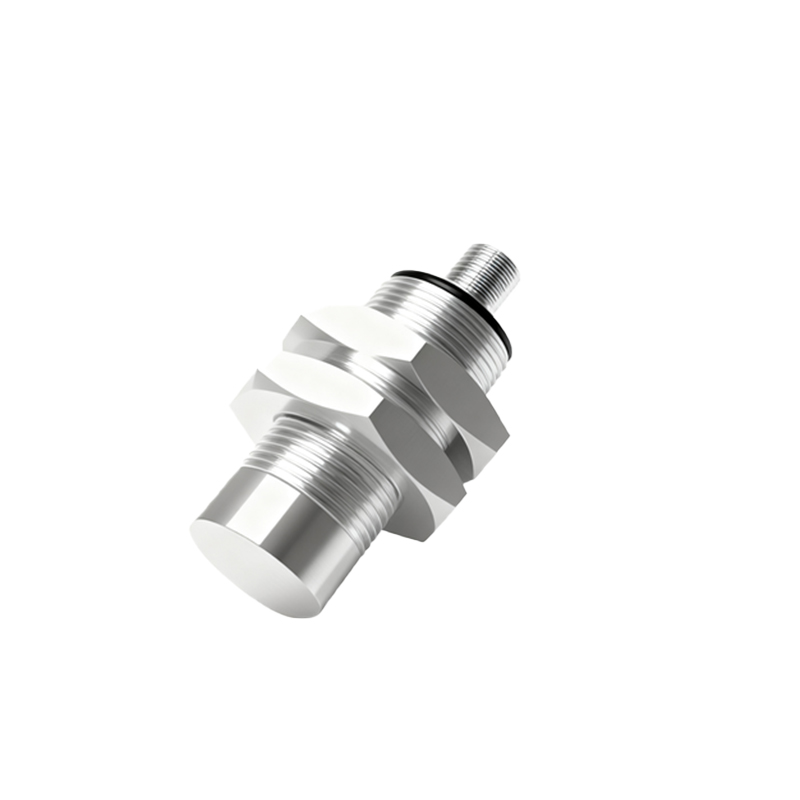
To address these issues, start with a thorough inspection. Verify the sensor’s installation according to manufacturer guidelines, ensuring adequate clearance from other objects. Adjust the sensing distance if possible, using potentiometers or configuration tools to fine-tune sensitivity. For inductive sensors, consider switching to models with adjustable hysteresis, which can prevent rapid toggling between states. In environments with EMI, implement shielding measures such as ferrite cores, twisted-pair cables, or grounded conduits. Relocating sensors away from high-power equipment may also reduce interference.
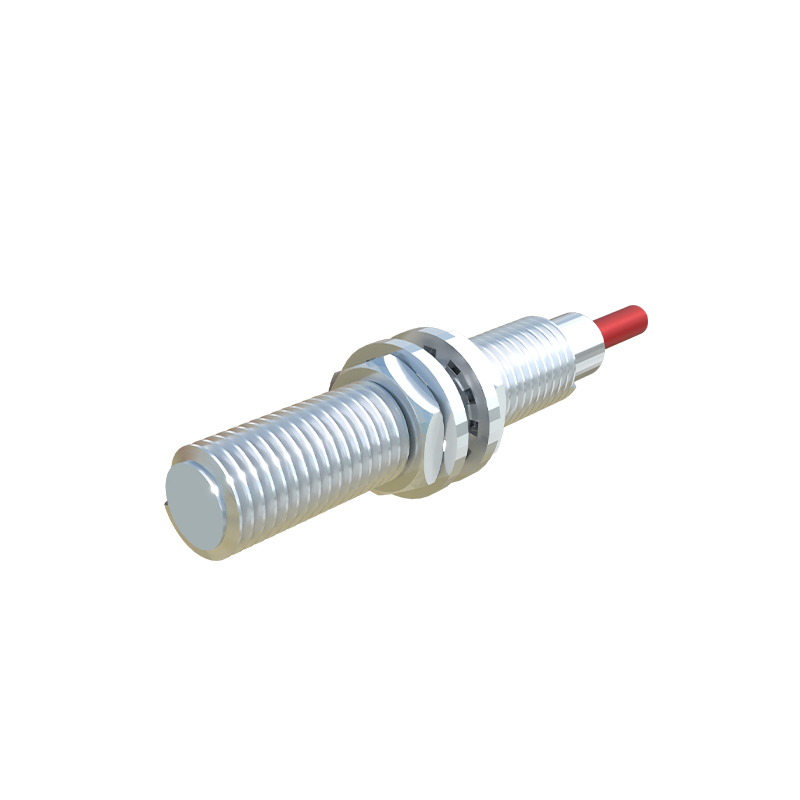
Regular maintenance is essential. Clean sensor surfaces to remove buildup of dirt, oil, or metal shavings that could cause false readings. Calibrate sensors periodically using standardized targets to ensure accuracy. For critical applications, upgrade to sensors with advanced features like temperature compensation or noise immunity. In some cases, switching sensor types—for example, from capacitive to ultrasonic—might provide better stability in challenging conditions.
When troubleshooting, document all changes and monitor system performance over time. Use diagnostic tools like oscilloscopes or PLC data logs to analyze signal integrity. Collaborate with sensor manufacturers for technical support, as they may offer firmware updates or customized solutions. By proactively managing sensitivity issues, engineers can enhance reliability, reduce downtime, and extend the lifespan of automation systems. Ultimately, a balanced approach combining proper installation, environmental control, and ongoing maintenance ensures that proximity sensors operate as intended—delivering precise, consistent detection without unnecessary interruptions.