In industrial automation systems, proximity sensors serve as critical components for non-contact object detection, providing reliable feedback for control systems. A common yet perplexing scenario encountered by maintenance engineers and technicians is when a proximity sensor appears to be functioning—sending a valid signal to the PLC or controller—but its built-in LED indicator fails to illuminate. This situation can lead to confusion during troubleshooting, as the LED is typically the primary visual cue for sensor status. Understanding the underlying causes and implementing systematic diagnostic procedures is essential for maintaining operational efficiency and minimizing downtime.
Firstly, it is important to recognize that the LED and the signal output circuit are often independent paths within the sensor's design. The sensor may correctly detect a target and switch its output transistor (PNP/NPN) or relay contact, sending the appropriate signal to the control system, while the LED circuit itself malfunctions. Common root causes include a failed LED component, a damaged current-limiting resistor in the LED circuit, or a break in the internal wiring specific to the indicator. Environmental factors such as excessive vibration, thermal stress, or voltage spikes can degrade these discrete components over time, even if the core sensing and switching elements remain intact.
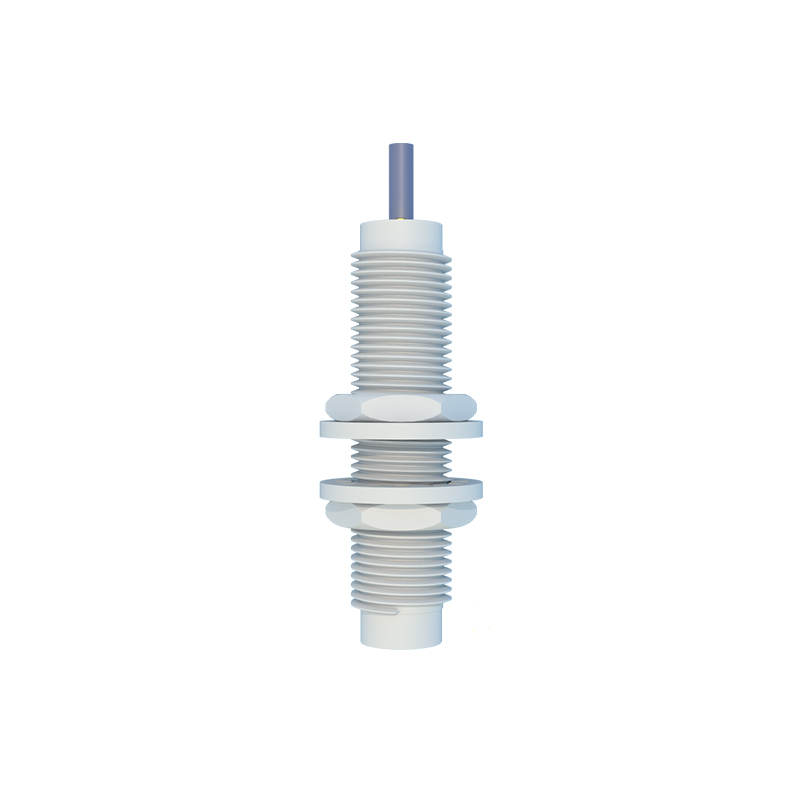
Electrical verification is the first step in diagnosis. Using a multimeter, measure the output voltage or current at the sensor's signal wires while actuating the sensor with a target. For a three-wire DC sensor, check between the output wire (typically black or white) and the common (blue) wire. A valid switching action (e.g., 24V DC for a PNP sensor) confirms the output stage is operational. Simultaneously, check the sensor's power supply at the brown (+) and blue (-) wires to ensure it is within the specified range (e.g., 10-30V DC). A low or unstable supply voltage might power the sensing circuitry marginally but be insufficient to light the LED, though this is less common.
If the electrical signal is confirmed but the LED remains off, the issue is isolated to the indicator circuit. Many modern proximity sensors have the LED surface-mounted on a small internal PCB. Physical inspection, if the sensor housing permits, may reveal cracked solder joints or burnt components. However, note that opening the sensor may void warranties and compromise its IP (Ingress Protection) rating. Alternatively, consult the manufacturer's datasheet. Some sensors have programmable features or diagnostic modes where the LED behavior can be altered via teach-in wires or communication interfaces. It is possible the LED has been intentionally disabled via configuration or is in a diagnostic blink mode indicating a separate fault code.
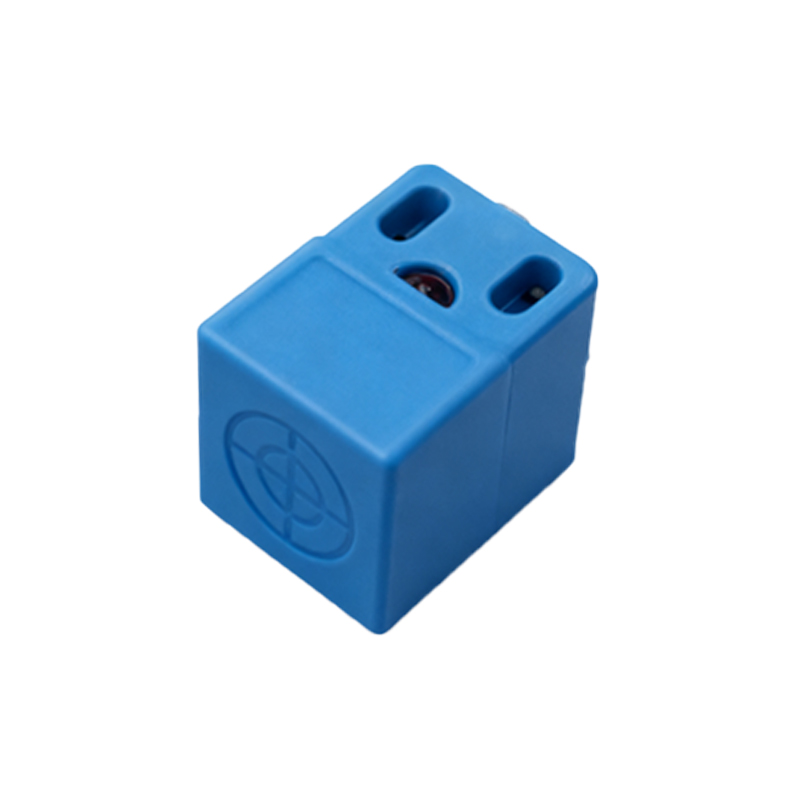
Another consideration is the sensor type. For AC-powered sensors or two-wire DC sensors, the LED is often in series with the main switching element. In these cases, a dim or extinguished LED coupled with a weak output signal could point to excessive leakage current, load issues, or impending failure of the output switch. However, the scenario described—strong signal, no LED—is more typical in three-wire DC designs with parallel indicator circuits.
Finally, do not overlook the possibility of a misinterpreted signal. Verify with an oscilloscope if possible, as a PLC input might register a noisy or out-of-spec signal that the multimeter averages as "present." Also, ensure the correct sensor model is installed for the application (e.g., shielded vs. unshielded, sensing distance) as misapplication can cause erratic behavior.
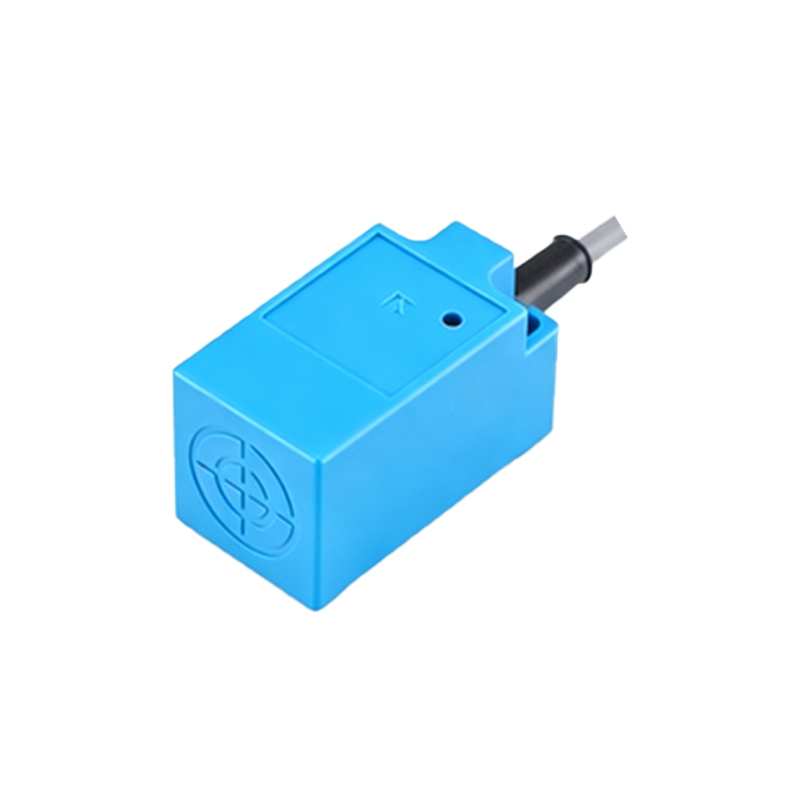
Proactive maintenance includes regular inspection of sensor indicators during machine cycles and keeping spare units for critical applications. When replacing a sensor with a functioning output but dead LED, document the failure for pattern analysis. While the sensor may still operate, the loss of visual diagnostics increases future troubleshooting complexity, so planned replacement is often the most prudent strategy in a professional industrial environment.