In the realm of modern smartphone technology, proximity sensors play a crucial yet often overlooked role in enhancing user experience, particularly during gaming sessions. As an electrical engineer specializing in sensor systems, I aim to elucidate the technical underpinnings of proximity sensors, explain why they can cause screen blackouts during gameplay, and provide systematic troubleshooting methodologies.
Proximity sensors are typically infrared (IR)-based components located near the earpiece or front camera of a smartphone. Their primary function is to detect the presence of nearby objects without physical contact. During a voice call, the sensor deactivates the touchscreen to prevent accidental inputs from cheek contact. However, in gaming scenarios, unintended activation can lead to sudden screen dimming or blackouts, disrupting the interactive experience. This issue often stems from the sensor's sensitivity calibration, software conflicts, or environmental interference.
From an engineering perspective, the core mechanism involves an IR LED emitting infrared light and a photodetector measuring the reflected signal. When an object—such as a hand, gaming controller, or even certain screen protectors—comes within a critical distance (usually 1–5 cm), the sensor triggers a signal to the device's processor. The system then executes a pre-programmed response, which may include turning off the display backlight. In gaming, rapid hand movements or specific holding angles can inadvertently obstruct the sensor, mimicking "proximity" and causing the screen to go black.
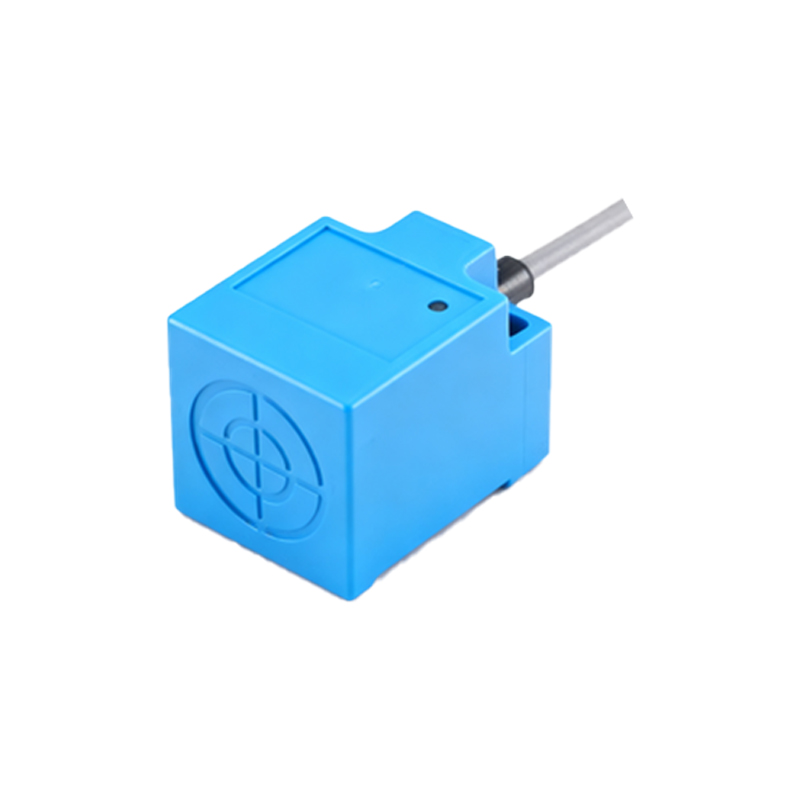
Several factors contribute to this malfunction. Firstly, hardware issues like sensor misalignment, dust accumulation, or physical damage can lead to false readings. Secondly, software glitches—such as outdated firmware, incompatible game optimizations, or corrupted sensor drivers—may cause erroneous triggering. Thirdly, environmental conditions like strong ambient infrared light (e.g., from sunlight or incandescent bulbs) can interfere with the sensor's IR signals. Additionally, poorly designed game interfaces might not properly manage sensor permissions, leading to conflicts during graphics-intensive processes.
To diagnose and resolve proximity sensor black screen problems, follow a structured approach:
1. Initial Calibration Check: Most smartphones include built-in sensor calibration tools accessible via diagnostic menus (e.g., dialing #0on some Android devices). Run a proximity sensor test to verify functionality.
2. Software Updates: Ensure the operating system and gaming applications are updated to the latest versions, as patches often address sensor-related bugs.
3. Environmental Assessment: Avoid gaming under direct bright light or in cluttered spaces where objects might trigger the sensor. Consider using the device in a neutral lighting environment.
4. Hardware Inspection: Clean the sensor area gently with a soft, dry cloth to remove dust or smudges. Inspect for any visible damage or misalignment. If a screen protector is installed, ensure it does not cover the sensor cutout.
5. App-Specific Settings: Some games allow users to disable sensor interactions in the settings menu. Explore in-game options to turn off "pocket mode" or similar features that rely on proximity detection.
6. Factory Reset Considerations: As a last resort, backup data and perform a factory reset to eliminate deep-seated software conflicts. However, this should only be done after exhausting other options.
For advanced users, tools like sensor debugging apps (e.g., "Sensor Box" for Android) can provide real-time data on proximity readings, helping identify erratic behavior. In persistent cases, professional repair may be necessary to replace a faulty sensor module.
From a design standpoint, manufacturers are increasingly integrating AI-driven algorithms to distinguish between intentional and accidental sensor activations. Future iterations may employ time-of-flight (ToF) sensors or ultrasonic proximity detectors for higher accuracy, reducing false positives during dynamic activities like gaming.
In conclusion, proximity sensor-induced black screens during gaming are a multifaceted issue rooted in hardware-software-environment interactions. By understanding the sensor's operational principles and methodically addressing potential causes, users can mitigate disruptions and optimize their mobile gaming experience. As technology evolves, continued innovation in sensor design promises more seamless integration with interactive applications.