In industrial automation and machinery control, proximity sensors play a critical role in detecting the presence or absence of objects without physical contact. Among the various types, the 13 proximity sensor is a common designation, often referring to a specific model or series within a manufacturer's lineup. When a maintenance alert or diagnostic code indicates "13 Proximity Sensor Damaged," it signals a failure that requires immediate attention to prevent machine downtime, safety hazards, or production defects.
Understanding the core function of a proximity sensor is essential. These devices typically operate on inductive, capacitive, or magnetic principles. An inductive sensor, for instance, generates an electromagnetic field. When a metallic target enters this field, it causes a change in oscillation, which the sensor detects and converts into an electrical output signal. A "damaged" status means this process is fundamentally interrupted. The specific meaning of "damaged" can vary, but it generally falls into several categories.
Firstly, it indicates a complete failure of the sensing element. The internal coil or oscillator may have suffered a short circuit, an open circuit, or a physical break due to excessive vibration, mechanical shock, or aging. This results in no output signal regardless of the target's presence. The control system interprets this constant invalid state as a sensor fault.
Secondly, the damage could be to the integrated electronics. Modern proximity sensors contain amplification and switching circuitry. Voltage spikes from unstable power supplies, incorrect wiring (like reverse polarity), or induced voltages from nearby high-current cables can fry these sensitive components. This often leads to erratic behavior—the sensor might output a signal when it shouldn't or fail to output when it should.
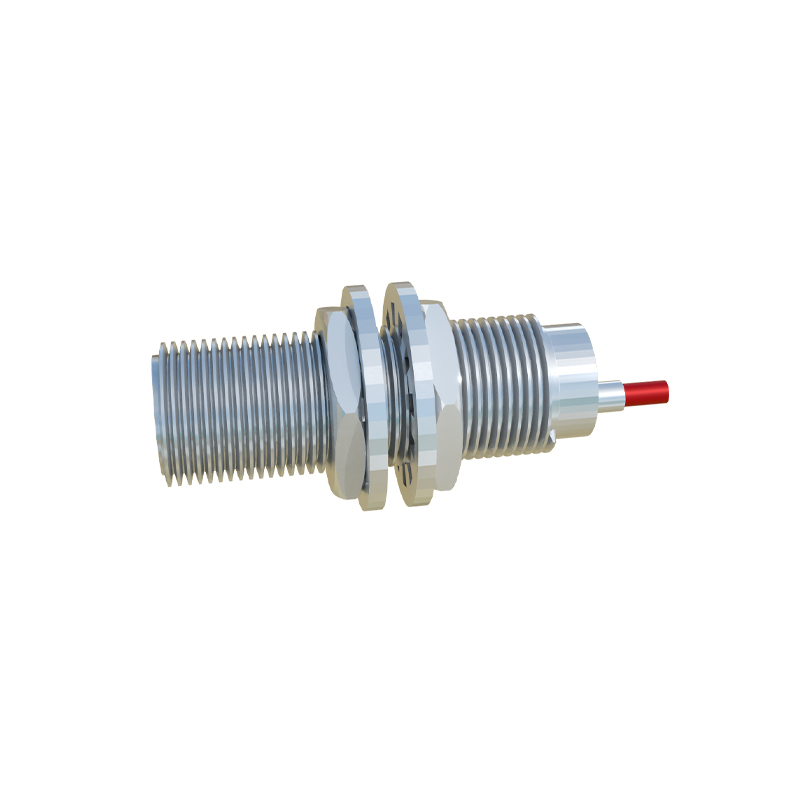
Thirdly, environmental factors are a major culprit. Contamination is a silent killer. Conductive metal shavings, coolants, oils, or dust accumulating on the sensor face can create a false sensing path or physically insulate the sensing field. While not always a physical break, the system may log this as "damaged" because the sensor cannot perform its intended function. Extreme temperatures beyond the sensor's specification can also cause permanent damage to materials and electronics.
Fourthly, the issue might be with the sensor's physical housing. Cracks in the housing from impact can allow moisture and contaminants to seep in, leading to internal corrosion and failure. For cylindrical sensors, damage to the threaded body can also make proper mounting impossible, affecting sensing distance and reliability.
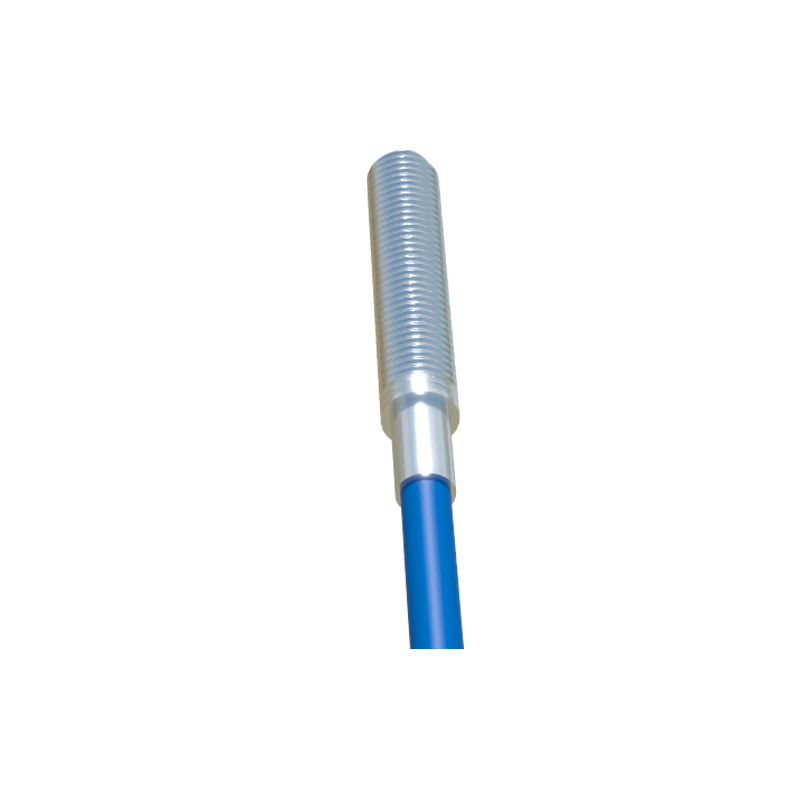
Troubleshooting a reported "13 Proximity Sensor Damaged" error should follow a systematic approach. Always begin by ensuring the machine is in a safe, locked-out state. The first step is a visual inspection. Look for obvious signs of physical damage, cracks, dents, or contamination on the sensor face. Check the cable for cuts, pinch points, or damaged insulation.
Next, verify the electrical connections. Use a multimeter to check the supply voltage at the sensor's connector. Ensure it matches the sensor's specifications (e.g., 10-30V DC). A low voltage might indicate a power supply issue, not a sensor fault. Check for loose terminals or corrosion in the connector.
The core test involves monitoring the output signal. With the power on and a suitable target (e.g., a piece of metal for an inductive sensor) brought within the specified sensing range, use a multimeter or an oscilloscope to see if the output switches states. For a PNP (sourcing) sensor, you should see the voltage at the output wire rise to near the supply voltage when activated. For an NPN (sinking) sensor, it should drop to near 0V. No change indicates a faulty sensor. An erratic or weak signal also points to internal damage.
Don't forget to inspect the target itself. A worn, corroded, or misaligned target can sometimes be mistaken for a sensor fault. Ensure the target is the correct material and size and passes within the nominal sensing distance.
Prevention is key to avoiding "damaged" sensor alerts. Implement regular preventive maintenance schedules that include cleaning sensor faces with appropriate solvents. Ensure sensors are correctly selected for the application environment—considering factors like temperature, pressure, and potential chemical exposure. Use proper electrical protection, such as surge suppressors and stable power supplies. Secure wiring in cable carriers to prevent fatigue and breakage. Finally, always follow the manufacturer's installation guidelines for mounting distance and orientation.
In conclusion, the message "13 Proximity Sensor Damaged" is a definitive call for diagnostic action. It signifies that the sensor can no longer reliably perform its non-contact detection duty. By understanding the potential causes—from internal electronic failure to external environmental abuse—and following a logical troubleshooting process, engineers and technicians can quickly isolate the issue, replace the faulty unit if necessary, and restore the automated system to full, safe operation, thereby minimizing costly production interruptions.