In industrial automation and electrical control systems, proximity sensors are widely used for non-contact detection of metallic or non-metallic objects. A common indicator on these sensors is a yellow light, which often signals specific operational states or potential issues. Understanding the meaning behind a yellow illumination can help technicians and engineers diagnose problems efficiently, minimize downtime, and ensure system reliability.
Typically, proximity sensors feature LED indicators that display different colors to convey status. A green light usually indicates normal operation and power supply, while a red light might signal an error or fault condition. The yellow light, however, can have varied interpretations depending on the sensor model and manufacturer. In many cases, a steady yellow light indicates that the sensor is in a standby or ready state, meaning it is powered but not actively detecting a target within its sensing range. For instance, in certain inductive or capacitive proximity switches, a constant yellow glow may show that the device is energized but no object is present in the detection field.
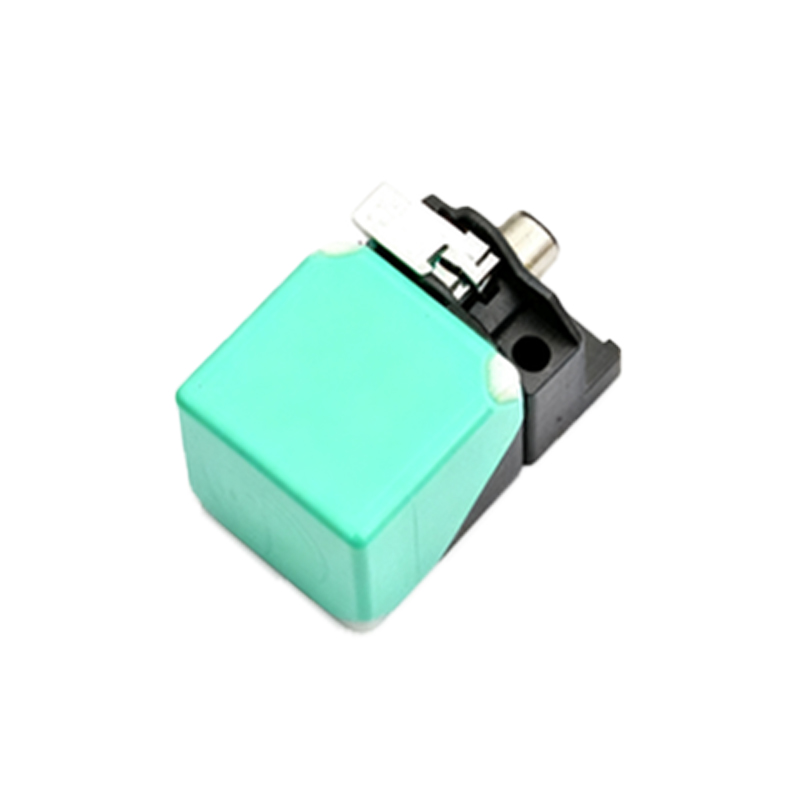
Alternatively, a blinking yellow light often serves as a warning or diagnostic indicator. It could suggest that the sensor is experiencing marginal conditions, such as operating near the limits of its sensing distance, or that there is slight interference from environmental factors like temperature fluctuations, electromagnetic noise, or contamination on the sensing face. Some advanced proximity sensors use yellow LED flashes to indicate calibration mode, teach-in mode, or parameter adjustment status, especially in programmable or smart sensor variants.
When a proximity sensor’s yellow light remains on unexpectedly, it is essential to consult the product manual first, as definitions can vary. However, common troubleshooting steps include checking the power supply voltage to ensure it is within the sensor’s specified range—both overvoltage and undervoltage can trigger yellow indicators. Inspect the wiring connections for looseness or corrosion, as poor contacts may cause unstable operation. Additionally, verify that the sensing target material, size, and approach speed are compatible with the sensor’s specifications; for example, detecting non-ferrous metals with a standard inductive sensor might require adjusted settings and trigger a yellow warning. Environmental influences should not be overlooked: excessive dust, moisture, or metal shavings near the sensor can affect performance and activate the yellow LED. In such cases, cleaning the sensor face and ensuring proper mounting alignment often resolves the issue.
For sensors with configurability, using programming tools or push-button interfaces to reset parameters or recalibrate sensing distance may turn off the yellow light. If the problem persists, it might indicate internal component wear or failure, necessitating sensor replacement. Regular maintenance, including periodic checks of indicator lights and performance validation, can prevent unexpected yellow light occurrences and extend sensor lifespan.
In summary, a yellow light on a proximity sensor is generally not an alarm for immediate failure but a communicative signal requiring attention. By systematically examining power, wiring, target characteristics, environment, and sensor settings, most issues can be diagnosed and corrected promptly. Always refer to manufacturer documentation for precise interpretations, as technological advancements continue to enhance diagnostic features in modern proximity sensing solutions.