In industrial automation and control systems, proximity sensors are critical components for detecting the presence or absence of objects without physical contact. A common issue encountered by engineers and maintenance personnel is the red LED on a proximity sensor flashing continuously. This phenomenon is not merely a minor annoyance but often serves as a diagnostic indicator of underlying problems that require immediate attention. Understanding the reasons behind this flashing and knowing how to address it can prevent downtime, ensure safety, and maintain operational efficiency.
First and foremost, it is essential to recognize that a flashing red LED is typically a built-in diagnostic feature designed by manufacturers to alert users to specific conditions. Unlike a steady red light, which might indicate normal operation or power-on status in some models, a flashing pattern usually signifies an error or abnormal state. The exact meaning can vary between sensor brands and types, such as inductive, capacitive, or photoelectric sensors, so consulting the product manual is always the first step. However, several common causes are prevalent across many models.
One of the most frequent reasons for a red LED flash is an improper power supply. Proximity sensors require a stable voltage within their specified range, often 10-30V DC or 20-250V AC, depending on the design. If the voltage fluctuates or falls outside this range, the sensor may enter a fault mode, triggering the LED to flash. This can result from issues like poor wiring connections, corroded terminals, or an inadequate power source. Using a multimeter to check the voltage at the sensor's terminals can help identify such problems. Ensuring clean, tight connections and a regulated power supply often resolves this issue.
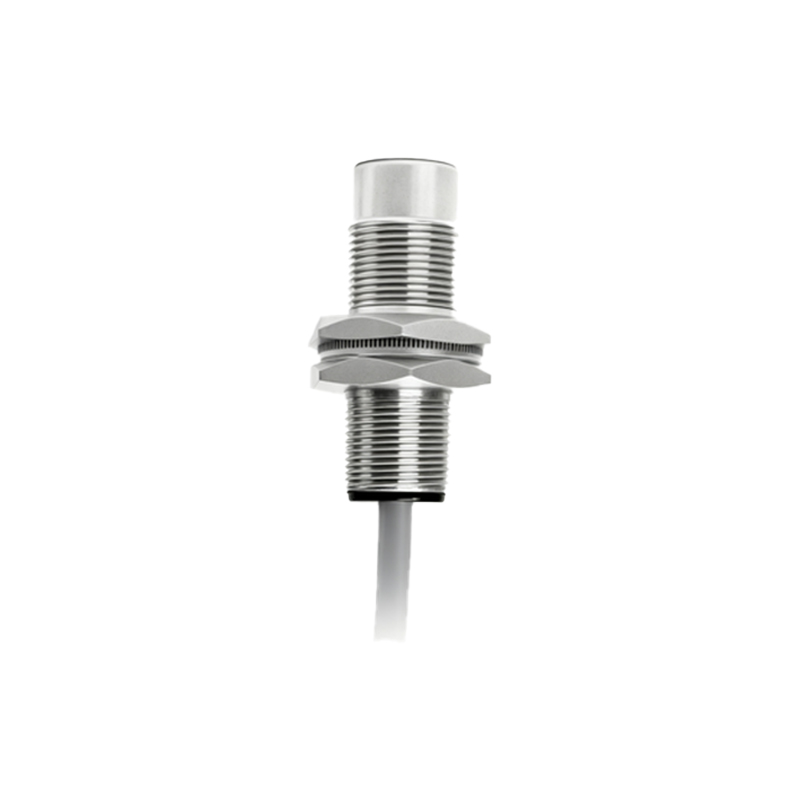
Another common cause is sensor overload or short-circuit conditions. When the output load exceeds the sensor's rated capacity—for instance, if connected to a device drawing too much current—it can lead to internal protection mechanisms activating, causing the LED to flash as a warning. Similarly, a short circuit in the output wiring or the connected load can trigger this response. Inspecting the wiring for damage, checking the load specifications, and verifying that the sensor's output type matches the load requirements are crucial troubleshooting steps. In some cases, replacing the sensor with one that has a higher current rating may be necessary.
Environmental factors also play a significant role. Proximity sensors are often deployed in harsh industrial settings where they are exposed to dust, moisture, extreme temperatures, or electromagnetic interference. Contaminants like metal shavings or oil can accumulate on the sensor face, interfering with its detection capability and causing erratic behavior, including LED flashing. For capacitive sensors, changes in humidity or nearby materials can affect sensitivity. Regular cleaning and maintenance, along with selecting sensors with appropriate ingress protection ratings, can mitigate these issues. Additionally, ensuring proper shielding and grounding can reduce electromagnetic interference.
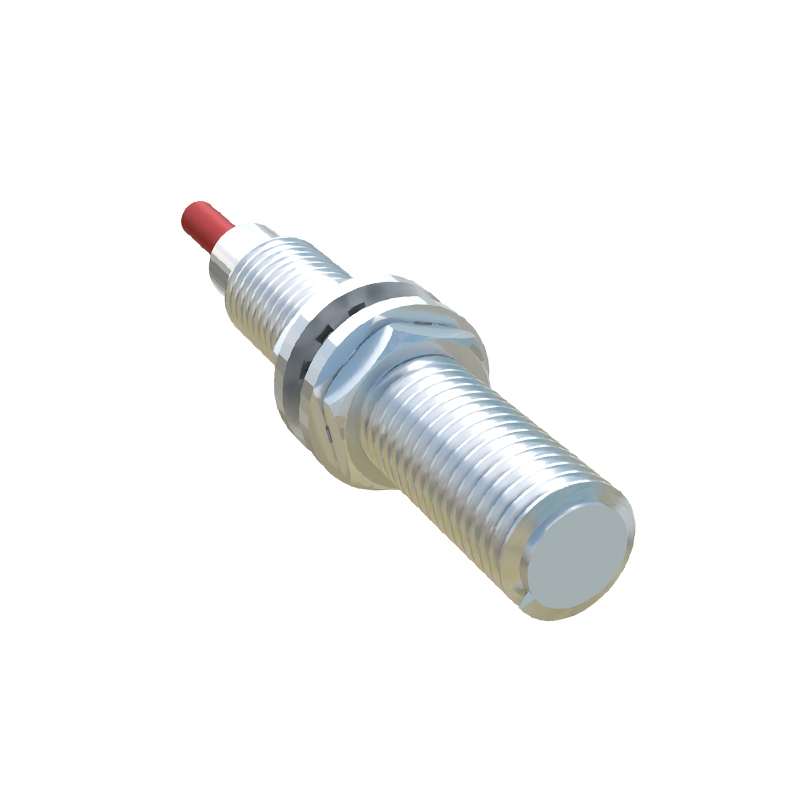
Sensor misalignment or incorrect installation is another potential culprit. If a proximity sensor is not properly positioned relative to its target, it may fail to detect objects consistently, leading to intermittent operation and a flashing LED. This is particularly relevant for photoelectric sensors, where alignment of the emitter and receiver is critical. Revisiting the installation guidelines, adjusting the sensor's position, and verifying the sensing distance can often correct this problem. For inductive sensors, ensuring that the target material and size are within specifications is important, as using an unsuitable target can cause detection failures.
Internal component failure or aging can also lead to a flashing red LED. Over time, sensors may degrade due to wear, thermal stress, or manufacturing defects. If all external factors have been ruled out, the sensor itself might be faulty. In such cases, performing a bench test with a known good setup can help confirm the issue. Replacing the sensor is typically the most straightforward solution, especially if it is near the end of its service life.
In summary, a flashing red LED on a proximity sensor is a valuable diagnostic tool that should not be ignored. By systematically checking power supply, load conditions, environmental factors, installation accuracy, and sensor integrity, engineers can quickly identify and resolve the underlying cause. Proactive maintenance and adherence to manufacturer guidelines are key to preventing such issues and ensuring reliable sensor performance in industrial applications.