In industrial automation and control systems, proximity switch sensors are critical components for detecting the presence or absence of objects without physical contact. A common indicator of their operation is the signal light, which illuminates to signify detection or a specific status. Understanding why this light turns on and how to address related issues is essential for maintaining system efficiency and minimizing downtime.
When the signal light on a proximity sensor illuminates, it typically indicates that the sensor has detected a target within its sensing range. This is a normal operational state, confirming that the sensor is functioning correctly and that the object is properly positioned. However, persistent illumination or unexpected lighting can signal underlying problems that require attention.
One primary cause of signal light activation is the correct detection of a target. Inductive proximity sensors, for instance, generate an electromagnetic field and illuminate when a metal object enters this field. Capacitive sensors respond to both metallic and non-metallic materials, while photoelectric sensors use light beams to detect objects. In each case, the light serves as a visual confirmation of detection, aiding in setup and diagnostics.
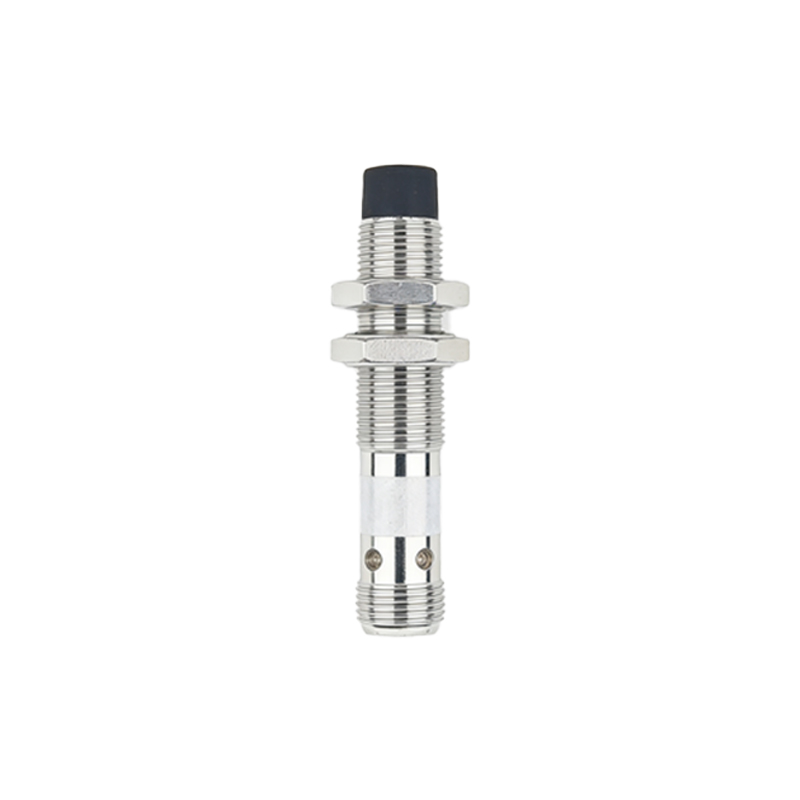
However, if the signal light remains on without a target present or fails to turn off after the object moves away, several issues may be at play. Electrical interference from nearby machinery, such as motors or frequency drives, can cause false triggering. This interference may disrupt the sensor's output, leading to continuous illumination. To mitigate this, ensure proper shielding, grounding, and separation of sensor cables from high-voltage lines.
Another common culprit is sensor misalignment or mounting problems. If a proximity sensor is incorrectly angled or installed too close to other objects, it may detect unintended targets or experience residual sensing. For example, a sensor mounted near a vibrating conveyor might pick up background metal, causing the light to stay on. Adjusting the sensor's position or reducing its sensitivity can often resolve this.
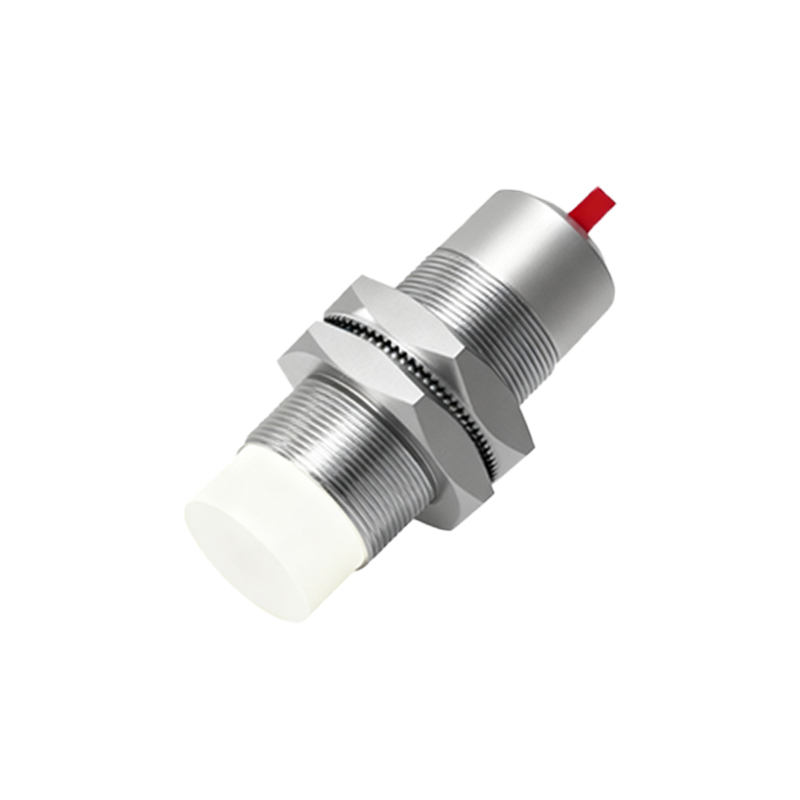
Environmental factors also play a role. Dust, dirt, or moisture accumulation on the sensor face can interfere with detection, particularly for photoelectric or capacitive types. Regular cleaning and maintenance are crucial to prevent false signals. In harsh conditions, selecting sensors with appropriate ingress protection (IP) ratings, such as IP67 or IP68, can enhance reliability.
Wiring and connection issues should not be overlooked. Loose terminals, short circuits, or damaged cables can lead to erratic signal light behavior. Verify that wiring complies with the sensor's specifications—for instance, ensuring correct polarity for DC sensors or proper load matching. A multimeter can help check voltage levels and continuity to identify faults.
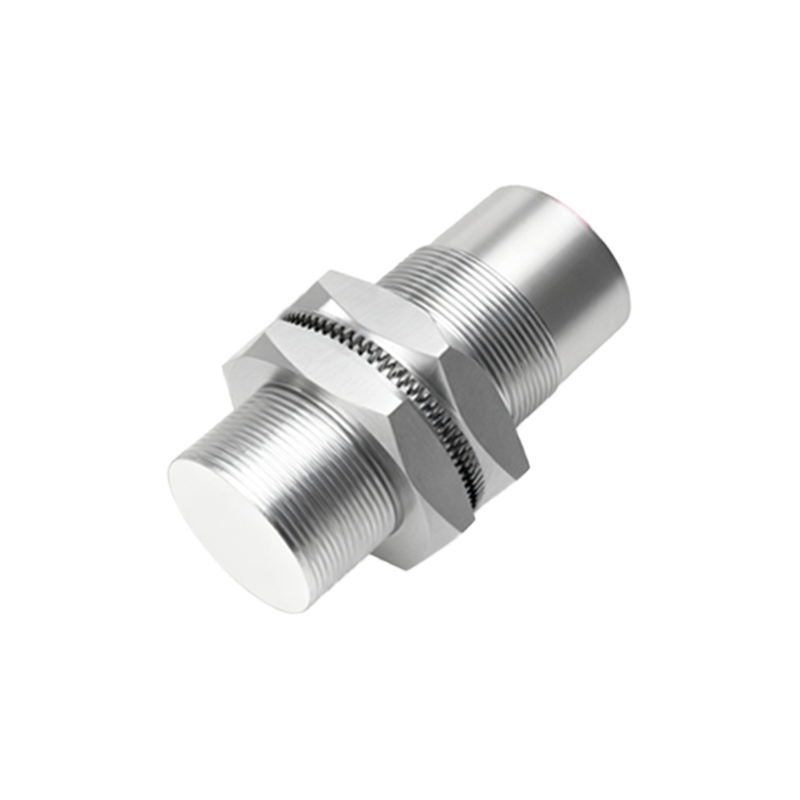
In some cases, the problem may lie with the sensor itself. Over time, internal components can degrade due to wear, overheating, or voltage spikes. If troubleshooting external factors yields no results, testing the sensor with a known good target or replacing it temporarily may be necessary. Many proximity sensors include diagnostic features, such as LED indicators for power and output status, which can aid in pinpointing failures.
To systematically address signal light issues, follow a structured approach. First, confirm the sensor type and its normal operating parameters from the datasheet. Next, inspect the installation environment for obstructions, interference, or contamination. Then, check electrical connections and power supply stability. Finally, use diagnostic tools or swap components to isolate the fault. Documenting these steps can streamline future troubleshooting efforts.
Proactive measures can prevent many signal light problems. Regular calibration, adherence to mounting guidelines, and environmental controls reduce the risk of false triggers. Additionally, integrating sensors with PLCs or monitoring systems allows for remote diagnostics and quicker response to anomalies.
In summary, the illumination of a proximity switch sensor's signal light is a key diagnostic tool. While it often indicates proper detection, persistent or irregular lighting warrants investigation into interference, alignment, environment, wiring, or sensor health. By applying methodical troubleshooting and preventive maintenance, engineers can ensure reliable sensor performance and sustain operational continuity in automated systems.