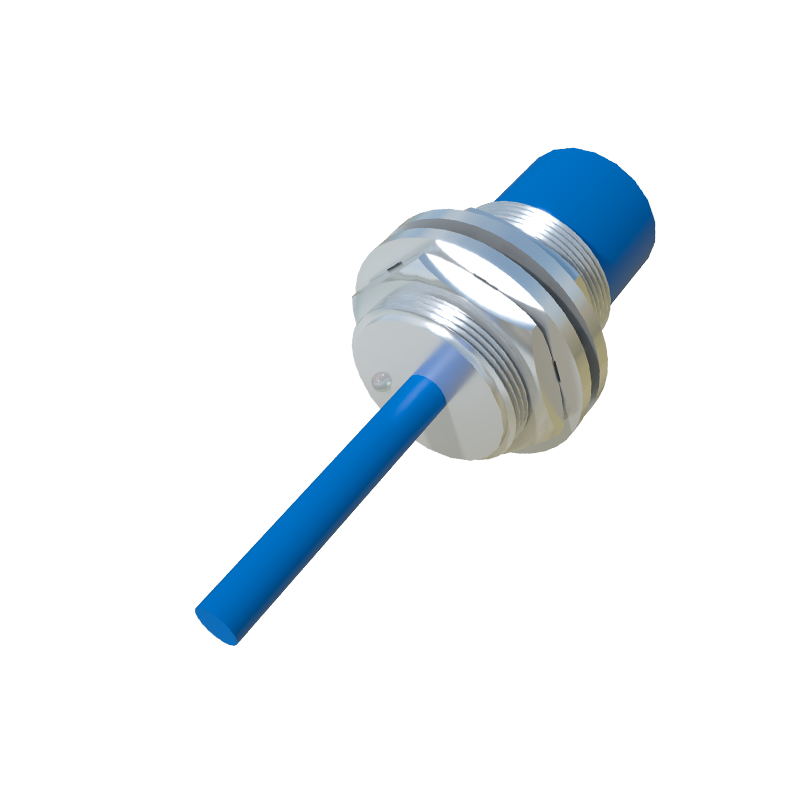
In today's interconnected world of automation and smart systems, human proximity sensors have become fundamental components. Creating an effective PowerPoint presentation (PPT) on this topic requires clarity, technical accuracy, and a focus on audience engagement. This guide outlines the essential elements for structuring and delivering a compelling presentation on human proximity sensors.
A strong presentation begins with a clear introduction. Define what a human proximity sensor is: an electronic device that detects the presence or absence of a person within a specific range without physical contact. Briefly mention its core importance in enhancing safety, enabling automation, and improving energy efficiency across various sectors. This sets the context and grabs the audience's attention from the first slide.
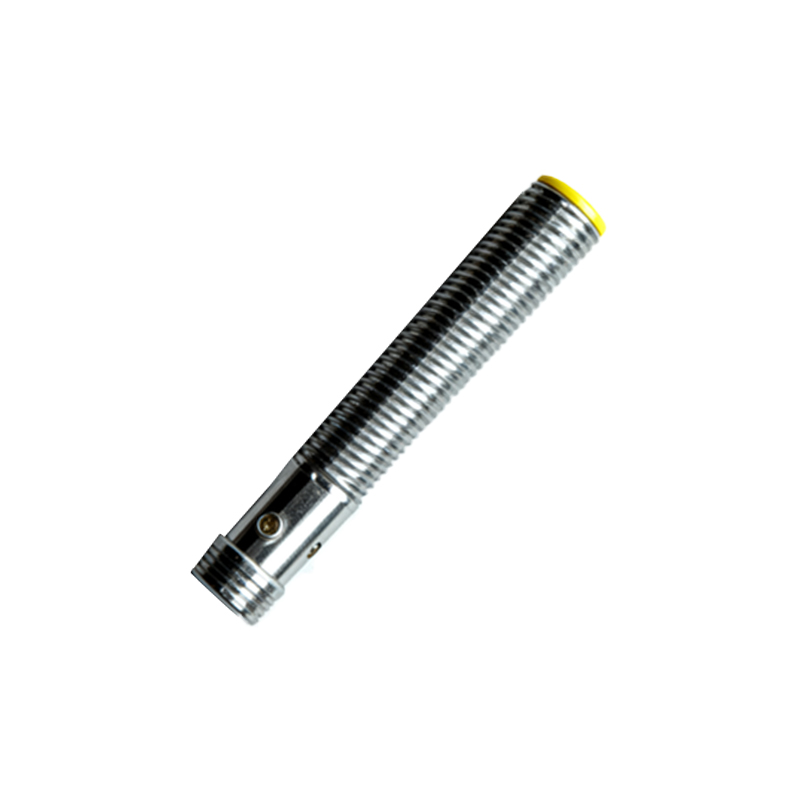
The core of your PPT should delve into the working principles and primary technologies. Avoid overly complex jargon. Explain that these sensors work by emitting a field or beam and detecting changes in its return signal. Dedicate individual slides to the main types. Capacitive sensors detect changes in an electrostatic field caused by a human body. Infrared (PIR) sensors measure infrared radiation emitted by humans. Ultrasonic sensors use sound waves, while microwave sensors employ electromagnetic waves. Use simple diagrams or icons to illustrate each principle. A comparative table slide highlighting range, accuracy, cost, and typical use cases for each type is highly effective for quick comprehension.
No technical presentation is complete without showcasing real-world applications. This section makes the technology tangible. Use high-quality images or short embedded video clips. Discuss industrial safety, where sensors create protective zones around dangerous machinery. Highlight building automation for lighting and HVAC control, leading to significant energy savings. Explore their role in automotive applications like automatic door opening and driver alertness monitoring. Touch upon consumer electronics, such as phones that turn off displays when held to the ear, and public installations like automatic faucets and soap dispensers. Concrete examples solidify understanding.
When addressing the design and integration phase, focus on key selection criteria. Create slides that discuss factors like required detection range, environmental conditions (dust, temperature, humidity), response time, and power consumption. Emphasize the critical importance of proper installation—sensor placement, alignment, and calibration—to avoid false triggers or missed detections. Briefly mention integration with control systems like PLCs or microcontrollers, possibly including a simple block diagram of a typical system architecture.
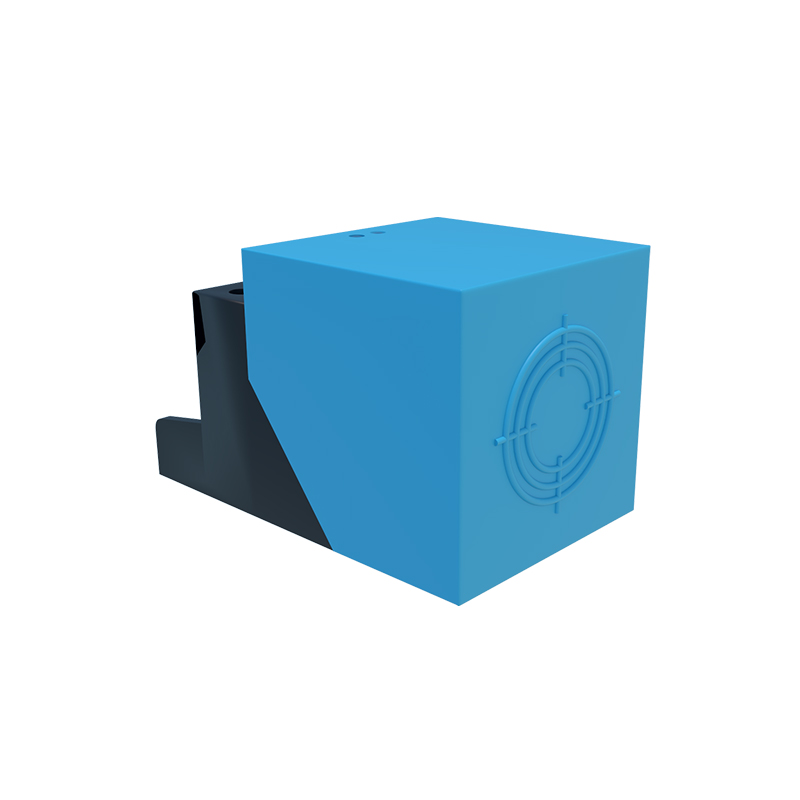
To add depth, dedicate a section to current trends and future outlook. Discuss the miniaturization of sensors and the move towards lower power consumption for IoT devices. Explain the growing integration of multiple sensing technologies (sensor fusion) for higher reliability. Touch upon the role of artificial intelligence and machine learning in improving detection algorithms, enabling features like gesture recognition and predictive behavior analysis. This demonstrates the evolving nature of the field.
Conclude your presentation by summarizing the key takeaways: the variety of technologies, their widespread applications, and critical design considerations. End with a forward-looking statement about the sensor's role in enabling smarter, safer, and more efficient interactive environments. Finally, always include a slide for questions and answers to engage directly with your audience.
For the design of the PPT itself, maintain a clean, professional template. Use consistent fonts and a color scheme that ensures high readability. Prioritize visuals—charts, graphs, and photos—over dense blocks of text. Each slide should convey a single main idea. Practice your delivery to ensure you can explain the concepts conversationally, bridging the gap between the slides and the audience's knowledge. A well-structured, visually appealing, and confidently delivered presentation on human proximity sensors will effectively educate and inform any technical or business audience.