In industrial automation systems, proximity switch sensors and PLC (Programmable Logic Controller) output indicators are critical components for monitoring and controlling machinery. Proper testing of PLC output lights using proximity sensors ensures operational reliability, reduces downtime, and enhances safety. This article provides a detailed, step-by-step guide for electrical engineers and technicians to effectively perform this testing process.
First, understand the basic setup. A proximity switch sensor detects the presence or absence of an object without physical contact, typically using inductive, capacitive, or magnetic principles. It sends a signal to the PLC, which processes the input and activates an output indicator—often an LED light—to show the system's status. Testing involves verifying that the sensor correctly triggers the PLC output under various conditions.
Begin by preparing the necessary tools: a multimeter, a test object (such as a metal piece for inductive sensors), and the system’s wiring diagrams. Ensure the power supply is disconnected to prevent electrical hazards. Check the sensor’s specifications, including its sensing range, output type (e.g., NPN or PNP), and voltage rating, to match the PLC input requirements. Incorrect matching can lead to false readings or damage.
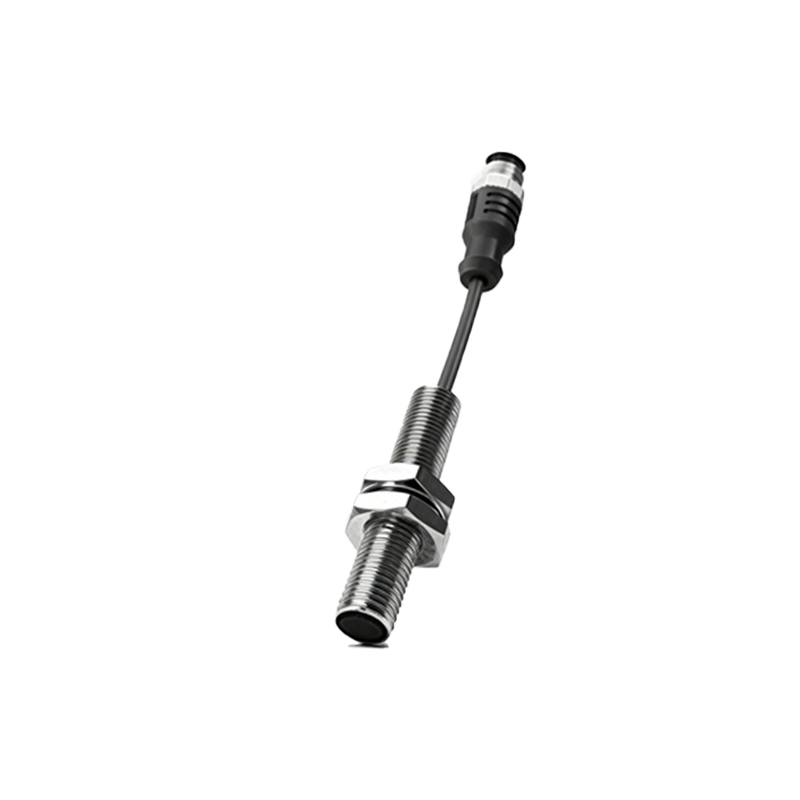
Next, inspect the physical connections. Verify that the proximity sensor is properly mounted and aligned with the target area. Loose wiring or misalignment can cause intermittent failures. Use the multimeter to test continuity in the sensor’s cables and confirm that the PLC input module receives power. Reconnect the power and observe the sensor’s indicator light—if present—to see if it activates when the test object is within range.
To test the PLC output light, simulate the sensor’s operation. Place the test object within the sensor’s detection range. The sensor should send a high or low signal to the PLC, depending on its configuration. Monitor the PLC’s programming software or HMI (Human-Machine Interface) to check if the input register changes state. If the PLC recognizes the signal, it should energize the corresponding output channel, lighting the indicator. If the light fails to illuminate, troubleshoot step-by-step: confirm the output module’s power, check for blown fuses, and review the PLC ladder logic program for errors.
For advanced testing, consider environmental factors. Proximity sensors can be affected by temperature, humidity, or electromagnetic interference. Perform tests under normal operating conditions and during potential stress scenarios. Use the multimeter to measure the voltage at the PLC output terminal when activated; it should match the rated voltage (e.g., 24V DC). If the voltage is low, there might be a wiring issue or a faulty component.
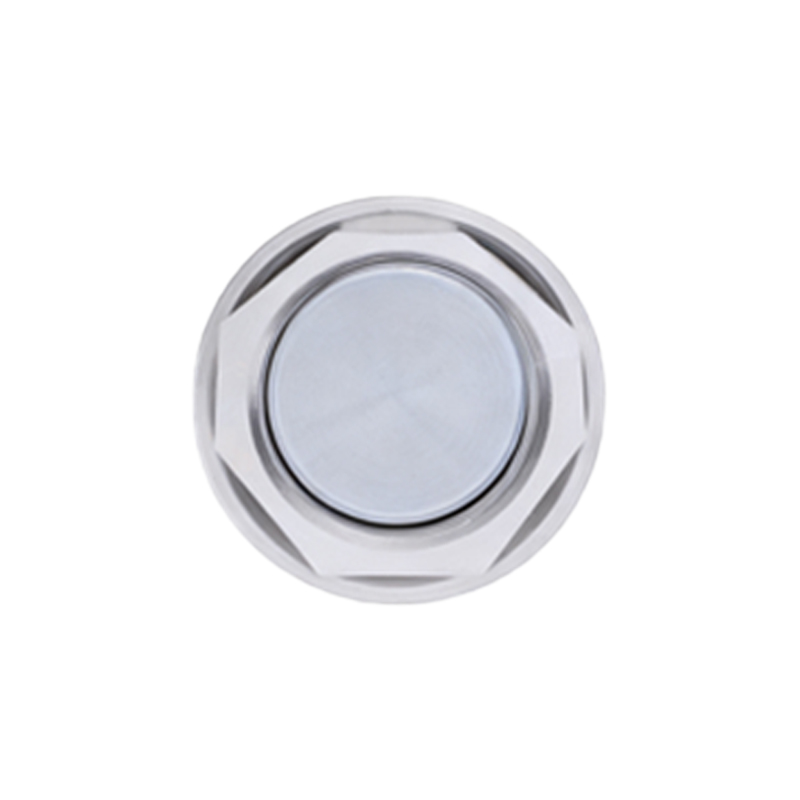
Additionally, test response times. Move the test object rapidly in and out of the sensor’s range to ensure the PLC output light responds promptly without delay. Slow responses could indicate sensor wear, PLC scan time issues, or network latency in distributed systems. Document all test results, including pass/fail status and any anomalies, for maintenance records.
Regular testing is essential for preventive maintenance. Incorporate this procedure into routine checks to catch problems early. Always follow safety protocols, such as locking out power during inspections and wearing appropriate PPE. By mastering this testing method, engineers can optimize system performance, reduce errors, and ensure seamless automation processes.
In summary, testing PLC output lights with proximity switch sensors involves preparation, connection verification, simulation, and troubleshooting. This practice not only validates system integrity but also boosts efficiency in industrial settings. Stay updated with manufacturer guidelines and technological advancements to refine your testing approaches over time.