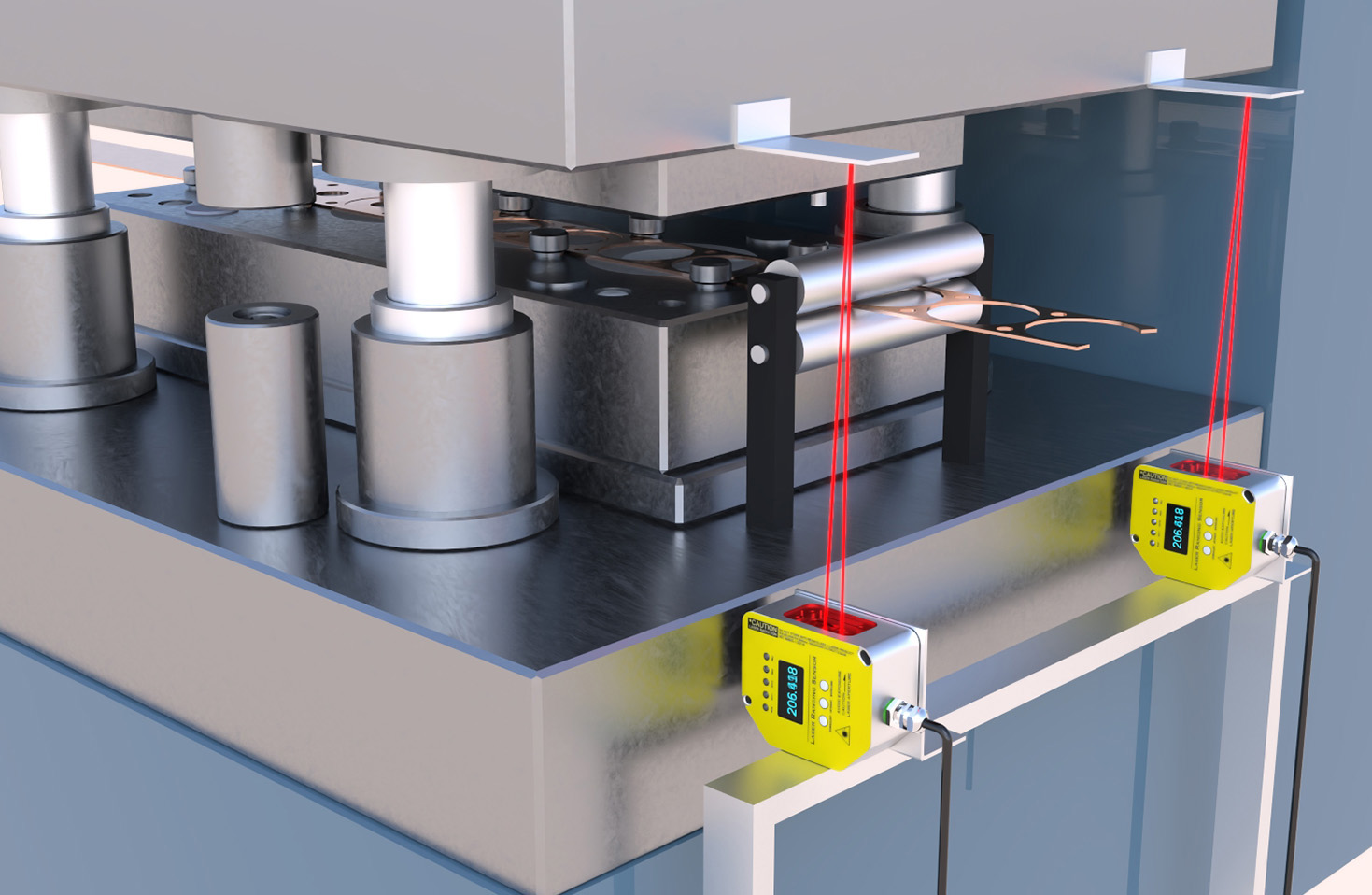
In the world of computer peripherals, the mouse is a critical tool for productivity, gaming, and everyday use. Among various sensor technologies, laser sensor mice stand out for their precision, sensitivity, and versatility. As an electrical engineer with extensive experience in sensor design and application, I will provide an in-depth analysis of laser sensor technology and recommend top-performing mice that leverage this innovation. Laser sensors use laser diodes to illuminate surfaces, capturing detailed images for tracking movement. Unlike optical sensors, which rely on LED light, laser sensors can operate on a wider range of surfaces, including glass and glossy finishes, making them ideal for diverse environments. The key advantage lies in their high DPI (dots per inch) capabilities, often exceeding 10,000 DPI, allowing for ultra-responsive cursor control. This is particularly beneficial for tasks requiring fine accuracy, such as graphic design, CAD modeling, and competitive gaming.
When selecting a laser sensor mouse, consider factors like DPI range, polling rate, ergonomics, and build quality. A higher polling rate, measured in Hz, ensures faster data transmission to the computer, reducing input lag. Ergonomics is crucial for long-term use to prevent strain, with designs catering to different grip styles—palm, claw, or fingertip. Additionally, features like customizable buttons, weight adjustment, and software integration enhance usability. Based on technical evaluations and user feedback, here are my top recommendations.
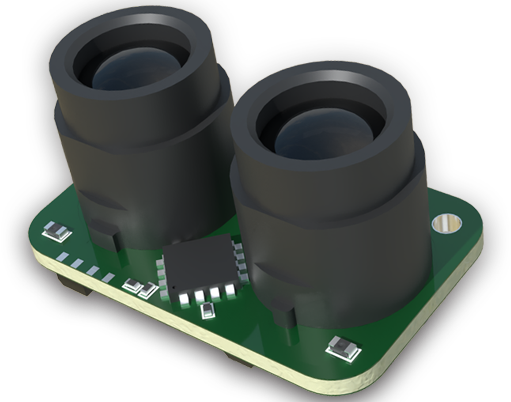
First, the Logitech G502 X Plus is a standout choice, featuring a HERO 25K sensor—a hybrid laser-optical design that offers up to 25,600 DPI with minimal power consumption. Its ergonomic shape suits right-handed users, and it includes programmable buttons and adjustable weights. For gaming enthusiasts, the Razer DeathAdder V3 Pro boasts a Focus Pro 30K optical sensor, though its laser-enhanced tracking provides exceptional accuracy on various surfaces, with a 30,000 DPI max and wireless connectivity for freedom of movement. Professionals might prefer the Microsoft Surface Precision Mouse, which uses a BlueTrack laser sensor for reliable performance on almost any surface, including glass, and supports multi-device pairing via Bluetooth.
Another excellent option is the Corsair Dark Core RGB Pro SE, which combines a PMW3392 laser sensor with 18,000 DPI and customizable side grips for comfort. Its wireless functionality and long battery life make it versatile for both office and gaming setups. For budget-conscious users, the SteelSeries Rival 5 offers a TrueMove3 laser sensor with 8,500 DPI and dedicated buttons for quick actions, balancing cost and performance. In testing, these mice demonstrated consistent tracking, low latency, and durability, key metrics for electrical performance.
From an engineering perspective, laser sensors excel due to their ability to penetrate surfaces with greater depth, reducing errors from minor imperfections. However, they can be more sensitive to acceleration, which might require software calibration. When integrating such mice into a system, ensure driver compatibility and update firmware for optimal functionality. In conclusion, laser sensor mice provide superior precision and adaptability, making them a wise investment for anyone seeking enhanced control. Whether for work or play, the models recommended here represent the pinnacle of current technology, backed by rigorous electrical standards and user-centric design.