Proximity sensors are critical components in industrial automation, enabling non-contact detection of objects with high precision. Proper calibration and troubleshooting are essential to ensure optimal performance and minimize downtime. This video guide provides a comprehensive walkthrough of proximity sensor setup, calibration techniques, and common issue resolution, tailored for engineers and technicians in the electrical and automation fields.
The video begins with an overview of proximity sensor types, including inductive, capacitive, and ultrasonic variants. Each type has distinct applications—inductive sensors for metal detection, capacitive for non-metallic materials, and ultrasonic for distance measurement. Understanding these differences is key to selecting the right sensor for your application.
Calibration procedures are demonstrated step-by-step. First, ensure the sensor is correctly mounted and aligned with the target object. Adjust the sensing distance using the potentiometer or digital interface, referencing the manufacturer’s datasheet for specific ranges. Environmental factors like temperature, humidity, and electromagnetic interference can affect accuracy, so the video highlights best practices for mitigating these issues. For instance, shielding sensors from nearby motors or high-voltage equipment reduces false triggers.
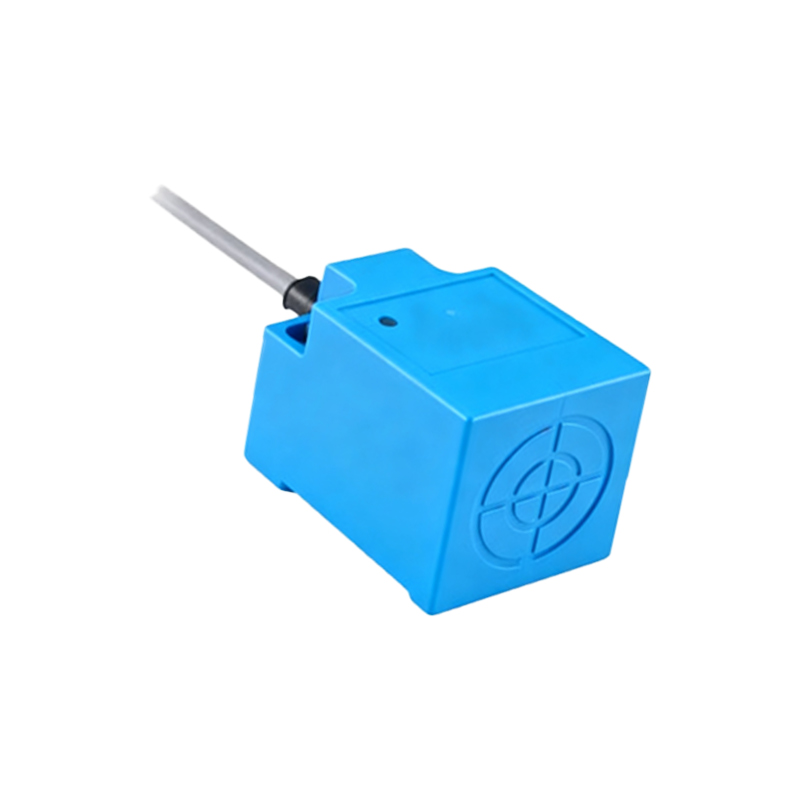
Troubleshooting common problems is a major focus. The guide covers scenarios such as intermittent detection, reduced sensing range, and output signal failures. Using a multimeter or oscilloscope, viewers learn to diagnose wiring faults, power supply inconsistencies, and sensor degradation. Real-world examples show how to interpret LED indicators on sensor housings—a steady glow typically indicates normal operation, while blinking patterns may signal errors.
Advanced topics include integrating sensors with PLCs (Programmable Logic Controllers) and HMIs (Human-Machine Interfaces). The video explains how to configure parameters like hysteresis and response time to match system requirements. For networked setups, it addresses communication protocols like IO-Link, which enable remote monitoring and adjustment.
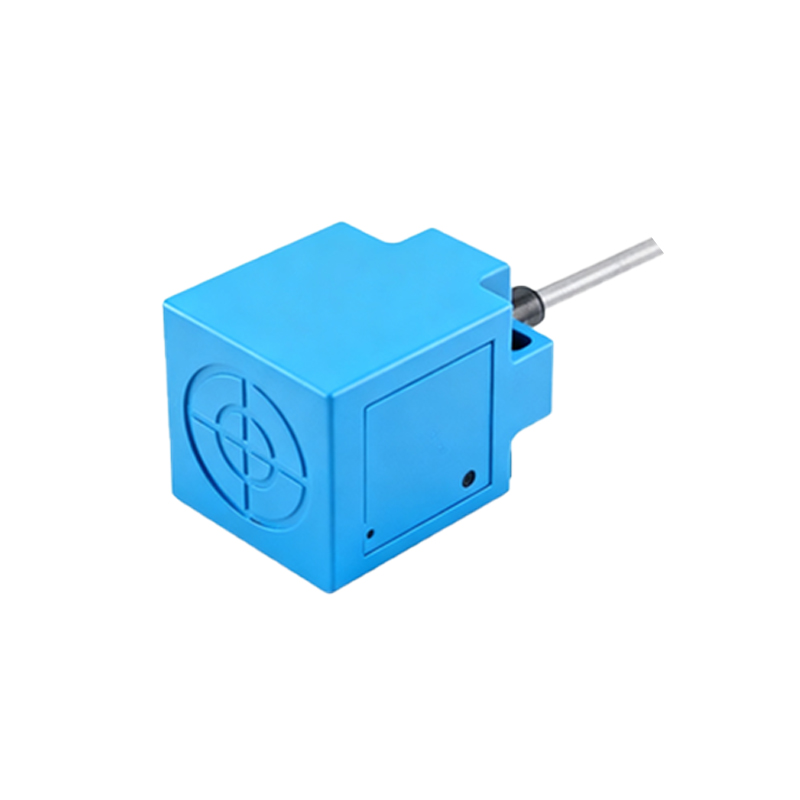
Maintenance tips emphasize regular inspection for physical damage, contamination, or wear. Cleaning lens surfaces on optical sensors and checking connector integrity can prevent failures. The conclusion reinforces the importance of documentation—keeping calibration records and error logs aids in future troubleshooting.
Throughout the video, animations and close-up shots clarify complex steps, while subtitles and diagrams cater to diverse learning styles. Engineers are encouraged to practice these methods in controlled environments before field deployment. By mastering these techniques, professionals can enhance system reliability, reduce costs, and improve safety in automated processes.