In industrial automation and control systems, proximity sensors play a critical role in detecting the presence or absence of objects without physical contact. These sensors are widely used for counting applications, such as monitoring production lines, inventory management, and machinery operation. However, a common issue faced by engineers and technicians is an unexpected increase in the sensor count, which can lead to inaccurate data, process disruptions, and potential downtime. This article explores the causes behind this problem and provides practical solutions to address it.
First, it is essential to understand how proximity sensors work in counting scenarios. Typically, these sensors generate a signal when an object enters their detection range. This signal is processed by a controller or counter to increment the count. The count may increase erroneously due to several factors, including environmental interference, sensor misalignment, or hardware malfunctions. Identifying the root cause is the first step toward resolution.
One primary cause of an increasing count is electrical noise or electromagnetic interference (EMI). In industrial environments, machinery, motors, and other electrical devices can generate noise that affects sensor performance. This interference may cause the sensor to trigger falsely, leading to extra counts. To mitigate this, ensure proper shielding of sensor cables and use twisted-pair wiring to reduce noise pickup. Additionally, installing ferrite cores or filters on the signal lines can help suppress high-frequency interference. Grounding practices should also be reviewed; improper grounding can exacerbate noise issues.

Another common issue is sensor misalignment or incorrect installation. If the sensor is not positioned correctly relative to the target object, it may detect unintended objects or reflections, resulting in false triggers. For example, in applications involving metallic objects, reflections from nearby surfaces can cause multiple counts per object. To resolve this, verify the sensor's alignment according to the manufacturer's specifications. Adjust the mounting angle or distance to ensure optimal detection. Using sensors with adjustable sensing ranges or built-in hysteresis can also improve reliability.
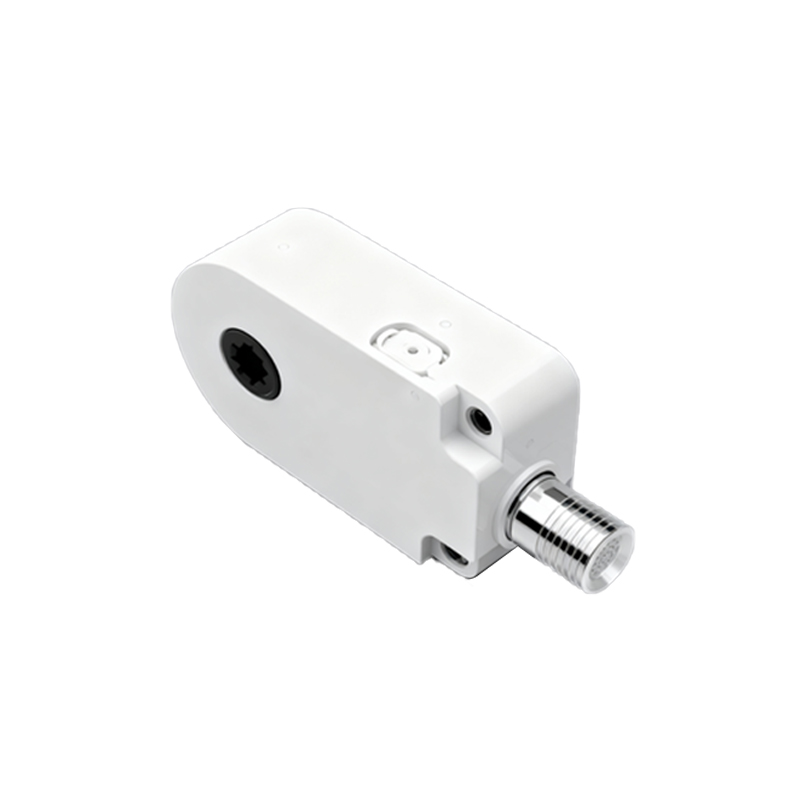
Sensor wear and tear over time can lead to performance degradation. Proximity sensors, especially inductive or capacitive types, may experience drift in their detection characteristics due to temperature fluctuations, contamination, or mechanical stress. This drift can cause the sensor to become overly sensitive, triggering counts without actual object presence. Regular maintenance, including cleaning the sensor face and checking for physical damage, is crucial. Calibrating the sensor periodically or replacing it if it shows signs of failure can prevent count inaccuracies.
In some cases, the issue may stem from the controller or counter unit rather than the sensor itself. Faulty wiring, loose connections, or programming errors in the control system can cause erroneous counts. Inspect all electrical connections for integrity and tightness. Review the counter's settings, such as debounce time or response delay, to ensure they are configured appropriately for the application. Increasing the debounce time can help filter out transient signals that might be mistaken for valid counts.
Environmental factors, such as temperature extremes, humidity, or vibration, can also impact sensor performance. For instance, high temperatures may affect the sensor's electronics, leading to unstable operation. Ensure that the sensor is rated for the operating conditions of the environment. If necessary, use sensors with higher ingress protection (IP) ratings or install protective enclosures to shield them from harsh conditions.
When troubleshooting, a systematic approach is recommended. Start by isolating the sensor from the system to test its functionality independently. Use diagnostic tools, such as oscilloscopes or multimeters, to monitor the sensor's output signal. Check for irregularities like signal spikes or noise. If the sensor operates correctly in isolation, the problem may lie in the integration with other components. Documenting the issue and consulting the sensor's technical manual can provide additional insights.
In summary, an increasing count in proximity sensor applications is often a solvable problem with careful analysis and corrective actions. By addressing electrical interference, ensuring proper installation, performing regular maintenance, and verifying system integration, engineers can restore accurate counting and maintain operational efficiency. Proactive measures, such as selecting robust sensors designed for specific environments and implementing noise reduction strategies, can prevent future occurrences.
For persistent issues, consider upgrading to more advanced sensors with features like background suppression or digital output, which offer better immunity to environmental challenges. Collaboration with sensor manufacturers or industry experts can also provide tailored solutions for complex applications. Ultimately, maintaining sensor reliability is key to optimizing automation processes and minimizing downtime in industrial settings.