Proximity sensors, particularly the M80 series, are critical components in industrial automation systems, widely used for position detection, object counting, and safety applications. However, like any electronic device, they are susceptible to faults that can disrupt production lines and compromise system integrity. This article provides a comprehensive guide to diagnosing and troubleshooting common M80 proximity sensor failures, based on industry best practices and engineering experience.
The M80 proximity sensor operates on the principle of electromagnetic induction or capacitive sensing, depending on the model. Typical symptoms of malfunction include intermittent detection, complete failure to detect objects, erratic output signals, or abnormal indicator light behavior. Before proceeding with detailed diagnostics, ensure basic environmental factors are checked: verify the operating voltage (commonly 10-30V DC for DC models), inspect for physical damage to the sensor housing or cable, and confirm that the sensing face is clean and free from obstructions like metal chips or oil residue.
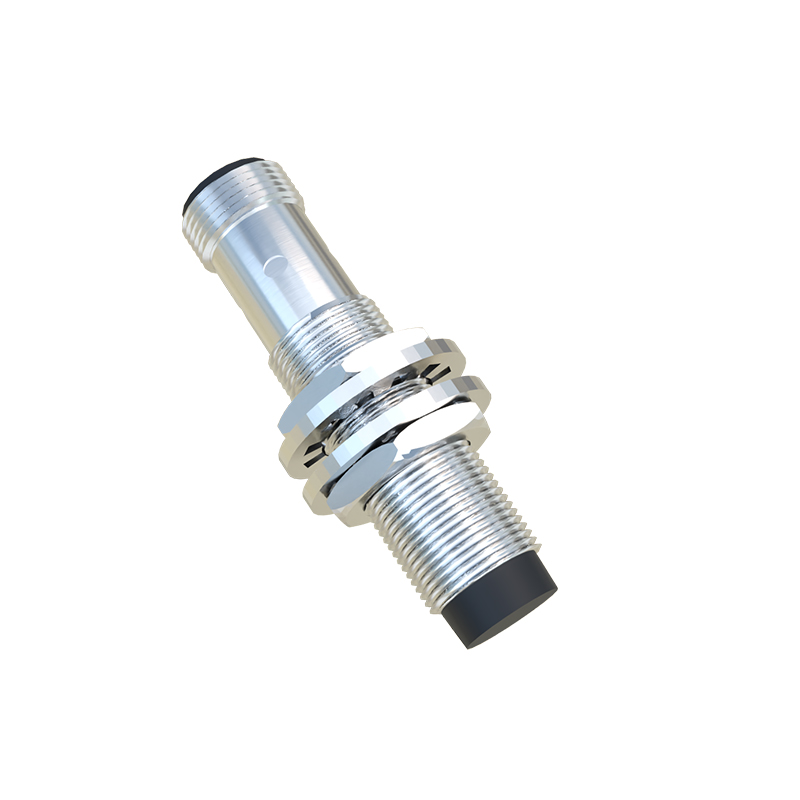
One frequent issue with M80 sensors is output signal failure. Begin by monitoring the output LED indicator. If the LED fails to illuminate when a target object enters the sensing range, the problem may lie in the power supply or wiring. Use a multimeter to measure voltage at the sensor terminals, ensuring it matches the rated specification. Check for loose connections, corroded terminals, or damaged cables, especially in high-vibration environments. For two-wire DC sensors, remember that a minimal leakage current is normal when the sensor is off; excessive current draw may indicate internal component failure.
False triggering or inconsistent detection often stems from external interference. M80 sensors can be affected by adjacent electromagnetic sources, such as motors, transformers, or other sensors operating at similar frequencies. Maintain adequate spacing between sensors and potential sources of interference. Additionally, ensure the target object material and size are compatible with the sensor's specifications. For inductive sensors, only conductive metals can be detected effectively, while capacitive models respond to a broader range of materials but are sensitive to environmental changes like humidity.
Temperature extremes can also lead to M80 sensor faults. Operating beyond the specified temperature range (typically -25°C to 70°C for standard models) may cause internal circuitry to behave unpredictably. In high-temperature applications, consider using sensors with extended temperature ratings or installing heat shields. Conversely, in cold environments, condensation buildup can short-circuit connections; select models with appropriate IP ratings (e.g., IP67 for dust and water resistance) and apply protective enclosures if necessary.
Internal component degradation is another common cause of failure. Over time, the oscillator circuit, output transistor, or sensing coil may wear out, particularly in high-cycle applications. If all external factors are ruled out, perform a functional test by substituting the suspect sensor with a known working unit of the same model. This helps isolate the fault to the sensor itself. For repairable units, refer to the manufacturer's technical documentation for component-level troubleshooting, though replacement is often more cost-effective given the modular design of M80 sensors.
Preventive maintenance is key to minimizing downtime. Regularly inspect sensor mounting stability, as misalignment can reduce effective sensing distance. Clean sensing surfaces with a soft cloth and isopropyl alcohol, avoiding abrasive materials. Keep a log of sensor performance trends to identify early signs of deterioration. When installing new M80 sensors, adhere to recommended mounting distances and avoid over-tightening, which can distort the housing and affect sensitivity.
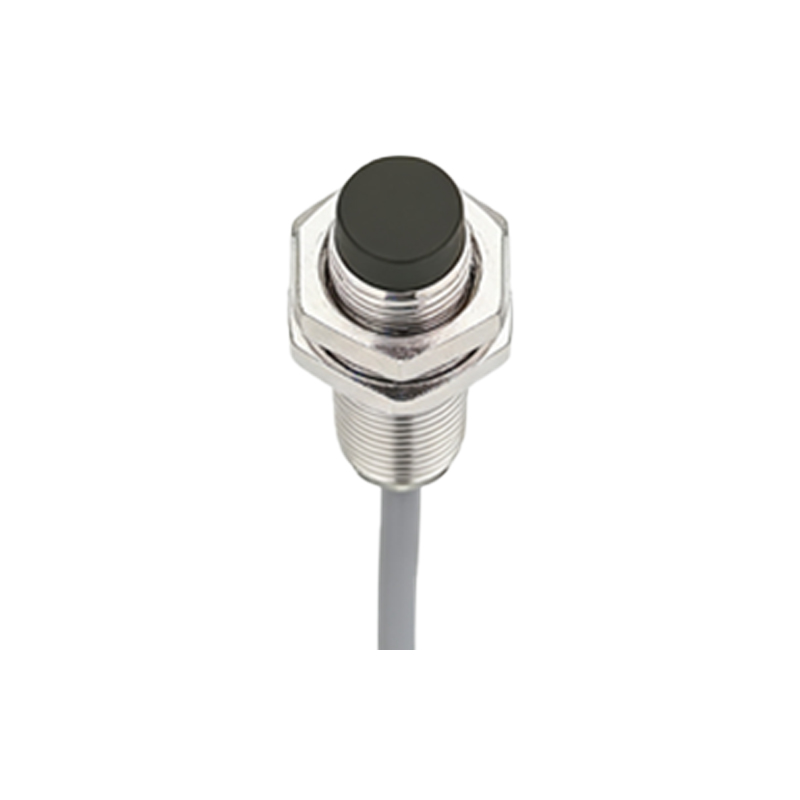
In summary, systematic troubleshooting of M80 proximity sensor faults involves verifying power and wiring, assessing environmental conditions, checking for interference, and testing sensor functionality. By following these steps, engineers can quickly restore operations and implement measures to prevent recurrence. Always consult the manufacturer's datasheet for model-specific details, as variations exist within the M80 series regarding sensing range, output type (PNP/NPN), and housing material.