Infrared proximity sensors are critical components in various industrial applications, from automated manufacturing lines to safety systems and robotics. These sensors operate by emitting infrared light and detecting its reflection to determine the presence or distance of objects. However, like any electronic device, they are prone to failures that can disrupt operations. Understanding common issues and their solutions is essential for maintaining system reliability.
One of the most frequent problems with infrared proximity sensors is contamination on the lens or emitter. Dust, oil, or debris can accumulate over time, reducing the sensor's sensitivity or causing false readings. To address this, first power down the system to ensure safety. Carefully clean the lens and emitter using a soft, lint-free cloth and isopropyl alcohol. Avoid abrasive materials that could scratch the surface. Regular maintenance schedules should include cleaning to prevent buildup, especially in harsh environments like machining or packaging facilities.
Another common issue is misalignment. Infrared sensors rely on precise positioning to accurately detect objects. Vibrations, mechanical shocks, or improper installation can shift the sensor, leading to inconsistent performance. To troubleshoot, verify the sensor's alignment according to the manufacturer's specifications. Use alignment tools or targets if provided. Adjust the mounting to ensure the infrared beam is directed correctly toward the target area. In applications involving moving parts, consider installing vibration-damping mounts to minimize displacement.
Electrical problems are also a significant cause of failures. Check the power supply to ensure it meets the sensor's voltage and current requirements—typically between 10-30V DC for industrial models. Fluctuations or noise in the power source can lead to erratic behavior. Use a multimeter to measure voltage at the sensor terminals during operation. If irregularities are detected, install a regulated power supply or noise filters. Additionally, inspect wiring for loose connections, corrosion, or damage. Replace any frayed cables and secure terminals to prevent intermittent faults.
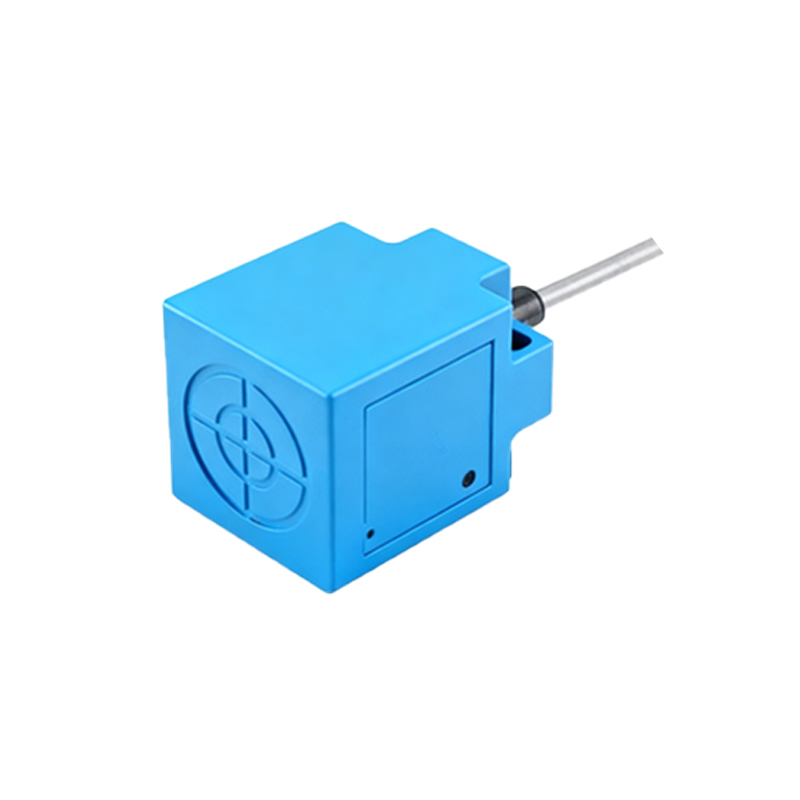
Environmental factors can interfere with infrared sensor performance. Strong ambient light, such as sunlight or high-intensity lamps, may saturate the receiver, causing false triggers. To mitigate this, shield the sensor from direct light sources or use models with modulated infrared signals that distinguish between ambient and emitted light. Temperature extremes can also affect components; ensure the sensor operates within its specified range, usually -25°C to 70°C for industrial-grade units. In outdoor or variable climates, consider enclosures with thermal regulation.
Sensor degradation over time is inevitable. The infrared emitter, often an LED, has a finite lifespan and may dim with extended use, reducing detection range. If cleaning and alignment do not restore functionality, test the emitter output with an infrared detector or oscilloscope. Compare readings to baseline values from the datasheet. Similarly, the phototransistor receiver can lose sensitivity. Replacing worn components is often more cost-effective than installing a new sensor, but ensure compatibility with the existing system.
Programming or configuration errors can mimic hardware failures. Many modern infrared sensors feature adjustable parameters like detection range, response time, or output mode. Incorrect settings may cause the sensor to ignore objects or trigger prematurely. Access the sensor's interface—via dip switches, potentiometers, or software—and reset to factory defaults if unsure. Recalibrate according to the application's requirements, referencing the user manual. For networked sensors, verify communication protocols and address assignments to avoid conflicts.
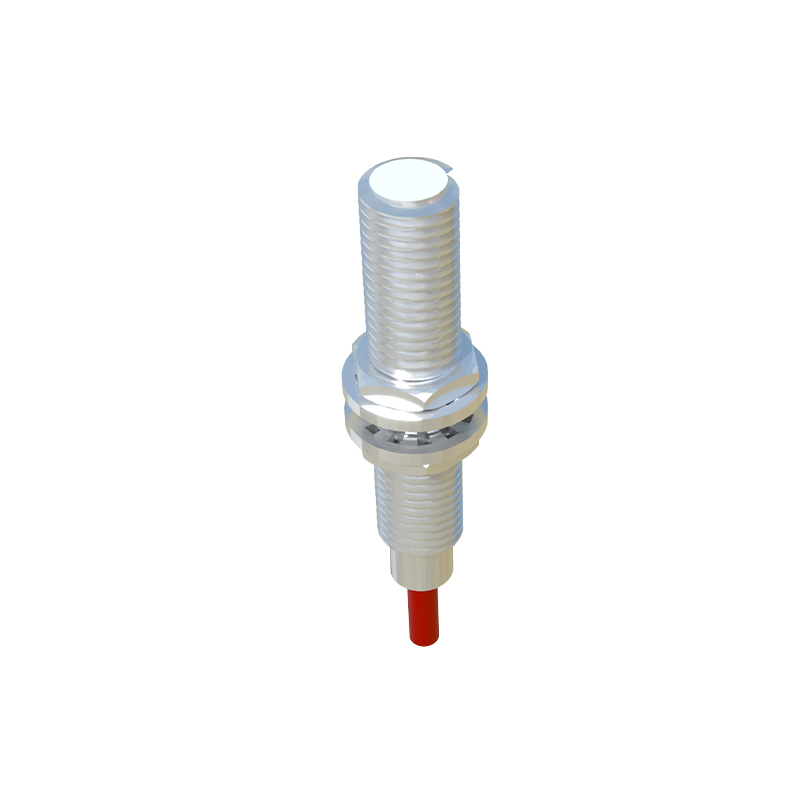
In cases of persistent issues, systematic isolation is key. Disconnect the sensor from the control system and test it independently with a known object. Use diagnostic tools like infrared viewers to confirm beam emission. If the sensor functions alone, the problem may lie in downstream components like PLCs or relays. Conversely, if it fails, replace it with a compatible unit. Always keep spares on hand to minimize downtime, and document troubleshooting steps for future reference.
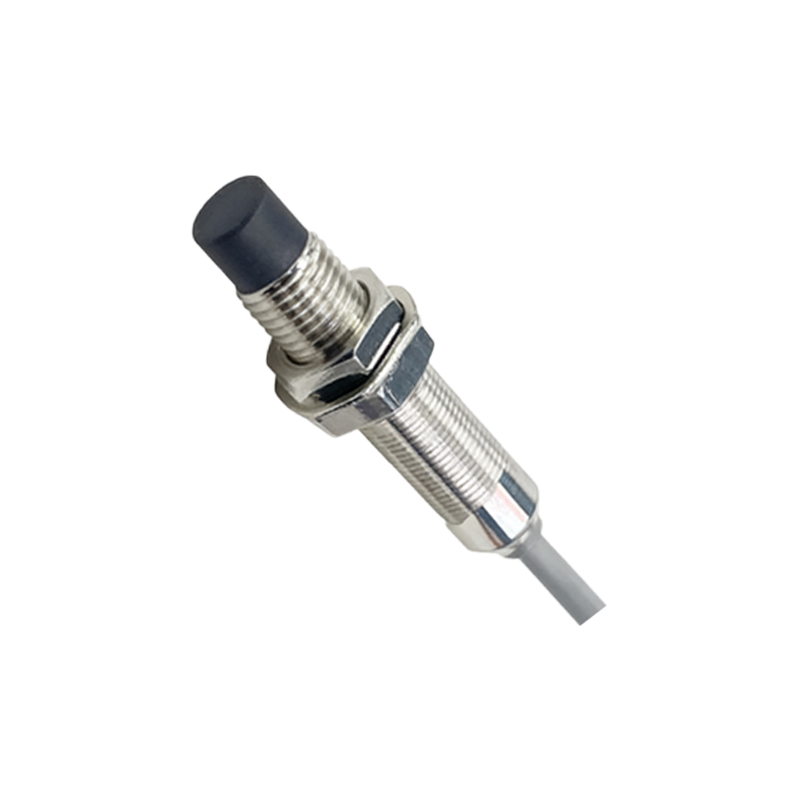
Preventive measures can reduce failure rates. Implement environmental controls, such as enclosures for dust and moisture protection. Choose sensors with appropriate IP ratings for the application—e.g., IP67 for washdown areas. Regularly update firmware for smart sensors to patch bugs or improve performance. Train maintenance staff on proper handling and calibration techniques. By combining proactive care with methodical troubleshooting, infrared proximity sensors can deliver reliable, long-term service in demanding industrial settings.