Laser distance sensors are essential tools in modern industrial applications, offering high-precision, non-contact measurement capabilities. Proper operation ensures accurate results, enhances safety, and extends sensor lifespan. This guide outlines key steps and best practices for using laser distance sensors effectively.
First, understand the basic working principle. Laser distance sensors emit a laser beam toward a target; the beam reflects back, and the sensor calculates distance based on the time-of-flight or phase-shift method. Common types include pulsed time-of-flight sensors for long ranges and phase-shift sensors for high accuracy at shorter distances. Before operation, review the manufacturer’s datasheet to confirm specifications like measuring range, accuracy, resolution, and environmental ratings (e.g., temperature, humidity).
Begin with installation and setup. Mount the sensor securely on a stable surface or bracket, ensuring it is aligned perpendicular to the target surface to avoid angular errors. Avoid mounting near vibration sources or in areas with excessive dust, smoke, or direct sunlight, as these can interfere with the laser beam. Connect the sensor to a power supply and interface (e.g., analog output, digital I/O, or communication protocols like RS-232 or Ethernet). Many sensors feature configurable settings via software or onboard buttons—adjust parameters such as measurement rate, output format, and filtering based on your application needs.
Calibration is critical for accuracy. Perform a zero-point calibration by targeting a known reference distance, often using a calibration plate or a fixed object. Some sensors offer automatic calibration modes; follow the manual instructions to initiate this process. Regularly recalibrate, especially if environmental conditions change or after prolonged use. For dynamic measurements, enable averaging or filtering functions to reduce noise from surface irregularities or ambient light.
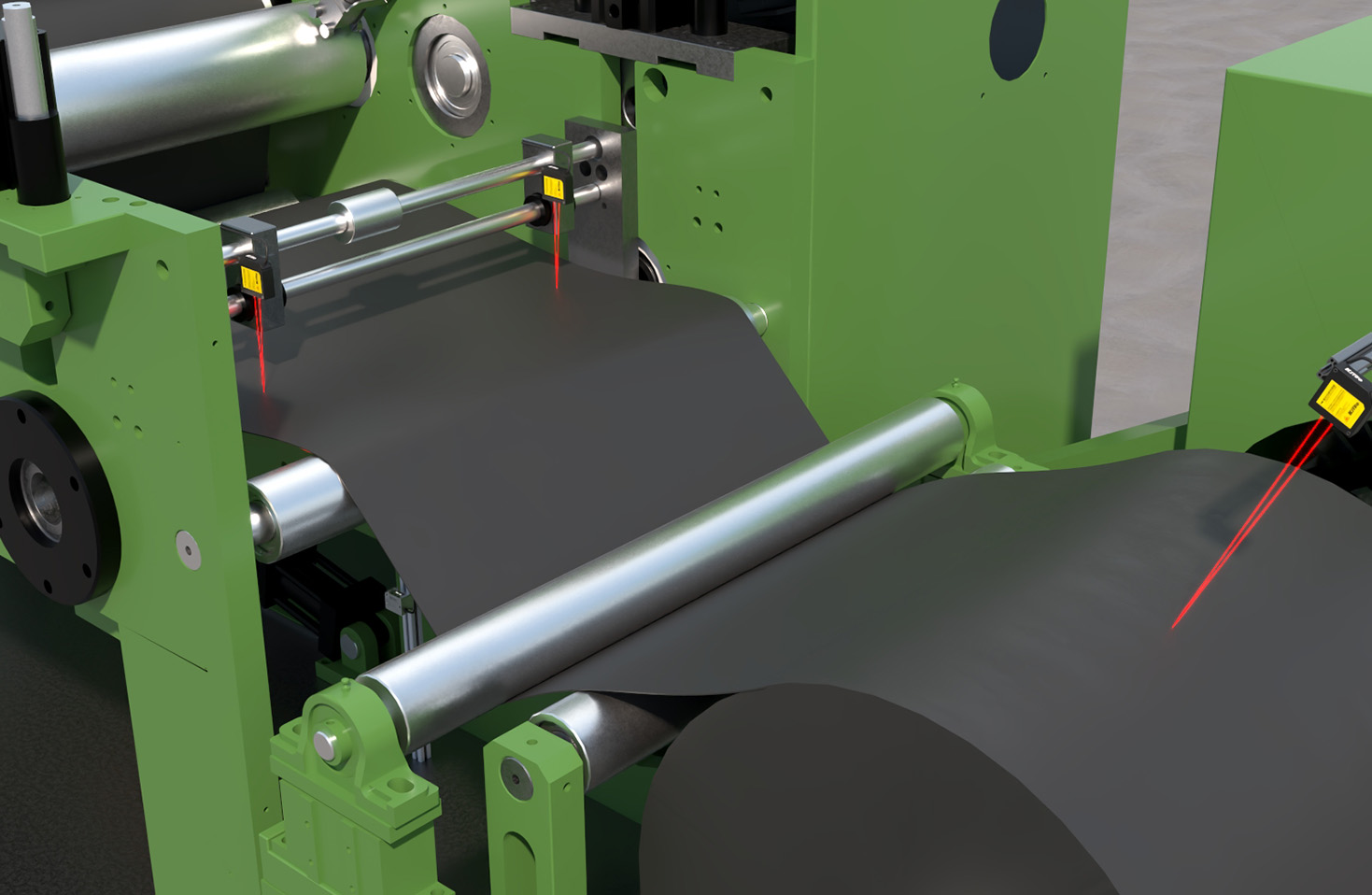
During operation, ensure the target surface is suitable. Laser sensors work best on opaque, diffusely reflective materials like wood, metal, or concrete. Avoid highly reflective or transparent surfaces (e.g., mirrors, glass), as they can cause erroneous readings; if necessary, apply a matte coating or use a retro-reflector. Maintain a clear line of sight, and keep the target within the specified measuring range. Monitor the sensor’s status indicators (e.g., LED lights or software alerts) for issues like signal loss or overload.
Safety precautions are paramount. Laser distance sensors typically use Class 2 lasers, which are eye-safe under normal conditions, but never point the beam directly at eyes or reflective surfaces. Follow local regulations and wear protective eyewear if required. In hazardous environments, use sensors with appropriate certifications (e.g., IP67 for dust and water resistance, ATEX for explosive atmospheres).
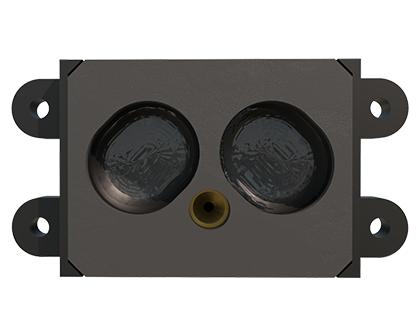
Maintenance involves periodic cleaning of the lens with a soft, lint-free cloth to prevent dust buildup, which can scatter the laser beam. Check connections for corrosion or looseness, and update firmware as recommended by the manufacturer. Store sensors in a dry, temperature-controlled environment when not in use.
Troubleshooting common problems: If readings are inconsistent, verify alignment, clean the lens, or adjust filtering settings. For communication errors, inspect cables and configuration settings. Consult the manual or contact technical support for persistent issues.
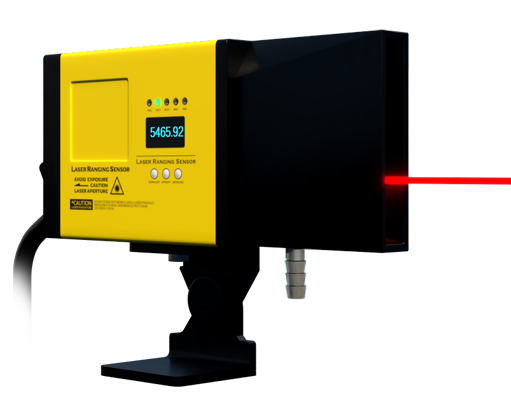
In summary, operating laser distance sensors requires attention to installation, calibration, target properties, and safety. By adhering to these guidelines, users can achieve reliable measurements in applications from manufacturing and robotics to construction and logistics. Always refer to specific product documentation for detailed instructions tailored to your sensor model.