In industrial automation and precision measurement, laser sensors play a critical role in ensuring accuracy, reliability, and efficiency. Proper configuration of the laser sensor display or interface is essential for operators to monitor, diagnose, and adjust system parameters effectively. This guide outlines key steps and best practices for setting up laser sensor displays to achieve optimal performance in various applications, from manufacturing lines to quality control inspections.
First, understanding the basic display parameters is fundamental. Most modern laser sensors feature digital interfaces, such as LCD screens or integrated software dashboards. The primary parameters typically include measurement value (e.g., distance, thickness, or position), signal strength, alarm thresholds, and environmental compensation settings. Begin by accessing the sensor's menu through physical buttons or a connected software platform. Navigate to the display settings to adjust the brightness, contrast, and refresh rate. A well-configured display should be easily readable under different lighting conditions—whether in a dimly lit factory or a bright outdoor setting. For instance, increasing brightness and contrast can reduce eye strain and prevent misinterpretation of data during long shifts.
Next, focus on configuring the measurement display. Laser sensors often provide real-time numerical values and graphical representations, such as waveforms or trend lines. Set the display to show the most relevant data for your application. In distance measurement tasks, for example, prioritize the current distance reading and a historical trend graph to detect deviations over time. Adjust the sampling rate and averaging filters to balance responsiveness and stability. A high sampling rate may show rapid fluctuations, which can be useful for dynamic processes, but it might also introduce noise. Using averaging filters smooths the data, providing a clearer view of trends without sacrificing critical detail. Additionally, enable units of measurement (e.g., millimeters, inches) that align with industry standards to avoid conversion errors.
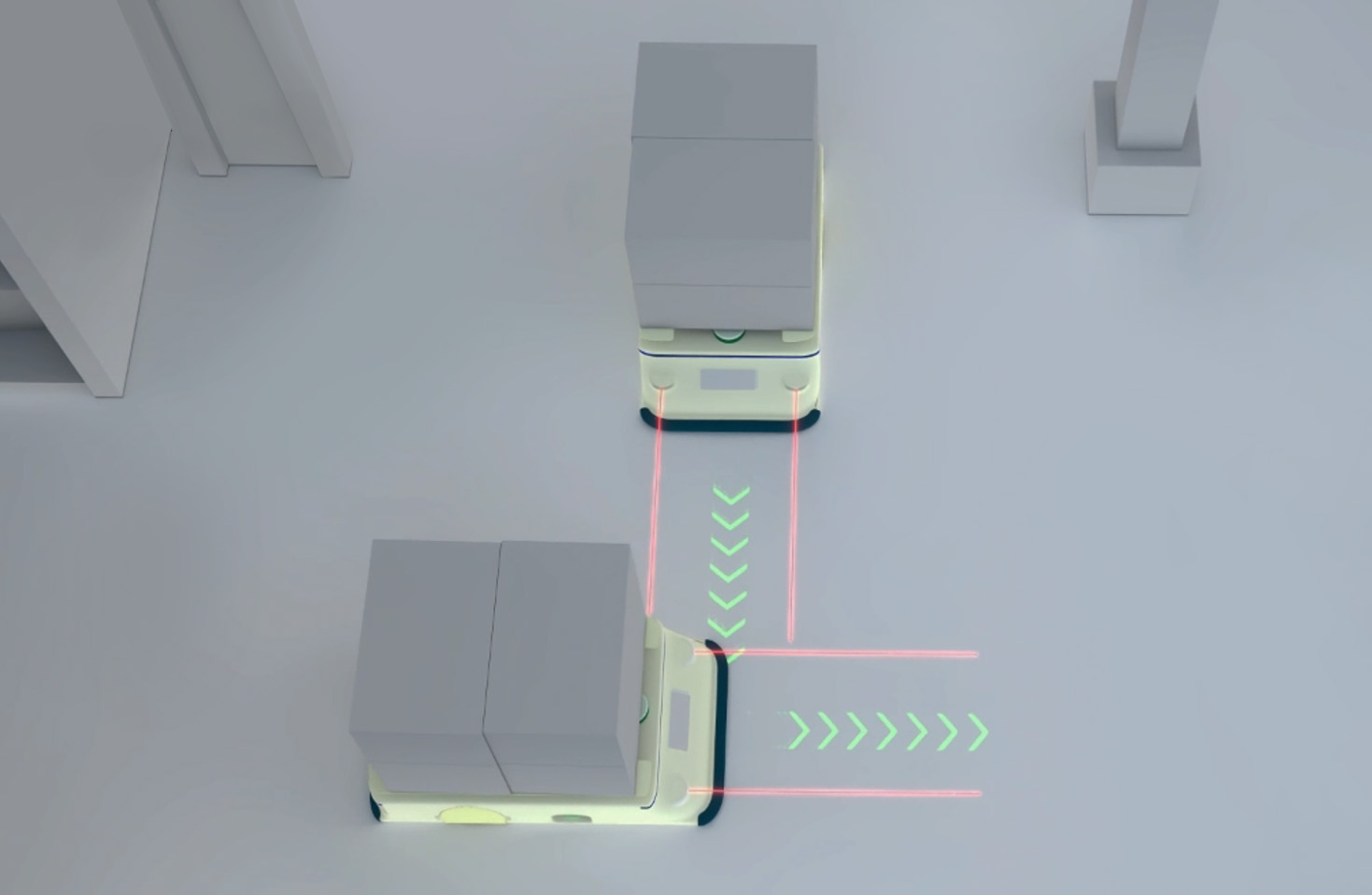
Alarm and threshold settings are crucial for proactive monitoring. Configure the display to highlight out-of-range values through visual cues like color changes, flashing indicators, or audible alerts. Define upper and lower limits based on tolerance requirements for your specific task. For example, in a packaging line where object height is measured, set thresholds to trigger an alarm if a product exceeds specified dimensions. This allows operators to take immediate corrective action, reducing waste and downtime. Many sensors offer multi-zone alarm capabilities, enabling customized alerts for different conditions. Test these settings in a controlled environment to ensure they respond accurately under real-world scenarios.
Integration with external systems enhances display functionality. Laser sensors are often part of larger networks, such as PLCs (Programmable Logic Controllers) or SCADA (Supervisory Control and Data Acquisition) systems. Configure the display to show data from integrated sources, like sensor status or system health metrics. Use communication protocols like Ethernet/IP, Modbus, or IO-Link to sync data seamlessly. This provides a holistic view of operations, allowing for better decision-making. For instance, if a sensor detects an anomaly, the display can show related machine parameters, helping diagnose root causes quickly. Ensure the interface is user-friendly, with intuitive menus and minimal clutter, to reduce training time for new operators.
Environmental factors can impact display performance. In harsh industrial settings—with dust, vibrations, or temperature extremes—choose sensors with ruggedized displays rated for such conditions. Adjust settings to compensate for environmental interference. For example, enable temperature compensation if working in areas with significant thermal variations, as this can affect laser accuracy. Regularly calibrate the sensor and update display firmware to maintain precision. Document all configurations in a standard operating procedure (SOP) to ensure consistency across teams and facilitate troubleshooting.
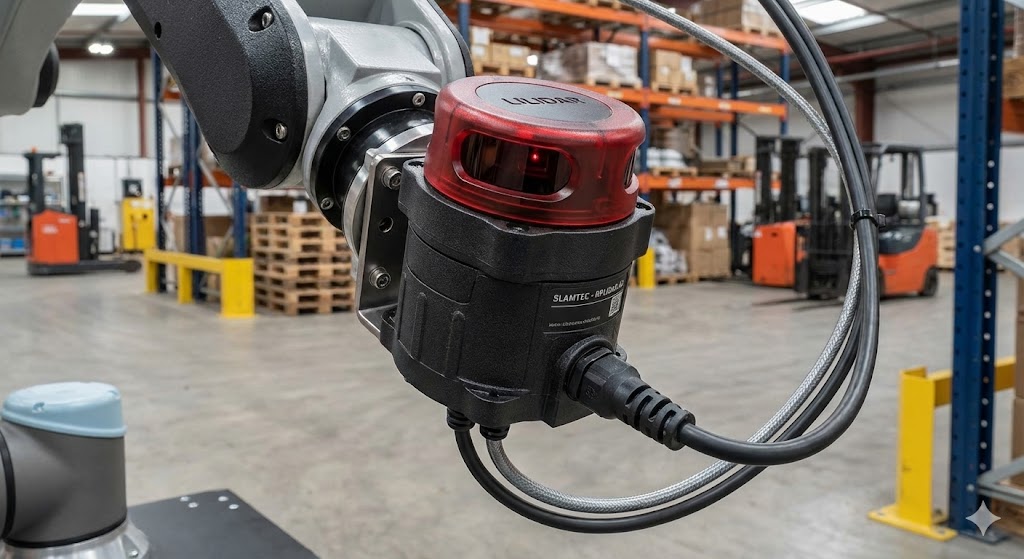
In summary, effective laser sensor display configuration involves tailoring visual elements, measurement parameters, alarms, and integrations to meet application needs. By following these steps, engineers and operators can enhance monitoring capabilities, improve accuracy, and boost overall productivity. Always refer to the sensor manufacturer's manual for model-specific instructions and stay updated on industry advancements to leverage new features as they emerge.