In industrial automation and control systems, PNP proximity sensors are ubiquitous components, prized for their reliability in detecting the presence or absence of metallic objects without physical contact. A common point of inquiry and sometimes concern for maintenance technicians and engineers is the behavior of the sensor's indicator LED, specifically when it blinks red. Unlike a steady red light, which often indicates a fault or target detection in some models, a blinking red LED requires a more nuanced diagnosis. This article delves into the typical causes behind this blinking pattern and outlines systematic troubleshooting steps.
Firstly, it is crucial to consult the specific sensor's datasheet or manual. Manufacturers use LED indicators to communicate various statuses, and the meaning of a blinking red light can vary. However, across many brands and models, a blinking red LED often signifies one of several operational states or error conditions.
One of the most frequent causes is an unstable power supply. PNP sensors require a stable DC voltage, typically 10-30V DC, to operate correctly. Voltage fluctuations, ripple, or insufficient current from the power source can cause the sensor to reset intermittently or operate erratically, manifesting as a blinking red LED. This is the sensor's internal circuitry reacting to the unstable operating conditions. Using a multimeter to check the voltage at the sensor's terminals under load is the first verification step. Ensure the power supply is adequately rated for the total current draw of all connected devices.
Another common culprit is electrical noise or electromagnetic interference (EMI). Industrial environments are rife with sources of EMI, such as variable frequency drives (VFDs), welding equipment, large motors, or high-current switching. This interference can be inductively or capacitively coupled into the sensor's signal or power lines, causing false triggering or internal errors, often indicated by a blinking LED. Mitigation strategies include using shielded cables, ensuring proper grounding of the sensor body and shield (typically to the metal mounting surface), routing sensor wires away from high-power cables, and installing ferrite cores on the cable near the sensor.
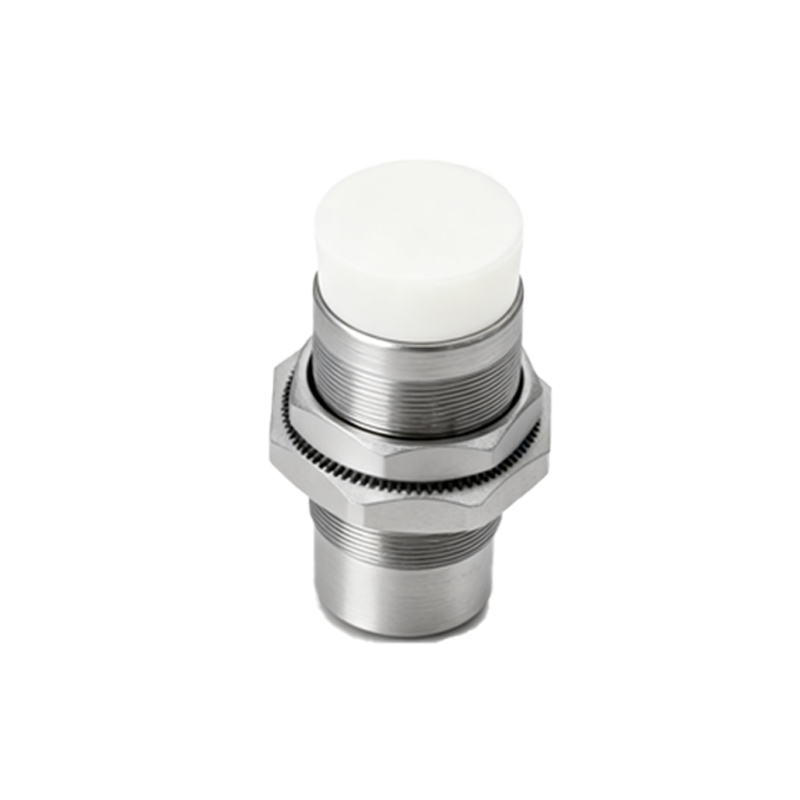
Wiring issues represent a broad category of potential problems. Loose connections, corroded terminals, or damaged cables can create intermittent contact. For a PNP sensor, the brown wire is usually connected to the positive DC supply (+V), the blue wire to the negative or common (0V), and the black wire is the switching output. A loose connection on the brown or blue wire can cause the power to cycle on and off. Similarly, a short circuit on the output (black wire) to ground or the positive supply, even intermittently, can trigger protective circuits within the sensor, causing the LED to blink as a warning. A thorough visual inspection and continuity check of all wiring is essential.
The sensing environment itself can be a factor. If the target object is at the very edge of the sensor's nominal sensing range, or if a non-target object (like metal chips or a vibrating machine part) intermittently enters the detection field, the sensor may blink as it rapidly switches states. This is particularly true for sensors with a short hysteresis. Ensuring the target is well within the specified sensing distance and cleaning the sensor face from debris, oil, or metal dust can resolve this.
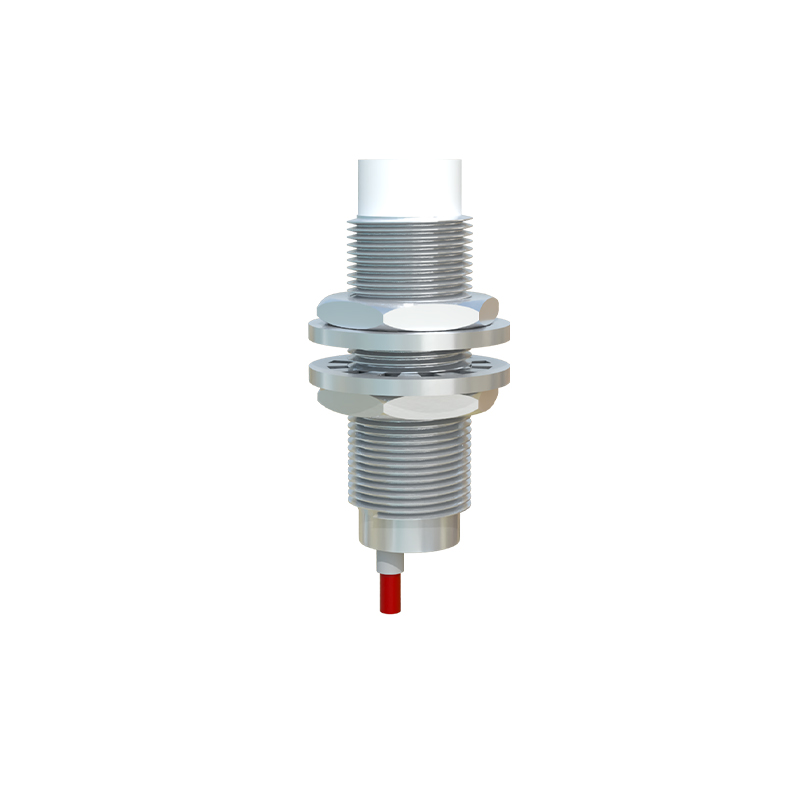
Internal sensor faults, though less common, are possible. Overload conditions (excessive current draw on the output), extreme temperature exposure beyond specifications, or physical damage can lead to internal component failure. The blinking LED may be the sensor's way of signaling an internal error that prevents normal operation. If all external factors (power, wiring, noise, environment) have been ruled out, the sensor itself may be faulty.

The troubleshooting process should be logical. Start with the simplest and most common causes: verify stable power supply voltage and current capacity. Next, inspect all physical connections and wiring for integrity. Then, assess the environment for sources of interference or unstable target positioning. Temporarily relocating the sensor to a known-good circuit on a bench test can help isolate the problem. Always remember to lock out/tag out (LOTO) equipment before performing any electrical checks for safety.
In summary, a blinking red LED on a PNP proximity sensor is a diagnostic signal, not necessarily a sign of catastrophic failure. It points to an irregularity in its operating conditions. By methodically investigating power quality, electrical noise, wiring integrity, and the application environment, engineers and technicians can efficiently identify the root cause and implement a corrective action, thereby ensuring the continued reliability and precision of the automated system.