In industrial automation and machinery control, proximity sensors are indispensable components for non-contact detection of metallic or non-metallic objects. A common yet often perplexing phenomenon encountered by engineers and maintenance personnel is the intermittent blinking of the sensor's indicator LED. This blinking is not merely an operational status light; it is a critical diagnostic signal indicating potential issues within the sensor system or its environment. Understanding the root causes behind this flashing is paramount for ensuring system reliability, preventing downtime, and maintaining operational safety.
The primary function of the LED on a proximity sensor is to provide visual feedback. A steady light typically signifies normal operation—power is applied, and the sensor is either in its normal state (no target detected) or activated state (target within sensing range). A blinking pattern, however, deviates from this norm and demands investigation. The causes can be broadly categorized into electrical, environmental, mechanical, and sensor-specific factors.
Electrical Instabilities and Power Supply Issues
A fluctuating or inadequate power supply is a leading culprit. Proximity sensors, especially DC models, require a stable voltage within their specified range (e.g., 10-30V DC). Voltage dips below the minimum operating threshold, often caused by high inrush currents from nearby actuators like solenoids or motors starting up, can cause the sensor to reset or behave erratically, resulting in a blinking LED. Similarly, electrical noise from variable frequency drives (VFDs), welding equipment, or large relays can induce transient voltages on the supply lines, interfering with the sensor's internal circuitry. This electromagnetic interference (EMI) can mimic a target signal or disrupt power, triggering the blink. Ensuring proper shielding, using separate conduits for power and signal cables, and employing stable, well-regulated power supplies with sufficient current capacity are essential corrective measures. Installing ferrite cores or line filters can significantly mitigate noise-related blinking.
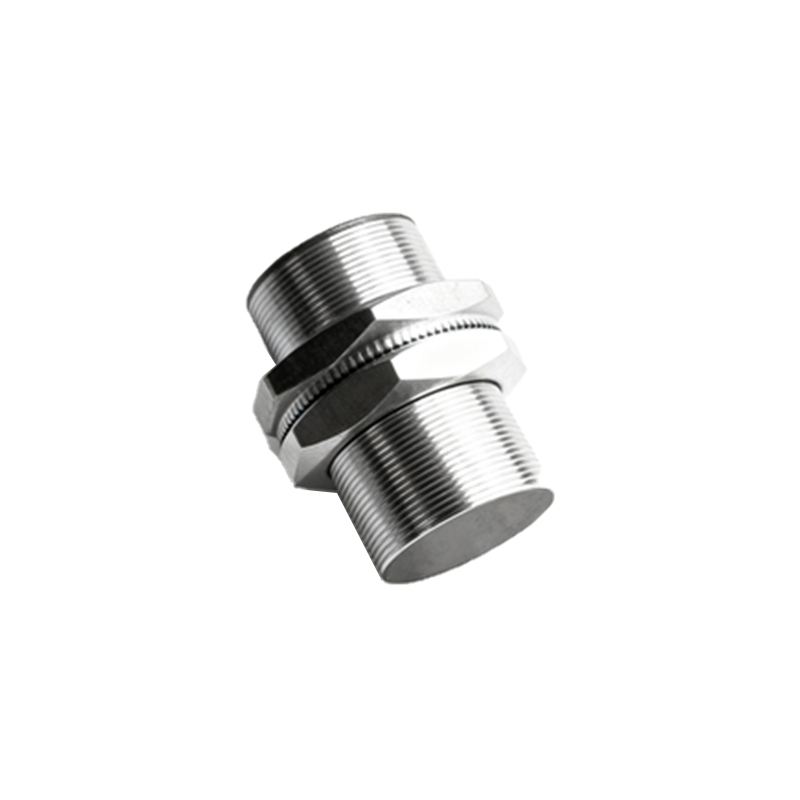
Environmental Interference and Sensing Field Disturbance
The sensing field of an inductive or capacitive proximity sensor can be influenced by its surroundings. For inductive sensors, the presence of non-target metals in the vicinity—such as machine frames, moving metal parts, or even metal chips and shavings—can intermittently enter the detection field. This is particularly common in vibratory environments or where targets pass at the very edge of the nominal sensing distance. The sensor may briefly detect this "ghost" target, causing the output to toggle and the LED to blink. Similarly, for capacitive sensors, changes in humidity, accumulation of dust, or conductive fluids on the sensor face can alter the dielectric constant, leading to unstable operation and blinking. Ensuring a clean sensing face, providing adequate clearance from surrounding metal (typically 1-2 times the sensor diameter), and selecting a sensor with a shorter nominal range or built-in environmental compensation can resolve these issues.
Mechanical Factors and Improper Installation
Physical movement or vibration of the sensor itself can cause intermittent connections. Loose mounting, worn-out mounting nuts, or excessive machine vibration can lead to momentary breaks in electrical connection at the terminal block or within the sensor housing. This manifests as a blinking LED. Furthermore, if the sensor is not securely fixed, its position relative to the target may vary, causing the target to drift in and out of the effective sensing window. Always ensure the sensor is tightly mounted using the correct hardware and that wiring connections are secure. Using vibration-dampening mounts may be necessary in high-vibration applications.
Sensor-Specific Malfunctions and Configuration Errors
Internal component failure, though less frequent, can cause blinking. Aging capacitors, damaged oscillator coils in inductive sensors, or degraded internal ICs can lead to unstable operation. Some advanced sensors feature diagnostic blinking codes. A specific pattern (e.g., two short blinks followed by a pause) might indicate a short circuit, overload, or temperature warning. Consulting the sensor's datasheet is crucial to decode these patterns. Additionally, configuration errors, such as incorrectly setting a teach-in function or selecting the wrong output mode (e.g., NPN vs. PNP sinking/sourcing), can lead to unexpected blinking behavior during operation. Always verify the sensor's specifications and configuration against the application requirements.
Target-Related Issues
The characteristics of the target itself are fundamental. Using a target smaller than the sensor's active face, or a target made of a material with a lower correction factor (like stainless steel for an inductive sensor), reduces the effective sensing distance. If the target operates at the limit of this reduced range, minor positional variances can cause the sensor to toggle. The target material, size, and approach direction must conform to the sensor's specifications. Ensuring the target is large enough and approaches the sensor head axially (not laterally) provides a reliable signal.
A systematic troubleshooting approach is recommended. Begin by isolating the sensor: disconnect it from the load and observe the LED with the target stationary within the