Proximity sensors are indispensable components in modern industrial automation, providing non-contact detection of metallic and non-metallic objects. Proper installation is critical to ensure optimal performance, reliability, and longevity. This guide outlines key considerations and best practices for installing proximity sensors in various industrial environments.
First, select the appropriate sensor type for your application. Inductive proximity sensors detect metallic objects, while capacitive sensors can detect both metallic and non-metallic materials. Ultrasonic and photoelectric sensors offer longer sensing ranges. Consider factors such as sensing distance, target material, environmental conditions, and required output type (PNP/NPN, NO/NC).
Mounting the sensor correctly is essential. Ensure the sensor is positioned perpendicular to the target object’s approach direction. Maintain the specified sensing distance, typically 50-80% of the rated nominal range to account for temperature fluctuations and voltage variations. Avoid mounting sensors too close to metal surfaces other than the target, as this may cause false triggering. For flush-mounted sensors, ensure they are installed in non-metallic housings to prevent shielding effects. Non-flush models require adequate clearance from surrounding metal.
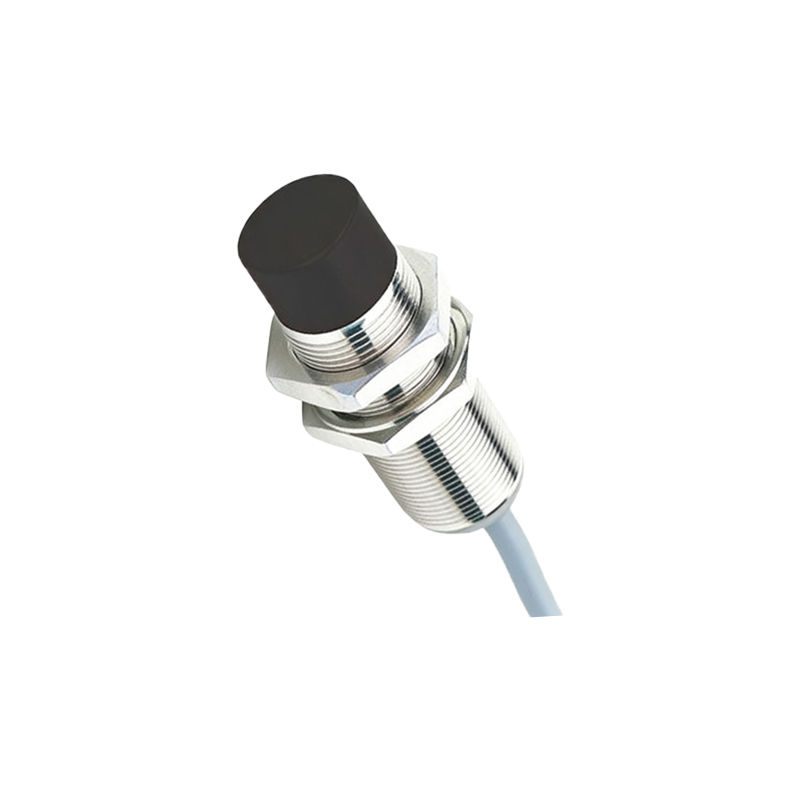
Wiring must adhere to electrical standards and manufacturer specifications. Use shielded cables in electrically noisy environments to prevent electromagnetic interference. Route sensor cables away from power lines, motor drives, and high-frequency devices. Implement proper grounding techniques, connecting the shield to ground at the controller end only to avoid ground loops. For DC sensors, observe correct polarity, and ensure the load current does not exceed the sensor’s switching capacity. Install surge suppressors for inductive loads like relays or solenoids to protect sensor outputs from voltage spikes.
Environmental factors significantly impact sensor performance. In dusty or humid conditions, select sensors with appropriate IP ratings (e.g., IP67 for dust and water resistance). High-temperature applications may require sensors with extended temperature ranges or cooling mechanisms. In corrosive environments, choose sensors with stainless steel housings or chemical-resistant coatings. Regularly clean the sensor face to prevent contamination from oil, dirt, or debris, which can reduce effective sensing distance.
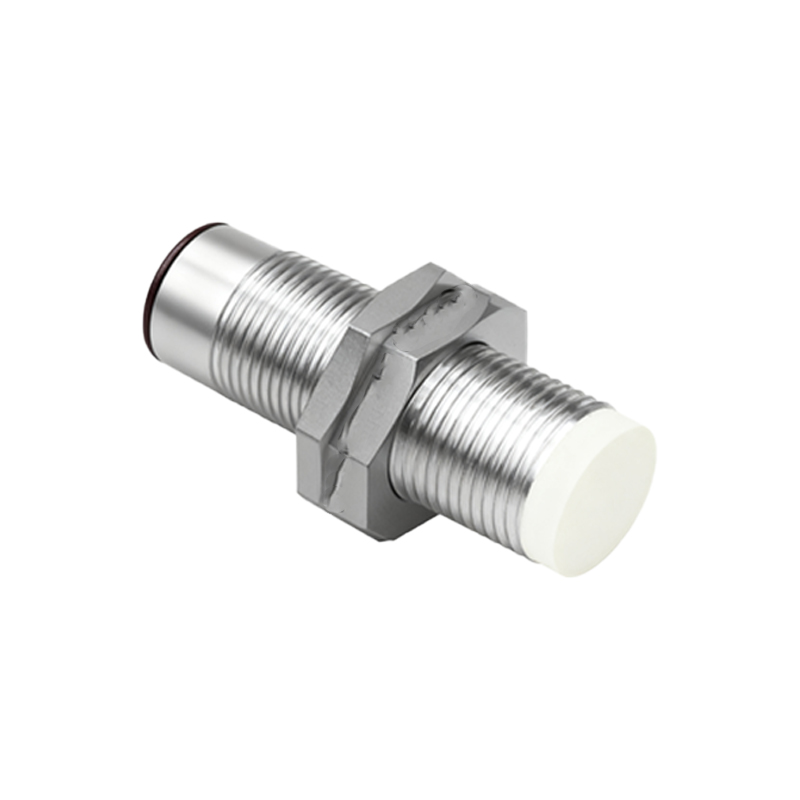
Alignment and testing are crucial final steps. Use alignment tools or laser pointers for precise positioning, especially for photoelectric sensors. After installation, perform functional tests with the actual target material under normal operating conditions. Verify the sensor’s response time and repeatability. Monitor the system during initial operation to detect any intermittent issues caused by vibration, target variations, or environmental changes.
Maintenance practices include periodic inspection of mounting hardware, cable integrity, and connector seals. Check for mechanical wear, corrosion, or loose connections. Document installation details, including sensor model, location, and calibration settings, to streamline troubleshooting and replacement.
By following these guidelines, engineers can maximize sensor performance, reduce downtime, and enhance system safety. Always consult the manufacturer’s documentation for model-specific instructions and technical support when encountering unique application challenges.