In the realm of modern electronics, the seamless integration of hardware and software defines user experience. For electrical engineers, understanding the specific components that enable this synergy is paramount. One such critical component, ubiquitous in Android-powered smartphones and tablets, is the proximity sensor. This article delves into the operational principles, common implementations, and engineering considerations of proximity sensors within the Android ecosystem.
Fundamentally, a proximity sensor is a device that detects the presence or absence of nearby objects without any physical contact. In Android devices, its primary function is to deactivate the touchscreen and turn off the display when the phone is held close to the user's ear during a call. This prevents accidental screen touches (e.g., with the cheek or ear) and conserves battery power. Modern applications have expanded its use to features like automatic screen wake-up when moving the phone away from the ear, or to disable touch input when the device is inside a pocket or bag.
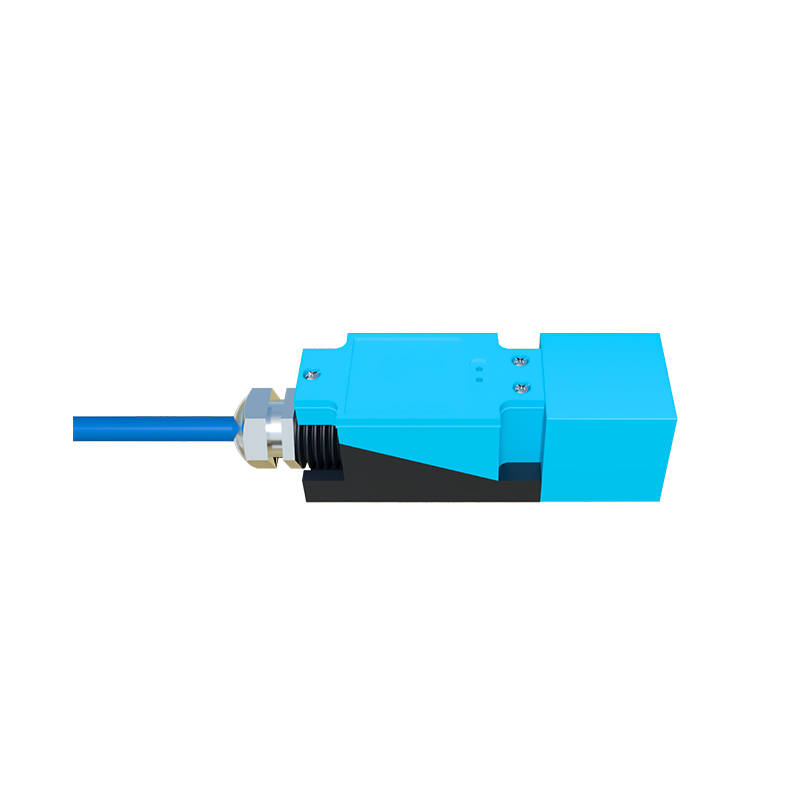
The most prevalent technology employed for proximity sensing in Android hardware is the infrared (IR) LED and photodiode pair. This active sensing method involves an IR emitter that projects a beam of infrared light. A closely positioned IR receiver, or photodiode, measures the intensity of the reflected light. When an object comes within a calibrated distance (typically 1-5 cm), the reflected IR signal strength increases significantly. The sensor's IC processes this analog change and triggers a digital signal to the Android system. An alternative, less common technology is the capacitive proximity sensor, which detects changes in the local electrostatic field caused by a conductive object like a human body. While highly accurate, its complexity and cost often relegate it to specific industrial or niche consumer applications.
From an electrical engineering perspective, integrating a proximity sensor into an Android device's design involves several key challenges. Power management is crucial; the IR LED must be pulsed rather than continuously powered to minimize current draw. This requires precise timing control, often managed by a dedicated sensor hub or the main Application Processor (AP). Signal-to-noise ratio (SNR) is another critical factor. Ambient light, especially sunlight rich in IR spectrum, can saturate the photodiode, causing false readings. Engineers combat this through optical filters that block visible light, modulated IR signals with synchronous detection, and sophisticated firmware algorithms that distinguish between ambient IR and the emitted signal's reflection.
The interface between the sensor hardware and the Android operating system is standardized through the Sensors HAL (Hardware Abstraction Layer) and the Android Sensor Framework. The proximity sensor is typically reported as a binary "near" or "far" state, though some sensors provide a continuous range in centimeters. Engineers developing device drivers must ensure the sensor data is reported accurately and with minimal latency through this framework. Calibration during the manufacturing process is essential to set the correct threshold for the "near" state, accounting for variances in the IR components and the optical properties of the front glass/bezel assembly.
Troubleshooting proximity sensor issues—a common task for hardware engineers—often involves checking the integrity of the IR window (which can be obstructed by dirt or poor-quality screen protectors), verifying the solder joints for the sensor module, and diagnosing potential interference from other components. Debugging tools within the Android Debug Bridge (ADB), such as reading raw sensor data, are invaluable for isolating hardware faults from software or calibration problems.
Looking forward, the role of the proximity sensor is evolving. With the advent of under-display sensor technology, engineers face the challenge of designing IR systems that can function accurately through multiple layers of OLED display materials, which inherently attenuate light. Furthermore, sensor fusion—combining data from the proximity sensor, accelerometer, and ambient light sensor—enables more context-aware and power-efficient behaviors, pushing engineers to develop more integrated and intelligent sensor subsystems.
In conclusion, the proximity sensor in an Android device is a deceptively simple component that embodies a significant engineering effort. Its reliable operation hinges on careful optical design, precise analog circuit design, intelligent power management, and seamless software integration. For electrical engineers working in consumer electronics, a deep understanding of this sensor's intricacies is not just about fixing a single function; it's about appreciating the multidisciplinary effort required to create the intuitive and reliable devices that define our digital lives.