In industrial automation and control systems, proximity sensors are ubiquitous components, silently performing critical detection tasks. A common visual indicator that often prompts questions from both novice technicians and seasoned engineers is the illumination of a red LED on the sensor housing upon connection to power. This red light is not an error or a malfunction in the vast majority of cases; it is a deliberate and standardized design feature conveying specific operational statuses. Understanding the meaning behind this red indicator is fundamental to proper installation, troubleshooting, and system integration.
The primary reason a proximity sensor displays a red light when powered is to indicate its operational state and, more specifically, its output status. Most modern inductive, capacitive, and photoelectric proximity sensors incorporate a Light Emitting Diode (LED) for visual diagnostics. When you connect the sensor to its designated power supply (commonly 10-30V DC or 90-250V AC, as per the datasheet), this LED will typically illuminate. The color red is almost universally adopted for this "power-on" or "output-active" indicator. Its purpose is immediate and clear: it confirms that the sensor is receiving electrical power and is functionally alive. Without this visual cue, diagnosing a simple issue like a disconnected cable or a tripped circuit breaker would require a multimeter as a first step, slowing down maintenance procedures.
However, the behavior of this red LED is precisely engineered to communicate more than just the presence of power. Its mode of illumination provides critical diagnostic information. In a standard 3-wire DC sensor (brown wire to +V, blue wire to 0V/common, black wire as output), the red LED is usually wired in parallel with the output switching element (a transistor). Therefore, its state directly reflects the output signal. The most common behaviors are as follows: A solid, continuous red light typically signifies that the sensor is in an "active" state—it has detected a target within its sensing range and its output switch is closed (for a normally-open, N.O., sensor). Conversely, if the red LED is off after power connection, it generally means one of two things: either no target is present within the sensing field (the normal, inactive state for an N.O. sensor), or the sensor is not receiving power correctly.
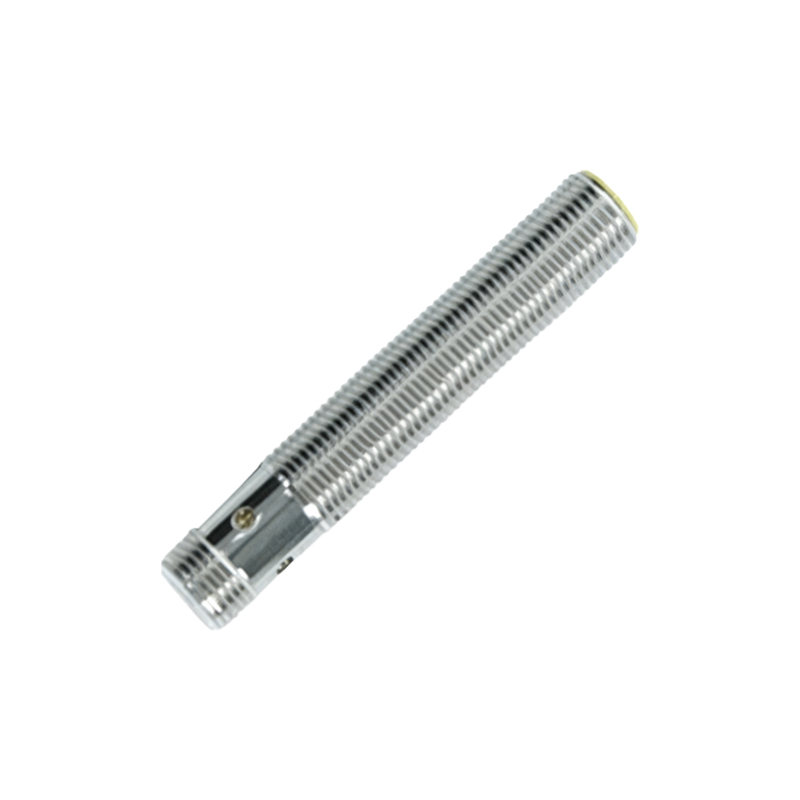
Some advanced sensor models incorporate a dual-color LED or sophisticated blinking patterns. For instance, a sensor might show a steady green light for "power good, no target" and switch to a steady red light for "target detected." Alternatively, a blinking red pattern might indicate a warning condition, such as a short-circuit on the output, an overload, or excessive temperature. It is absolutely paramount to consult the specific sensor's datasheet or manual. The documentation will decode the exact language of its LED indicators. Assuming all red lights mean the same thing across different manufacturers and models is a common pitfall.
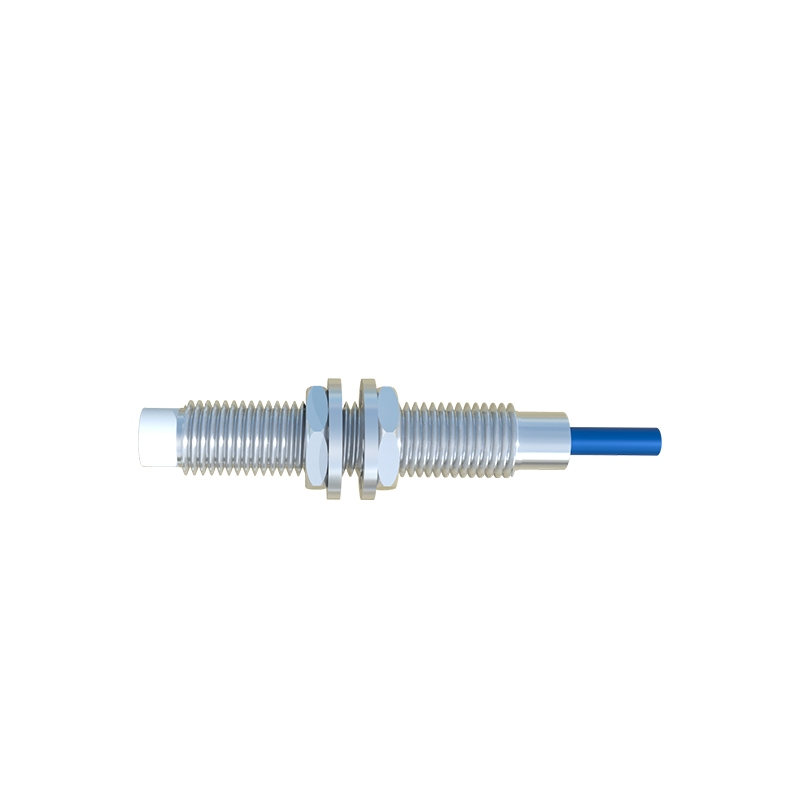
From an electrical engineering standpoint, the integration of this LED is a clever piece of circuit design. It draws minimal current, often just a few milliamps, so it does not significantly impact the sensor's power budget or the load on the output circuit. The LED is also physically positioned to be easily visible from multiple angles, a key consideration in cramped control cabinets or on machinery where sensor alignment is checked frequently.
Why red? The choice is rooted in human factors engineering and long-standing industrial convention. Red is globally associated with attention, activity, and "on" states in electrical contexts. It provides high contrast against typical industrial backgrounds (gray enclosures, metallic machinery) and is easily distinguishable. In environments with low lighting or where technicians might be colorblind, the brightness and distinctiveness of a red LED remain effective.
When encountering a proximity sensor with a red light, a systematic approach is recommended. First, verify power supply compatibility and wiring against the sensor's nameplate. Incorrect voltage or reversed polarity can sometimes cause an LED to illuminate dimly or behave erratically. Second, observe the LED's behavior in relation to a target. Bring the specified target material (e.g., steel for an inductive sensor) within the declared sensing distance. Does the LED turn on/off correspondingly? If it does, the sensor is functioning correctly. If the LED remains constantly red regardless of target presence, it could indicate a "stuck" output due to internal failure or, in rare cases, a wiring error that is holding the output active. If the LED is constantly off despite confirmed power, the sensor may have failed or may be in a mode like a teach-in or programming state.
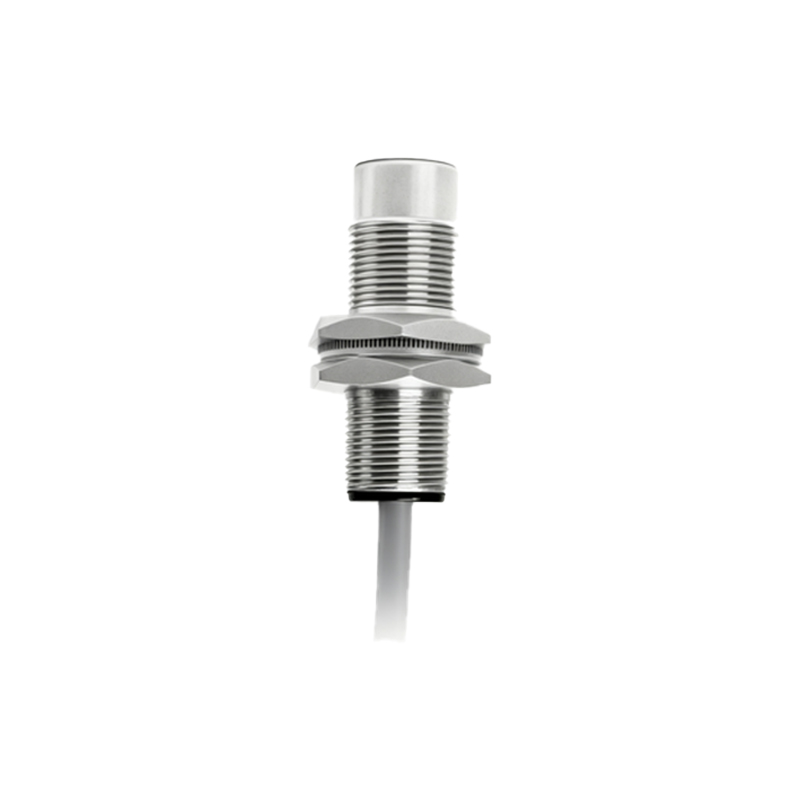
In conclusion, the red light on a connected proximity sensor is a vital communication tool, not a cause for alarm. It is the sensor's way of announcing, "I am powered and operational," and providing real-time feedback on its detection status. By correctly interpreting its steady glow, blink, or absence, engineers and technicians can