Industrial proximity sensors are critical components in modern automation systems, providing non-contact detection of objects for applications ranging from assembly lines to robotic guidance. Proper installation is essential to ensure optimal performance, reliability, and longevity. This guide outlines key considerations and step-by-step procedures for installing proximity sensors in industrial environments.
First, select the appropriate sensor type based on the application. Inductive sensors detect metallic objects, capacitive sensors handle non-metallic materials, and ultrasonic or photoelectric sensors are suitable for longer ranges or specific material properties. Verify the sensor’s specifications, including sensing distance, output type (e.g., NPN, PNP, analog), and environmental ratings (IP67 or higher for harsh conditions).
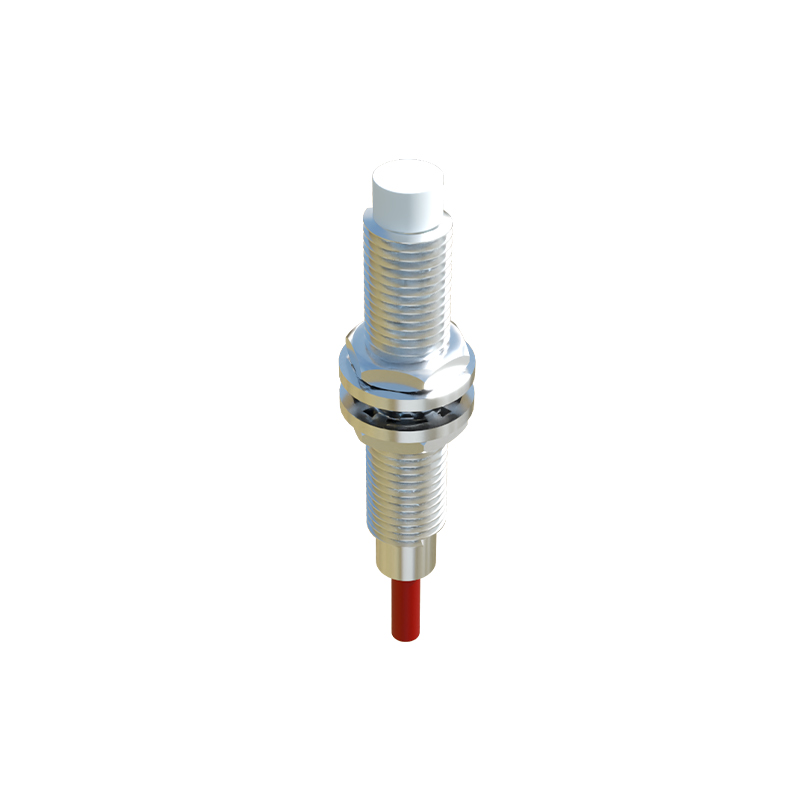
Before installation, power down the equipment and follow lockout/tagout (LOTO) procedures to ensure safety. Inspect the sensor for damage and confirm compatibility with the control system. Mount the sensor securely using brackets or threaded housings, ensuring it is aligned parallel to the target object. Avoid mounting near sources of interference, such as motors, welding equipment, or high-voltage cables, which can cause false triggers or signal noise.
Maintain the correct sensing distance, typically 50-80% of the rated range, to account for environmental factors like temperature fluctuations or target material variations. For inductive sensors, ensure the target material’s size and composition match the sensor’s specifications—smaller or non-ferrous metals may require reduced sensing distances. Use shielding or grounding techniques if electrical noise is present, and separate sensor cables from power lines to minimize cross-talk.
Wiring is a critical step. Connect the sensor to the power supply and load (e.g., PLC input) according to the manufacturer’s diagram. For DC sensors, observe polarity to prevent damage. Use conduit or cable glands in dusty or wet areas to protect connections. After wiring, perform a functional test by introducing the target object within the sensing range and verifying the output signal with a multimeter or PLC monitor. Adjust the sensor’s position or sensitivity potentiometer if needed.
Regular maintenance includes cleaning the sensor face to remove dirt, oil, or debris that can reduce effectiveness. Check for mechanical wear, loose connections, or environmental damage during routine inspections. Document installation details, such as location and calibration settings, for future troubleshooting.
In summary, successful proximity sensor installation hinges on careful planning, correct mounting, proper wiring, and ongoing maintenance. Adhering to these practices minimizes downtime, enhances system accuracy, and extends sensor life in demanding industrial settings.