Proximity sensors are critical components in industrial automation, robotics, and safety systems, detecting the presence or absence of objects without physical contact. Proper adjustment of their values ensures reliable operation, minimizes false triggers, and extends sensor lifespan. This guide outlines practical steps for tuning proximity sensor parameters, tailored for engineers and technicians in the field.
First, understand the sensor type. Inductive sensors detect metallic objects, while capacitive sensors respond to both metallic and non-metallic materials. Photoelectric sensors use light beams for detection. Each type requires specific adjustment methods. Begin by consulting the manufacturer’s datasheet for key specifications such as sensing range, hysteresis, and output characteristics. Ignoring these can lead to calibration errors.
Power up the sensor and install it correctly. Ensure stable voltage supply within the rated range—typically 10-30 V DC for most industrial sensors. Mount the sensor securely, aligning it perpendicular to the target object. Avoid mounting near metal surfaces or other sensors to prevent interference. For inductive sensors, maintain a clearance of at least twice the sensor diameter from adjacent metal parts.
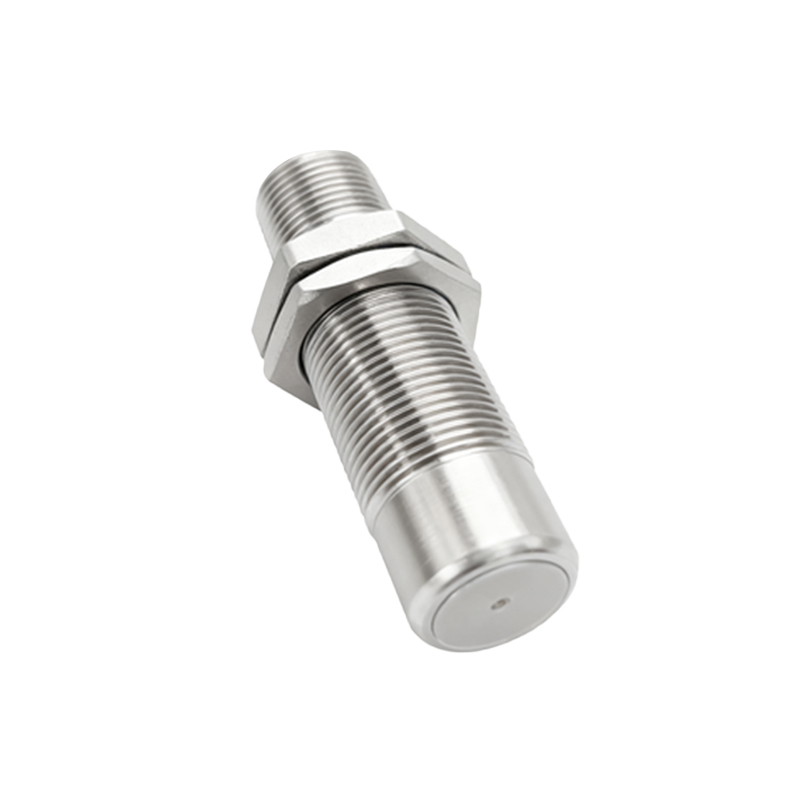
Adjust the sensing distance. Most proximity sensors feature a potentiometer or digital interface for tuning. Use a target object matching the intended application material and size. Gradually move the target toward the sensor until the output activates (e.g., LED indicator turns on). Note this point as the "operate point." Then, slowly retract the target until the output deactivates, marking the "release point." The difference between these points is hysteresis, which prevents output chattering. Optimize hysteresis by adjusting the potentiometer: increase it for stable detection in vibrating environments, or decrease it for high-precision applications.
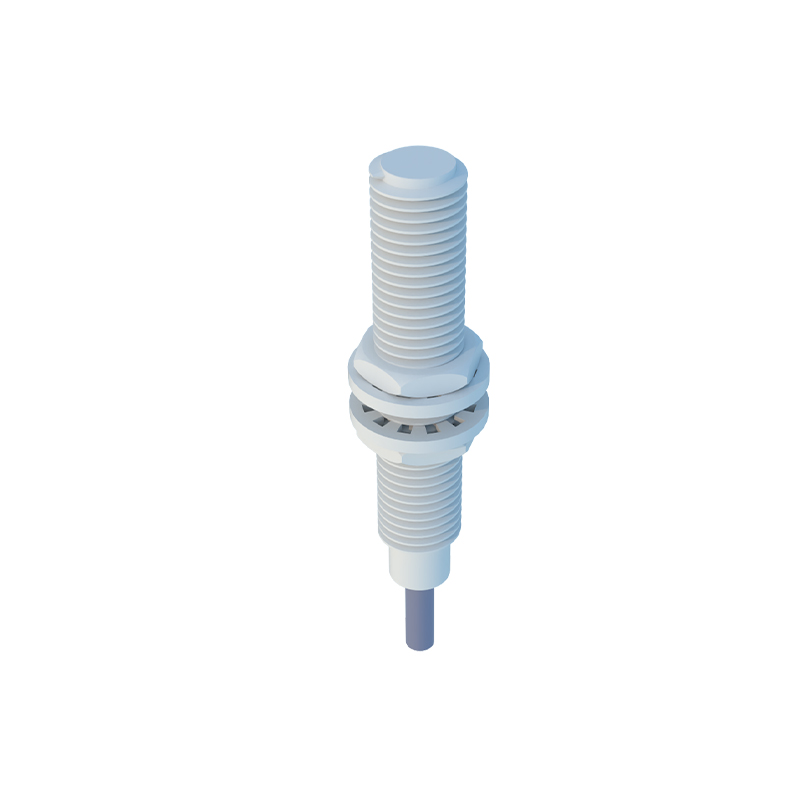
Set the response time appropriately. Fast response times (milliseconds) suit high-speed production lines but may cause noise sensitivity. Slower times filter out interference but delay detection. Adjust via dip switches or software settings based on operational needs. For example, in conveyor systems with rapid object passage, a response time under 5 ms is ideal. In dusty or humid conditions, slightly increase response time to avoid false triggers from environmental factors.
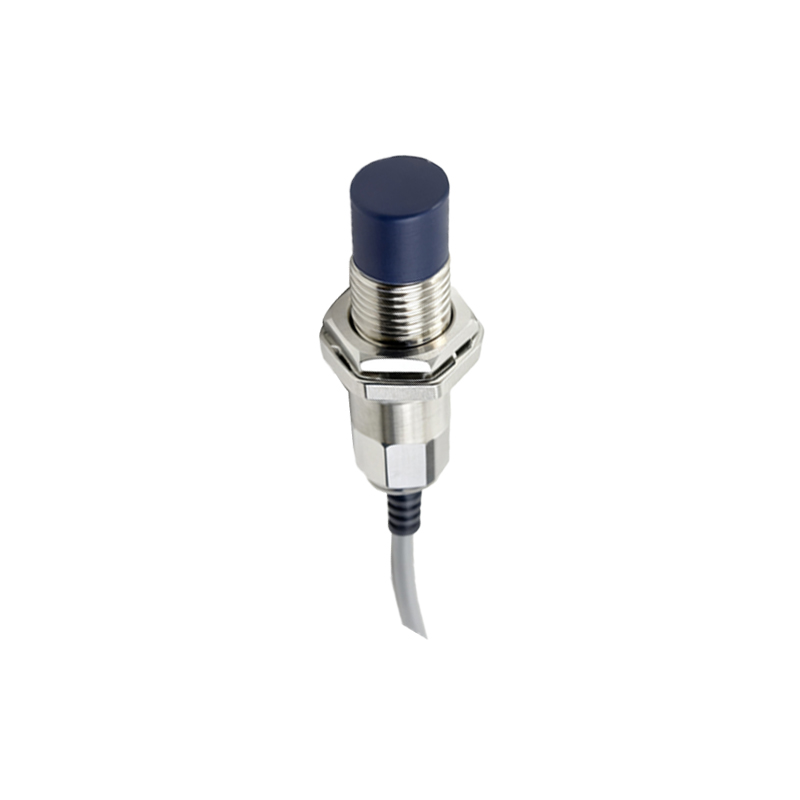
Calibrate for environmental factors. Temperature fluctuations, humidity, and electromagnetic interference can affect sensor performance. Use temperature-compensated sensors in extreme conditions. For capacitive sensors, adjust sensitivity to ignore background materials (e.g., conveyor belts). Shield cables and keep them away from power lines to reduce noise. Regularly test with targets under actual operating conditions to verify stability.
Utilize diagnostic features. Modern sensors offer IO-Link or analog outputs for real-time monitoring. Connect to a PLC or HMI to observe detection patterns and adjust values dynamically. For analog sensors, map output signals (e.g., 4-20 mA or 0-10 V) to correspond with distance ranges. Fine-tune thresholds to distinguish between different object sizes or materials.
Implement maintenance practices. Periodically clean sensor faces from dust, oil, or debris. Recalibrate after mechanical shocks or environmental changes. Document adjustment values for consistency across multiple sensors. In critical applications, use redundant sensors with staggered settings to enhance reliability.
Common pitfalls to avoid include over-tightening mounting hardware (which can distort sensing fields), ignoring target material properties (e.g., aluminum requires reduced sensing distance for inductive sensors), and neglecting load compatibility with output circuits. Always verify adjustments with multiple test cycles before finalizing.
In summary, adjusting proximity sensor values involves a balance of technical knowledge and practical experimentation. By following systematic steps—from installation to environmental calibration—engineers can achieve precise, durable performance tailored to specific industrial needs.